

zFuse - Video Player
About
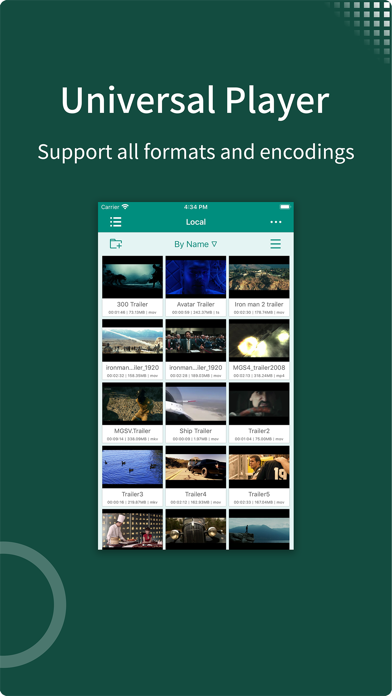
- zFuse can play all video formats and encodings, allowing you to play video files on your mobile device without need to convert to MP4. - zFuse supports ASS/SSA/SUP effects subtitles, you can experience the full effects subtitles like on your PC / Mac. - zFuse has powerful networking technologies that allow you play media from your PC or NAS directly ,without any space occupied in your limited device, without the need to download anything. - zFuse also allows you to easily download files or directory directly from your PC or NAS, it must be the best friend for your trip. - zFuse supports a variety of gestures, just move your fingers, you can adjust the playback position, font size, control volume and brightness. - zFuse takes great care to protect your privacy, it has folder encrypti
Screenshots
How to install zFuse - Video Player on iOS
- Download UnKeySign on your iPhone
- Import zFuse - Video Player IPA into UnKeySign
- Add your P12 certificate and provisioning profile
- Tap Sign — the app installs automatically