

ZeroTier One
About
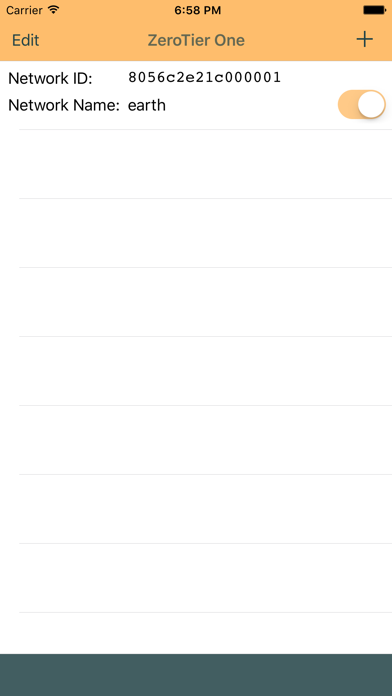
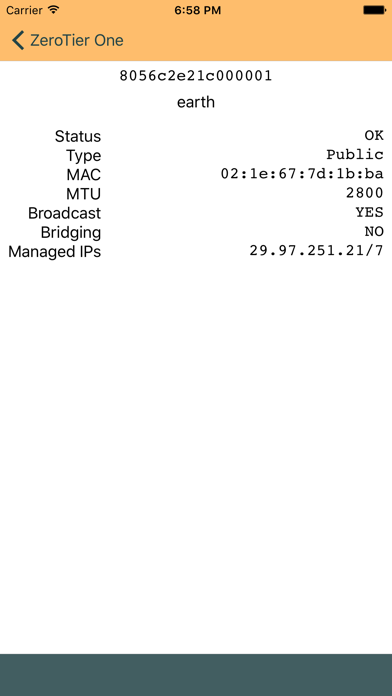
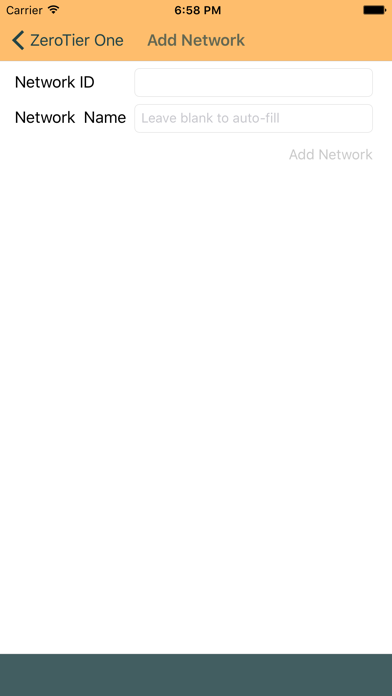
ZeroTier One for iOS allows you to join ZeroTier virtual networks as VPN connections on your iPhone, iPad, or iPod Touch.ZeroTier creates peer to peer virtual Ethernet networks that work anywhere. It's used as a faster alternative to VPNs, to provide a seamless hybrid or multi-site/multi-provider cloud backplane, for remote collaboration and distributed teams, and for Internet of Things (IoT) applications to provide direct end-to-end connectivity to specialized devices.See https://www.zerotier.com/ for more information.This app provides virtual network endpoint functionality for iOS devices. To join a virtual network from an iOS device, simply tap the '+' button, enter the network ID and name, and click Join Network! (Once a network is added you can also join it via the iOS VPN control pan
Screenshots
How to install ZeroTier One on iOS
- Download UnKeySign on your iPhone
- Import ZeroTier One IPA into UnKeySign
- Add your P12 certificate and provisioning profile
- Tap Sign — the app installs automatically