

Working Copy - Git client
About
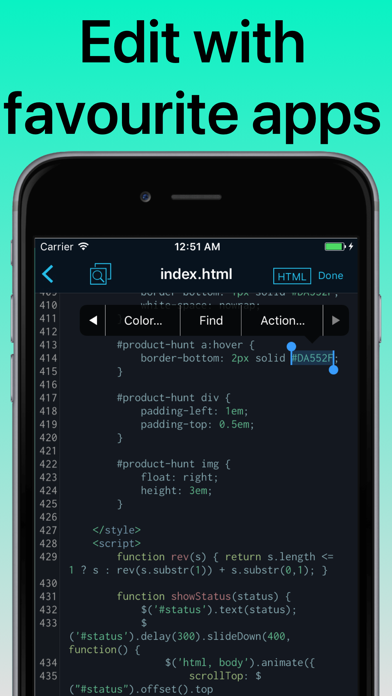
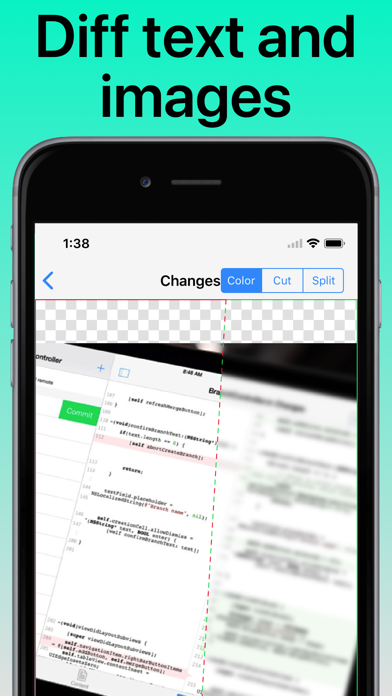
Access Git repositories on the go. Clone, edit, commit and push while allowing other apps access to repositories. Git is a important part of our work-life and iOS can take part in this. The ability to commit even when offline has added utility on a device that moves in and out of network coverage. Cloning repositories gets you a local copy on your iOS device with commits for all branches. You can browse the content from within the app and make changes. Other applications supporting the Files app, WebDAV or x-callback-url has access to these files. Changes made can be committed and the commits can in turn be pushed back to the remote. The idea of doing significant programming on iOS might seem far fetched when you are used to a large screen, a physical keyboard and a full IDE. But just as
Screenshots




How to install Working Copy - Git client on iOS
- Download UnKeySign on your iPhone
- Import Working Copy - Git client IPA into UnKeySign
- Add your P12 certificate and provisioning profile
- Tap Sign — the app installs automatically