
WiFi Blocker
About
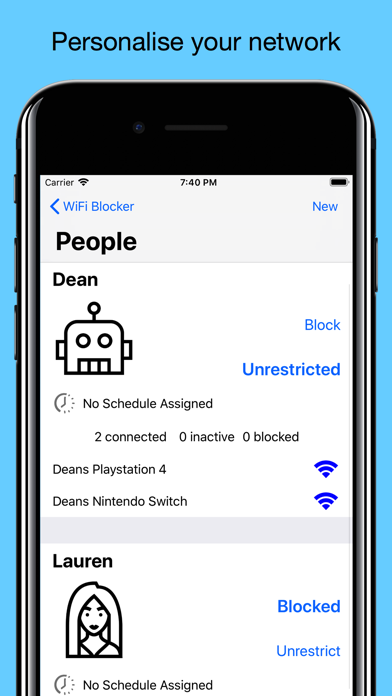
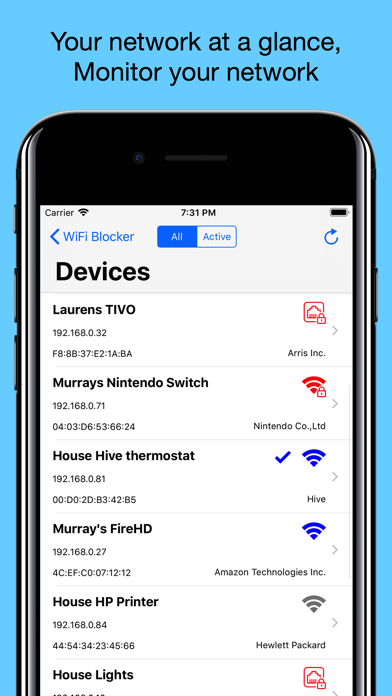
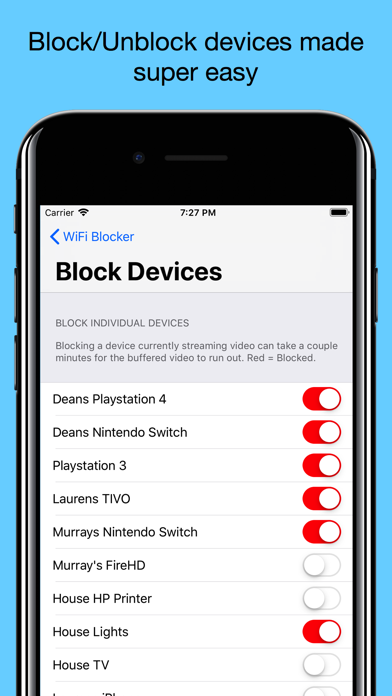
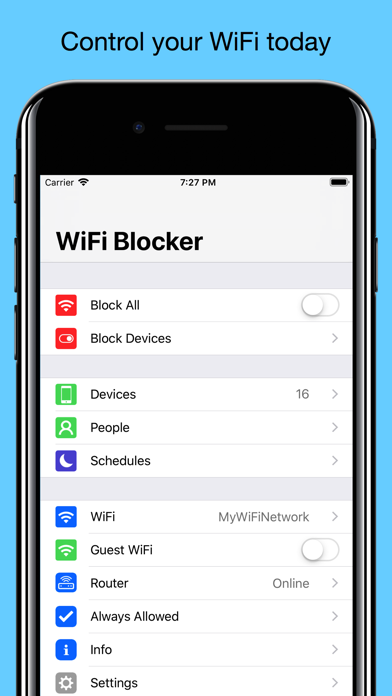
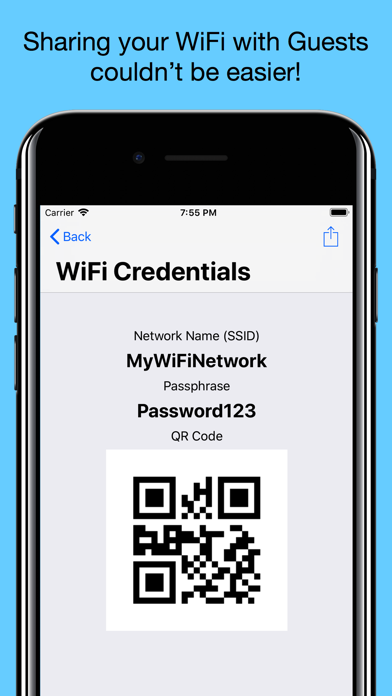
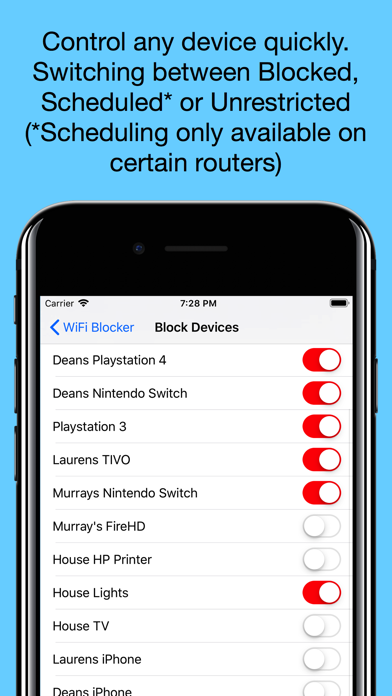
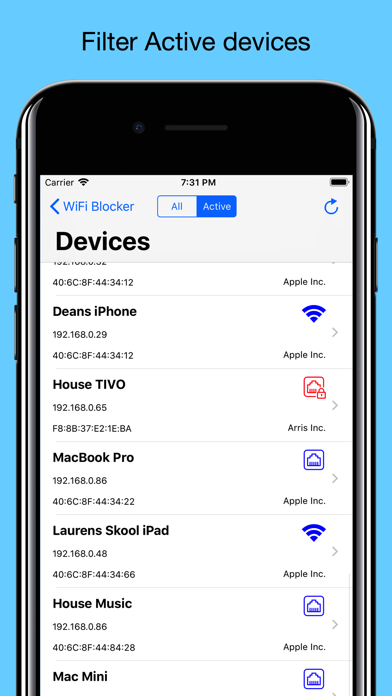
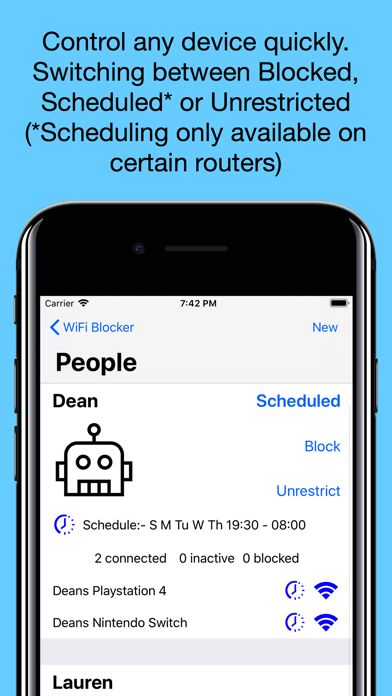
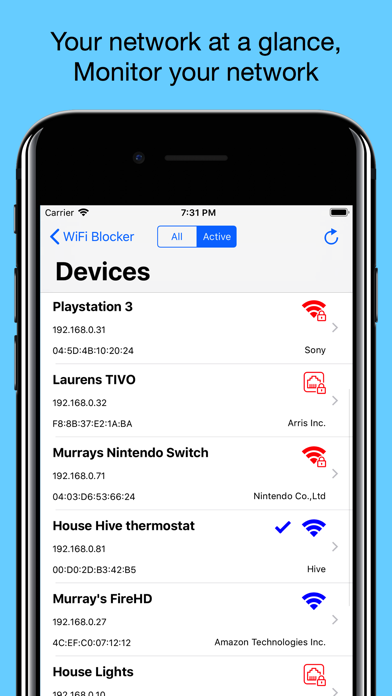
The WiFi Blocker app will change the way you WiFi and control your home network. With WiFi Blocker you can block any individual or group of devices from internet access, find your WiFi passwords, see who's online (SEE SUPPORTED ROUTERS BEFORE PURCHASE), group devices into profiles to easy organise your network. At the push of a button your children are offline. The ideal parental control companion.• Take Control of your WiFi.• Control your Kids internet access with touch of a button.• Restrict bandwidth hogs.• Block your kids internet access quick and simply.• Parent friendly, easy to setup, easy to use.• Individually block any devices on your router quickly,• Create People profiles to group devices per user helping organise your network• Pause internet access per user profile (bed time; d
Screenshots
How to install WiFi Blocker on iOS
- Download UnKeySign on your iPhone
- Import WiFi Blocker IPA into UnKeySign
- Add your P12 certificate and provisioning profile
- Tap Sign — the app installs automatically