

Weblock: adblock & proxy
About
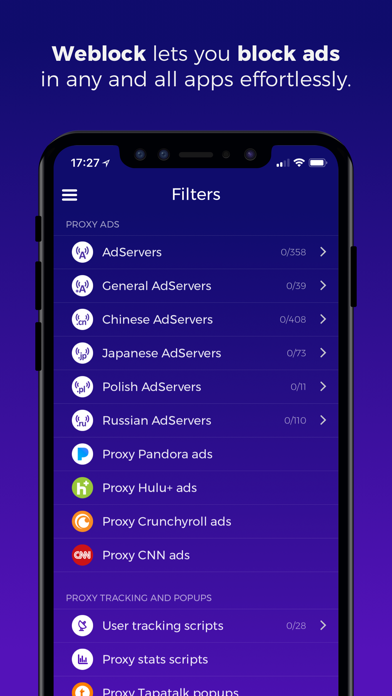
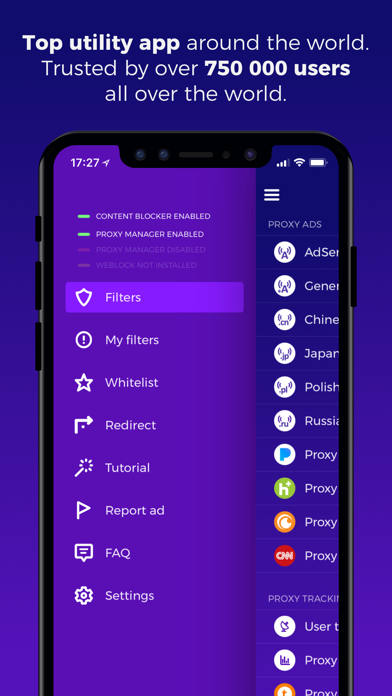
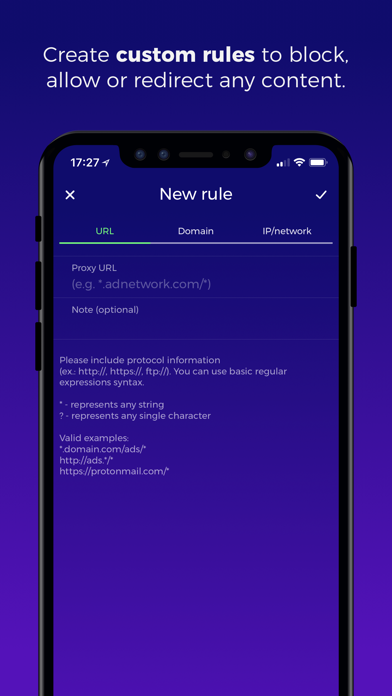
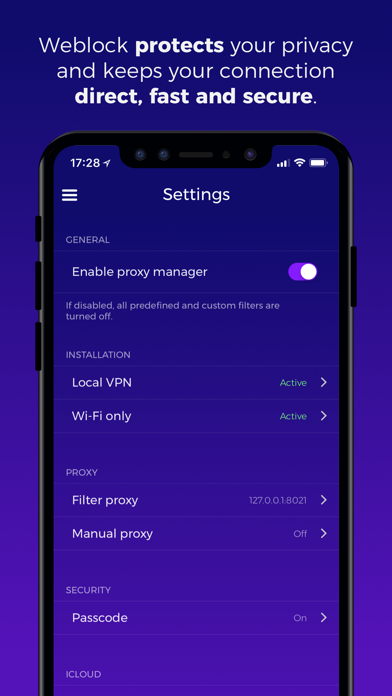
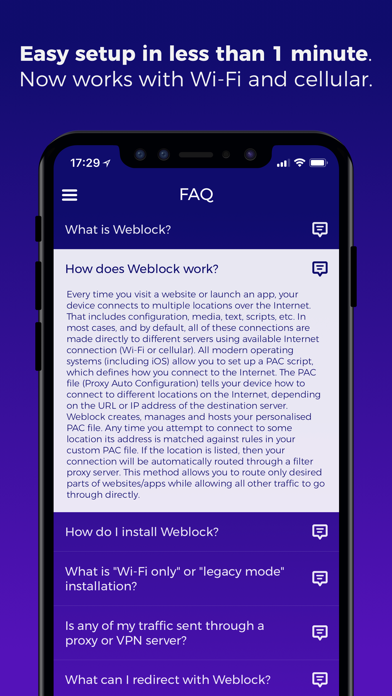
• #1 ad blocking solution for iOS, available since 2012• Over 750 000 app downloads worldwide• No in-app purchases, no subscription. Simple one-time payment• Top Utility ranked in all App Stores around the world • Over 1000+ carefully crafted filters• Easy setup in under 1 minute with detailed tutorial• Now with built-in Safari Content Blocker for better web ad protectionWeblock allows you to control how your device fetches online content. Easily manage PAC (Proxy Auto-Config) script and route different connections through different proxy servers. Weblock can make your device download ads (banners and popups), stats and user tracking, scripts or images through a proxy server you pick. It also allows you to use a different proxy for specific websites, like Facebook, Twitter, Google+, social
Screenshots
How to install Weblock: adblock & proxy on iOS
- Download UnKeySign on your iPhone
- Import Weblock: adblock & proxy IPA into UnKeySign
- Add your P12 certificate and provisioning profile
- Tap Sign — the app installs automatically