

Wallpapers - Battery Saver
About
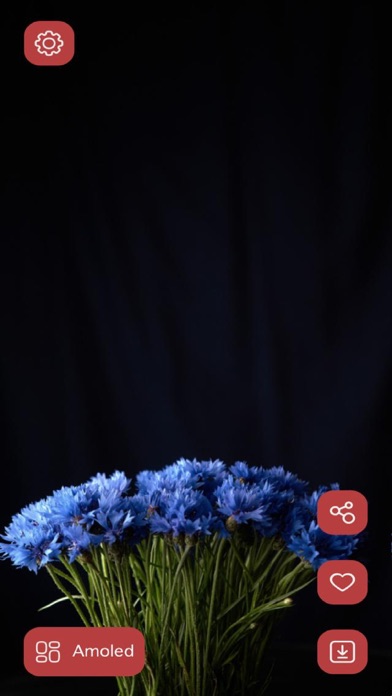
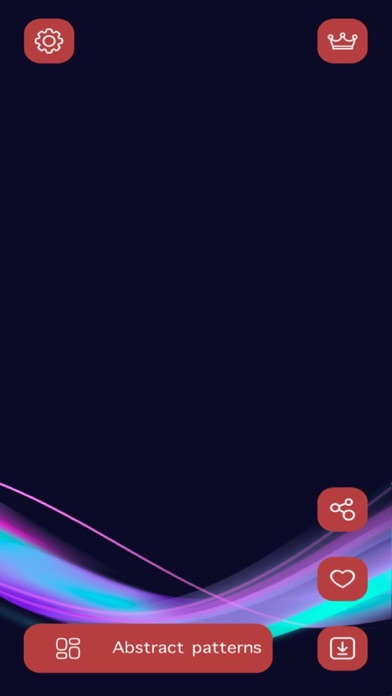
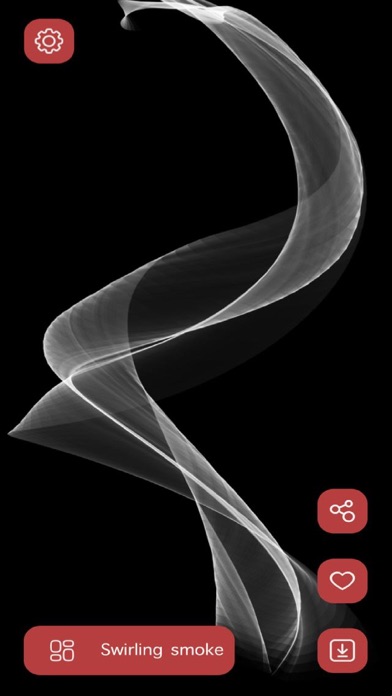
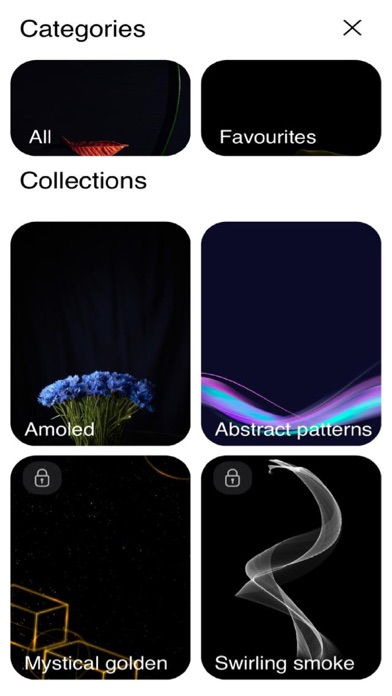
Is your phone running out of battery? Or do you feel tired of keeping your phone in battery saver mode all the time? Most of the battery runs out due to the colorful background images on your phone screen. The dark wallpapers and themes app solves your problem with battery-saving wallpapers and rescues you from keeping your phone in battery saver mode. The dark wallpapers and themes app has several new images with dark wallpaper background themes and even pitch-black battery-saving wallpaper to increase your battery life. Apart from dark themes, phone wallpapers, and background images and try new customized images, wallpaper ideas, and even color wallpapers on the wallpapers for phone app. Features of the dark wallpapers and themes app The black wallpaper app is the ultimate destination f
Screenshots
How to install Wallpapers - Battery Saver on iOS
- Download UnKeySign on your iPhone
- Import Wallpapers - Battery Saver IPA into UnKeySign
- Add your P12 certificate and provisioning profile
- Tap Sign — the app installs automatically