

Video Effects Editor: Riveo
About
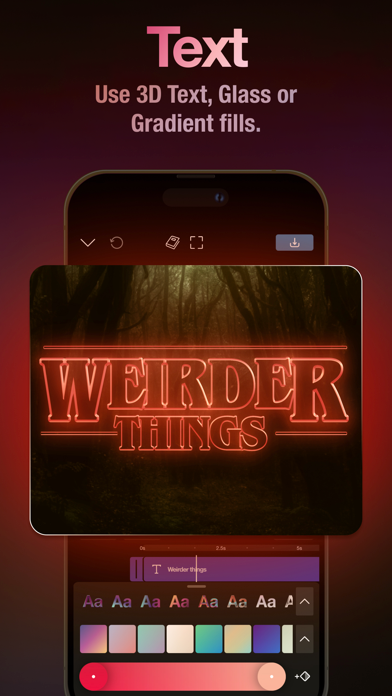
Try Riveo — the only special effects video editor and maker you need to create immersive, professionally edited videos that go viral. Riveo’s easy-to-use AI-driven FX composer unlocks your creativity whether you record video on your iPhone or film with professional-grade gear. Adapt ideas from paper into captivating social media reels, short clips, music videos, movie trailers, promos, collages, ads, montages, vlogs, stories, intros, slideshows, TV transitions, and even short films! RIVEO IS FOR CONTENT CREATORS WHO WANT TO: * Add keyframes, masks, and blend modes for everything to come together / * Apply special effects, motion effects, 3D text & color grading filters / * Mix images, videos, effects, filters, and more / * Retime videos in slow motion * Access live preview editing & gr
Screenshots


How to install Video Effects Editor: Riveo on iOS
- Download UnKeySign on your iPhone
- Import Video Effects Editor: Riveo IPA into UnKeySign
- Add your P12 certificate and provisioning profile
- Tap Sign — the app installs automatically