
UPAD for iCloud
About
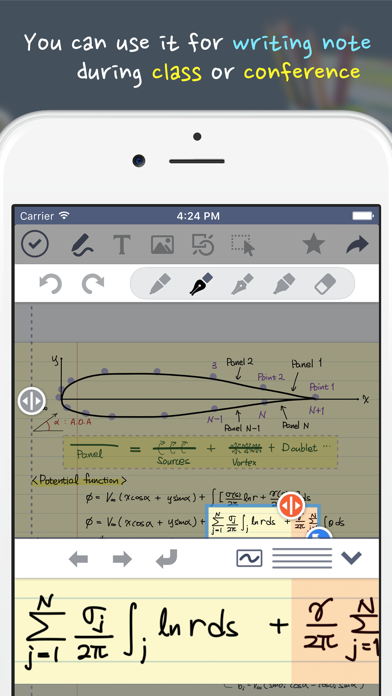
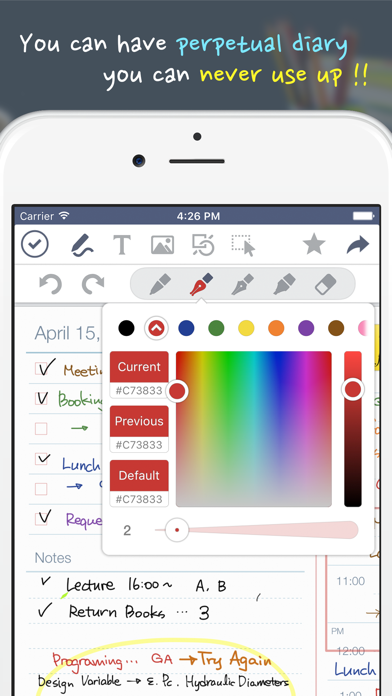
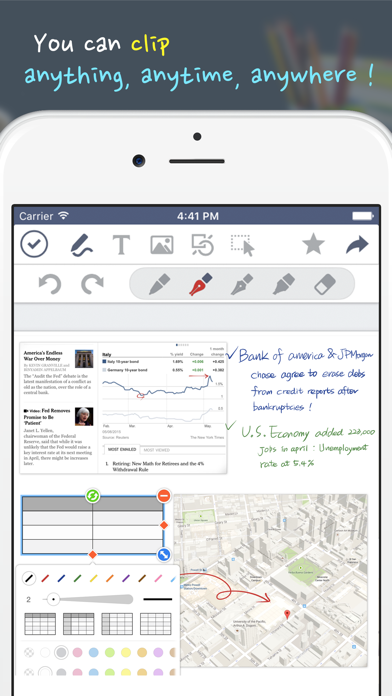
Finally, UPAD has re-arrived! When downloading UPAD, your iPad becomes more of a worthy instrument.UPAD is the best application for handwriting. Write on it, just like you would on a sheet of paper.You can use this for a diary, planner, lecture note, conference note, letters, Calligraphy, etc.Create documents with easier-than-ever-to-use interface and a variety of features[The best feel of writing]- Write fast and easy—like when you handwrite on a sheet of paper.- When you’re listening to a lecture or at a conference, you can draw, modify, and write fast.- You may rest your palm on the screen. It is made to recognize just the touch-pen.- No other application allows the feeling of writing like UPAD.- It allows the “real” feeling of handwriting.[PDF Editing]- Read and edit PDF files with UPA
Screenshots

How to install UPAD for iCloud on iOS
- Download UnKeySign on your iPhone
- Import UPAD for iCloud IPA into UnKeySign
- Add your P12 certificate and provisioning profile
- Tap Sign — the app installs automatically