
Ulike
About
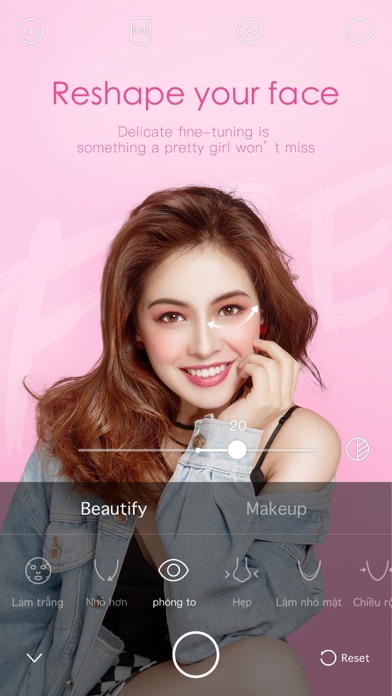
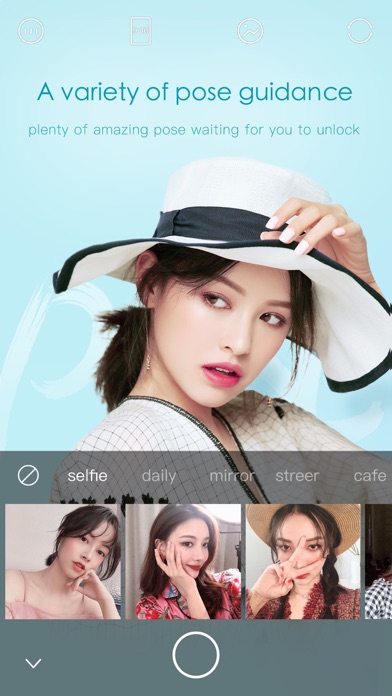
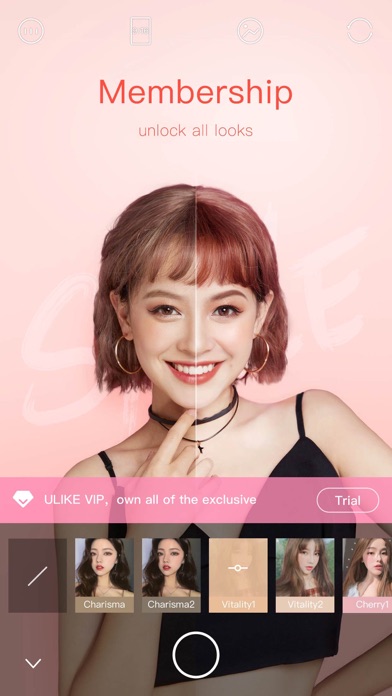
【Perfect your features with personalized fine-tuning】Touch-up your eyes, nose and mouth right after photo-taking. No more need for post-editing. Save your favorite edits that define your gorgeous features so you will never have to retouch again!【Variety pose samples for your reference】Follow the guideline and easily get the fashion blogger style’s pictures. Selfie, street snap, shopping, travel... With various themes, you can find suitable pose for different scenes.【Look more stylish and classy than ever】Never bored with our various filters and makeup tools. Style cover looks of your own.【Look lovely anytime with enhanced filters】Innovative filters give you a glowing and supple complexion. Trendsetter, Indie, Artsy, Retro... Choose your favorite filter! We have every style for you! - Corpo
Screenshots


How to install Ulike on iOS
- Download UnKeySign on your iPhone
- Import Ulike IPA into UnKeySign
- Add your P12 certificate and provisioning profile
- Tap Sign — the app installs automatically