
TV Cast Pro for LG webOS
About
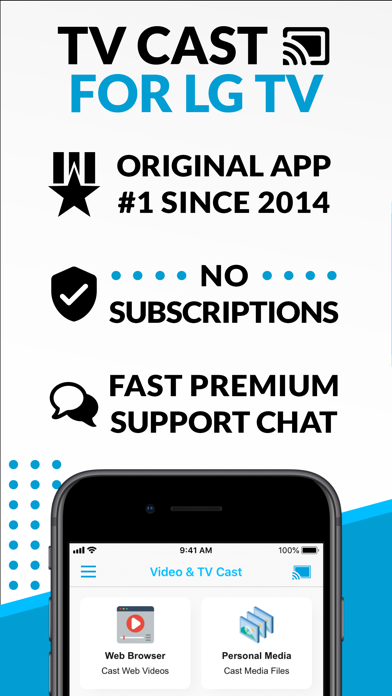
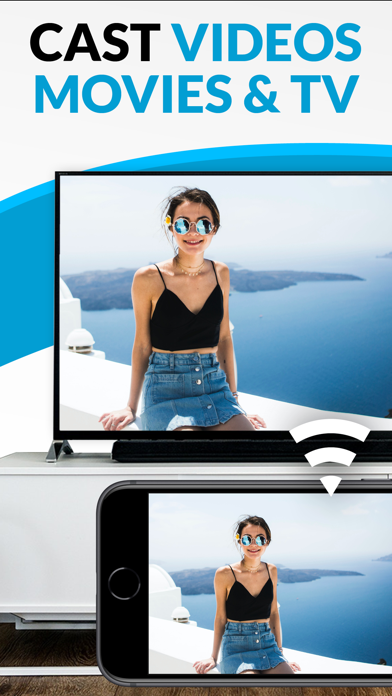
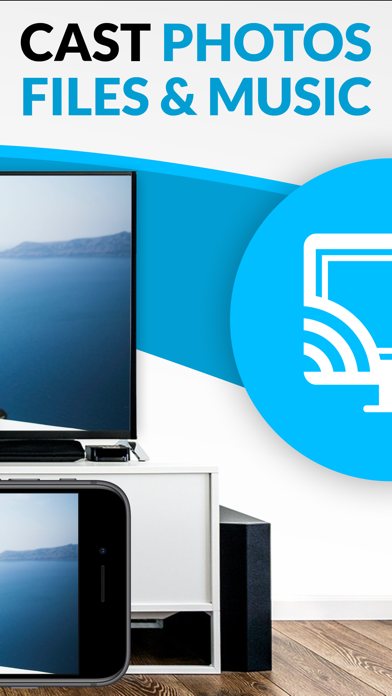
Watch any web-video, online movie, livestream or live tv show on your LG Smart TV with webOS and NetCast. Enjoy the show on your big screen with the no#1 web video streamer. With Video & TV Cast for LG Smart TV you can browse the web and stream any web video, online movie, livestream or live tv show you want on your LG Smart TV. Mp4, m3u8, hls livestreams and also video-over-https are supported. There is no time limit at all! You can watch videos of 2 minutes or 2 hours or even more. Just open Video & TV Cast, navigate to a website, wait for link detection and send the video with a single tap to your LG Smart TV. The discovered link will be shown below the browser. A tap on the link will start the show. You don't need to install a big media server like Plex or any other third party soft
Screenshots
How to install TV Cast Pro for LG webOS on iOS
- Download UnKeySign on your iPhone
- Import TV Cast Pro for LG webOS IPA into UnKeySign
- Add your P12 certificate and provisioning profile
- Tap Sign — the app installs automatically