

TurboScan™ Pro: PDF scanner
About
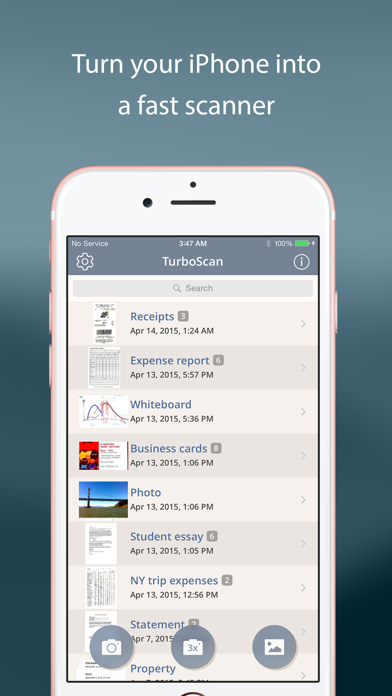
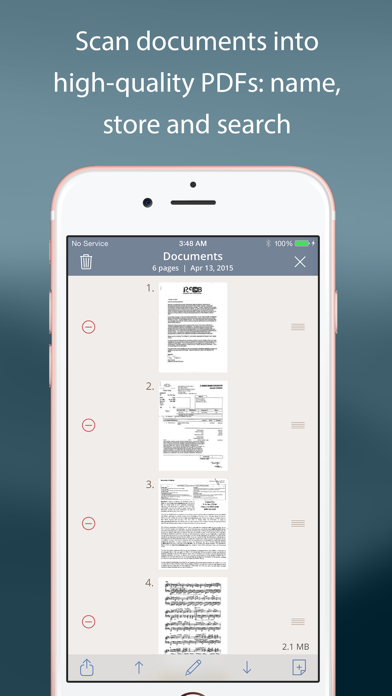
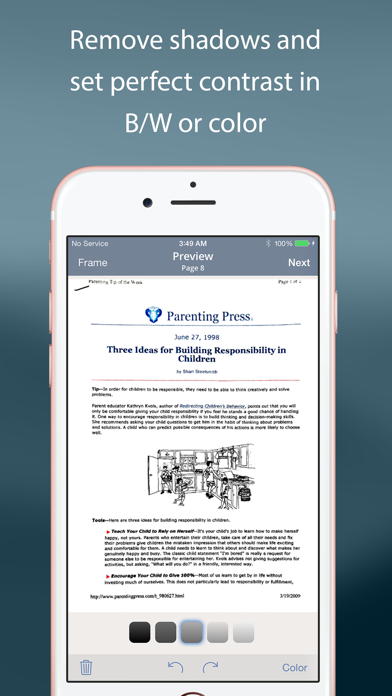
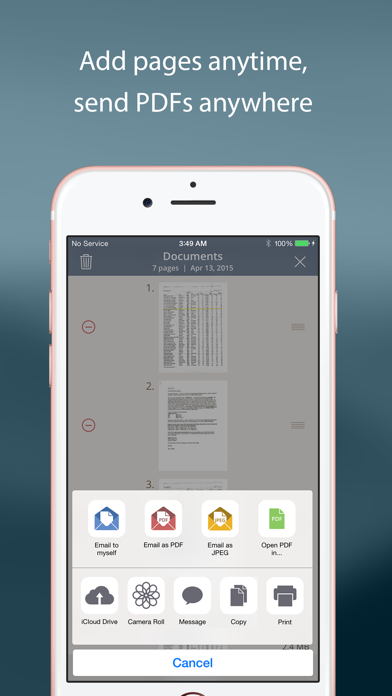
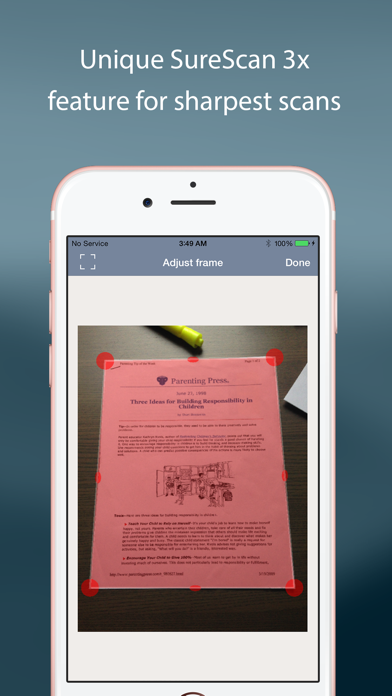
TurboScan turns your iPhone into a full-featured and powerful scanner for documents, receipts, books, photos, whiteboards, and more. You can quickly and accurately scan your multipage documents in high quality PDFs or JPEGs, name, organize and send them anywhere. • Featured in The NY Times, CNN Money and The Telegraph.• “Absolutely the best... I've tried other scanner apps and this one is the only way to go. Never going back to the other apps… TurboScan sets the standard for scanning apps.” - (User review, March 2021).• “…Would recommend this flawless and incredibly useful and perfectly executed app” - (User review, April 2021).TurboScan uses advanced and fast algorithms to accurately detect document edges, straighten them (correct perspective), eliminate shadows and set a perfect contrast
Screenshots
How to install TurboScan™ Pro: PDF scanner on iOS
- Download UnKeySign on your iPhone
- Import TurboScan™ Pro: PDF scanner IPA into UnKeySign
- Add your P12 certificate and provisioning profile
- Tap Sign — the app installs automatically