

Transparent App Icons
About
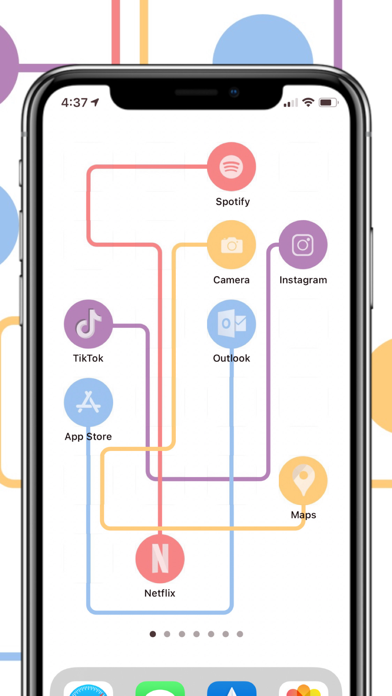
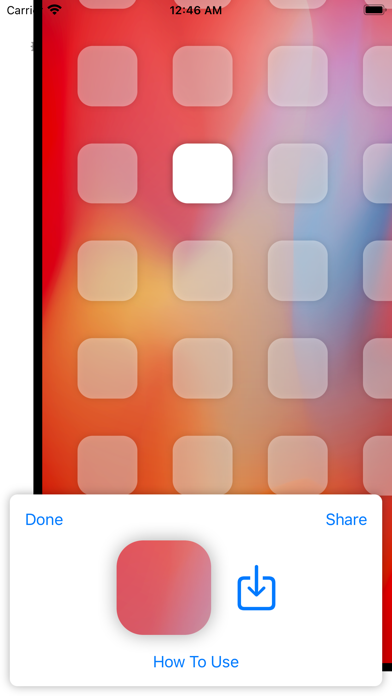
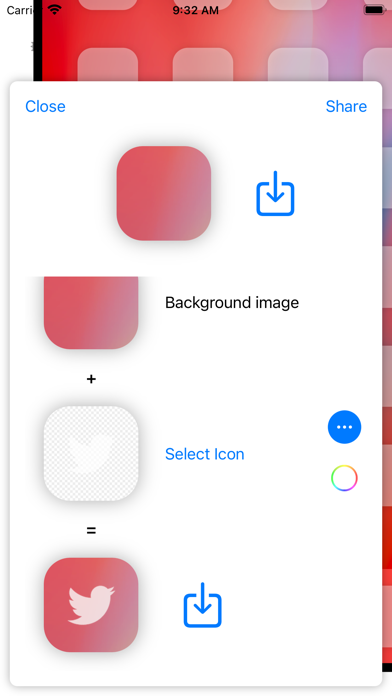
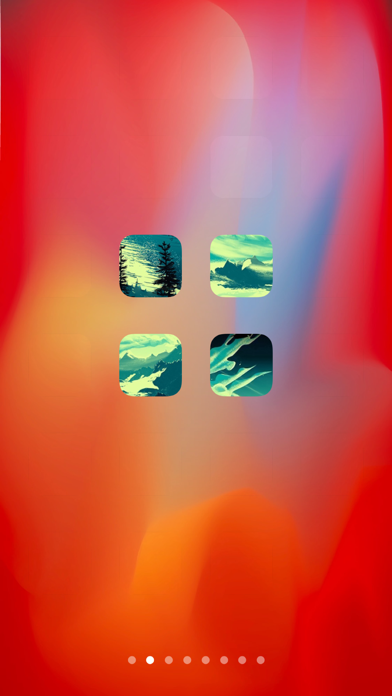
Updated for iPhone 16 and iOS 18.1 with support for large icons mode! Transparent App Icons is the easiest, simplest way to customize your iOS 14+ Home Screen with icons that are set against the background wallpaper to look like they’re transparent. Transparent App Icons lets you create images to use as Shortcuts and bookmarks on your Home Screen, so you can achieve previously impossible Home Screen layouts and custom icon spacing, using a simulated transparent background. Features: - Upload wallpaper images and automatically create icons with the correct cut-out so that icons blend with the wallpaper seamlessly - Automatically crop uploaded images to your phone’s wallpaper size - Quickly create icon images for entire home screen pages - Overlay transparent images to create a see-through
Screenshots


How to install Transparent App Icons on iOS
- Download UnKeySign on your iPhone
- Import Transparent App Icons IPA into UnKeySign
- Add your P12 certificate and provisioning profile
- Tap Sign — the app installs automatically