

The Goldbergs: Back to the 80s
About
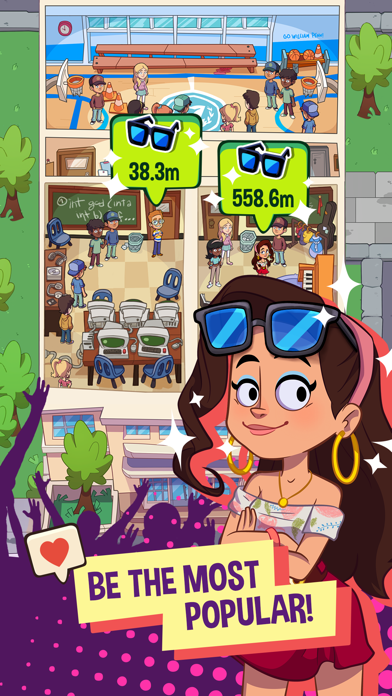
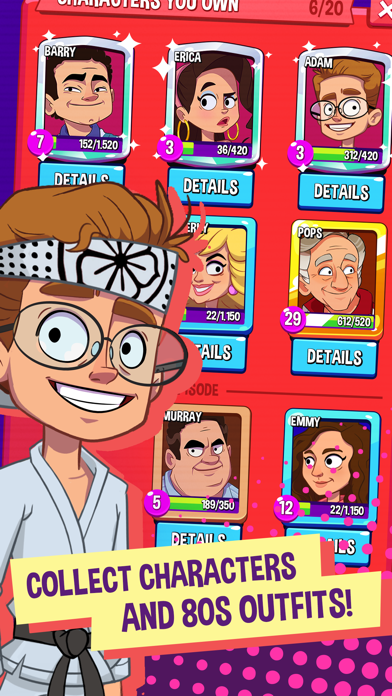
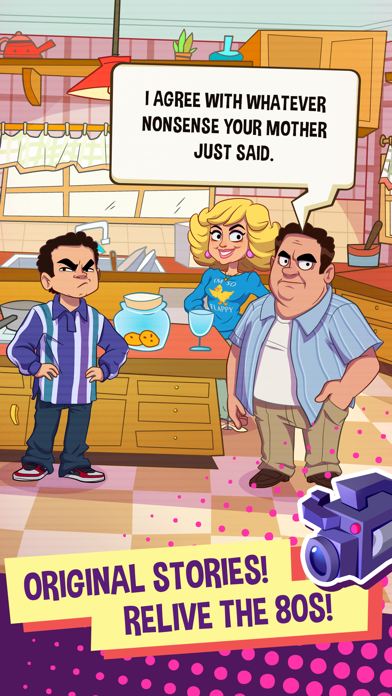
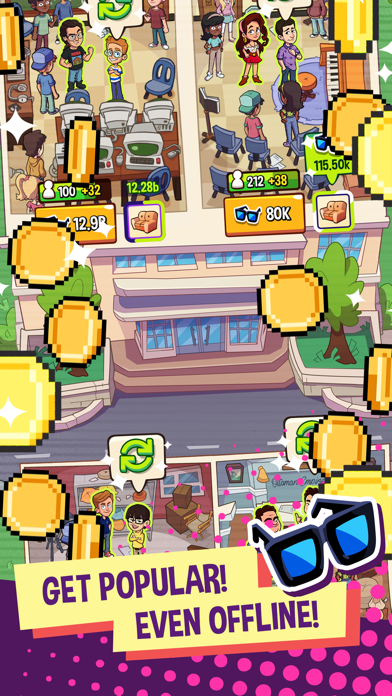
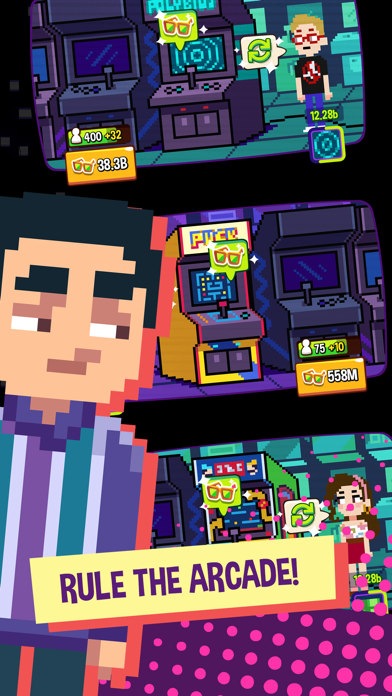
NOTE: The Goldbergs: Back to the 80s requires minimum iPhone 6 and iPad mini 4 or above to play. We’re currently working to support more devices, stay tuned!Help Adam, Barry, and Erica Goldberg get to the top of their school’s “Cool List” and become the most popular kids in town! The official idle tap game of The Goldbergs hit comedy TV show. The Goldbergs: Back to the 80s is an idle game where you build your popularity by managing the social life of the Goldbergs teenagers Adam, Barry and Erica in the 80s.Tap to collect Cool Points, make Friends, and become totally popular in this narrative driven idle game! Upgrade and automate your idle hangouts to shoot straight to the top of the teenage food chain in Jenkintown!Were you ever popular in high school? Ever make it to the top of the Cool
Screenshots

How to install The Goldbergs: Back to the 80s on iOS
- Download UnKeySign on your iPhone
- Import The Goldbergs: Back to the 80s IPA into UnKeySign
- Add your P12 certificate and provisioning profile
- Tap Sign — the app installs automatically