
The Document Converter
About
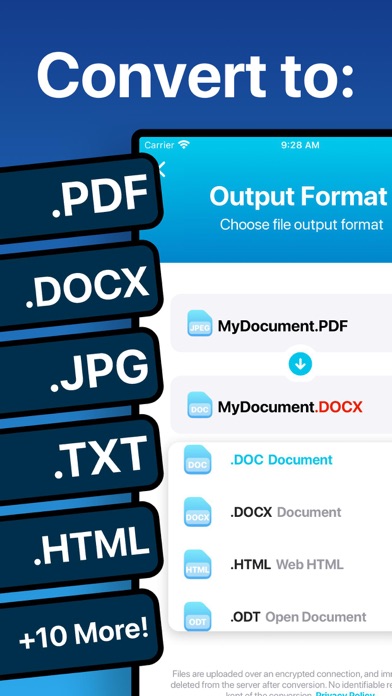
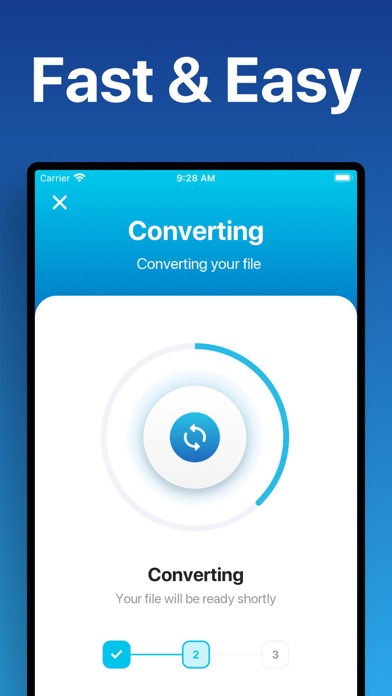
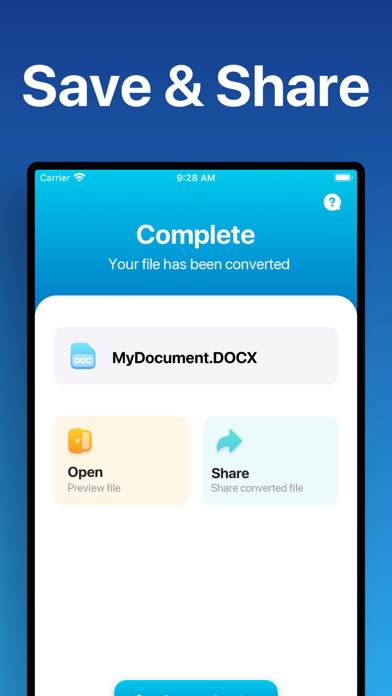
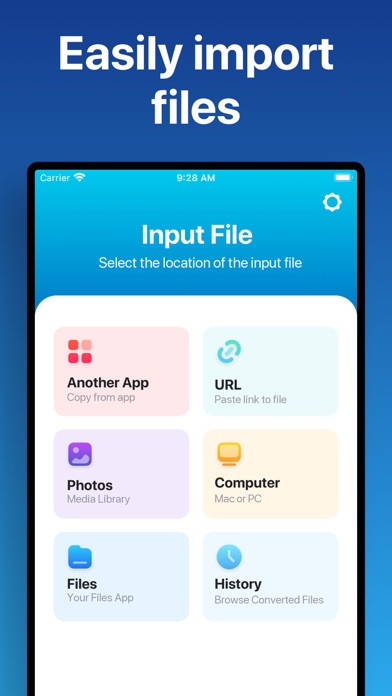
Easily convert your files to nearly any document format! 1. Select your input file 2. Choose your output format ( DOCX, PDF, JPG, TXT etc. ) 3. Convert! It will only take a few seconds. 4. Save your file, or open it in Office, Drive, Dropbox, etc! Here are the output formats you can choose from: DOC, DOCX, HTML, ODT, PDF, RTF, TXT, JPG, PNG, JPEG, PNG You can convert from dozens of input formats, here are some of the most popular formats we support converting from: • Documents: ABW, DJVY, DOC, DOCM, DOCX, DOT, DOTX, HTML, HWP, LWP, MD, ODT, PAGES, PDF, RST, RTF, SDW, TEXT, TXT, WPD, WPS, ZABW and more! • Ebooks: AZW, AZW3, AZW4, CBC, CBR, CBZ, CHM, EPUB, FB2, HTM, HTMLZ, LIT, LRF, MOBI, PDB, PML, PRC, RB, SNB, TCR, TXTZ and more! • Images: HEIC, JPG, JPEG, PNG, ICO, SVG, EPS, BMP, GI
Screenshots
How to install The Document Converter on iOS
- Download UnKeySign on your iPhone
- Import The Document Converter IPA into UnKeySign
- Add your P12 certificate and provisioning profile
- Tap Sign — the app installs automatically