
The Audio Converter
About
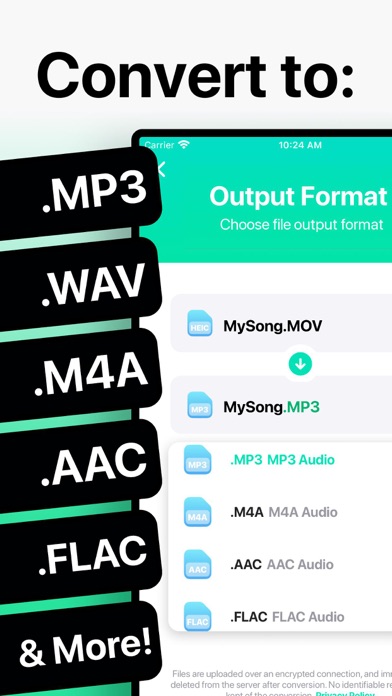
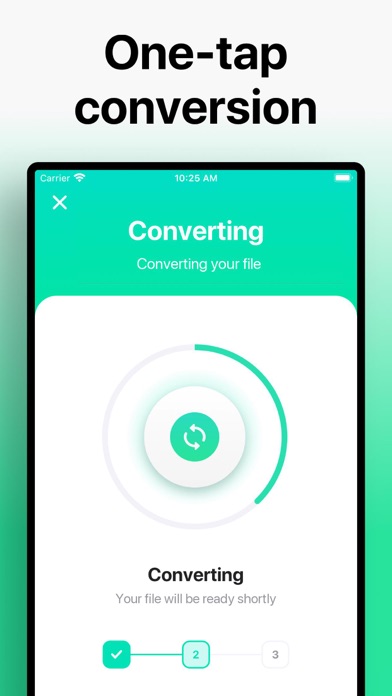
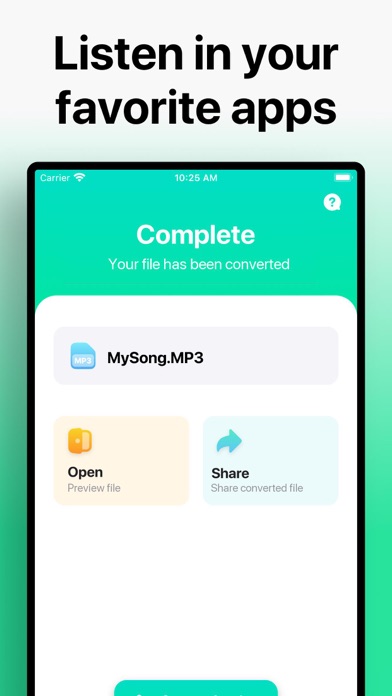
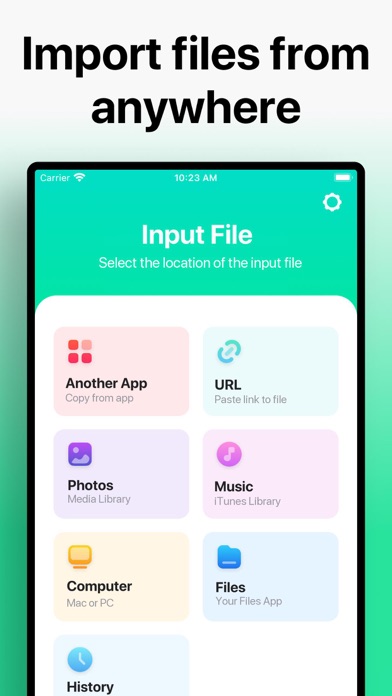
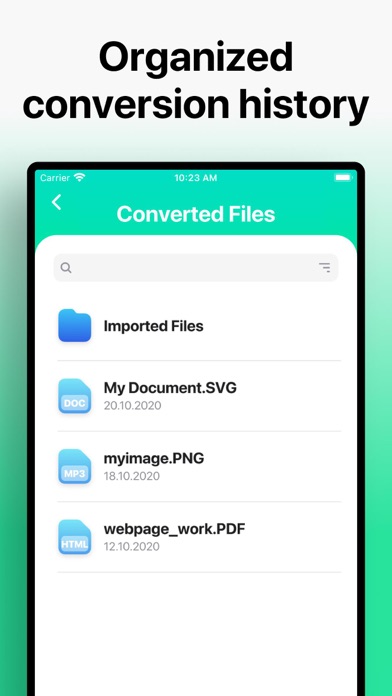
Quickly convert your audio or video files to nearly any audio format! 1. Select your input file 2. Choose your output format ( MP3, WAV, M4A, AAC etc. ) 3. Convert! It will only take a few seconds. 4. Save your file, or open it in your favorite app! Here are the video and audio output formats you can choose from: MP3, M4A, AAC, FLAC, OGG, WAV, WMA, AIFF You can convert from dozens of input formats, here are some of the most popular formats we support converting from: MOV, M4A, MP3, WMA, MP4, WAV, OGG, OPUS, AMR, AAC, WEBM, MID and many more! Save, Share or Listen to your converted audio files in your favorite apps immediately. You can even browse your previously converted files with our in-app file browser. After conversion, you can immediately AirDrop your files right to your Mac o
Screenshots
How to install The Audio Converter on iOS
- Download UnKeySign on your iPhone
- Import The Audio Converter IPA into UnKeySign
- Add your P12 certificate and provisioning profile
- Tap Sign — the app installs automatically