

Text to Speech: Voice Reader
About
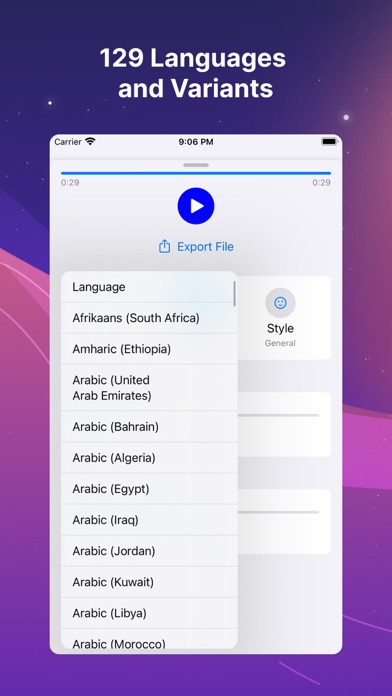
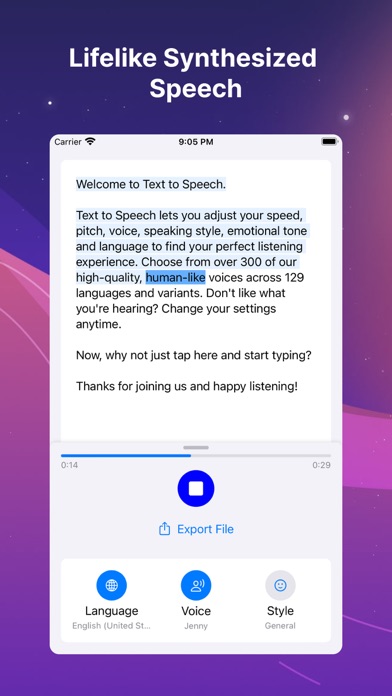
With the Text Reader app turn your text into lifelike synthesized speech. Enable fluid, natural-sounding text to speech that matches the intonation and emotion of human voices. Text to Speech can export your tuned audio files effortlessly, thereby lets you create a high-quality audio file and download the output for other uses. FEATURE LIST: • Choose from over 300 of our high-quality, human-like voices across 129 languages and variants. Don't like what you're hearing? Change your settings anytime. • Neural Text to Speech supports several speaking styles including newscast, customer service, shouting, whispering, and emotions like cheerful and sad. • Tune voice output for your scenarios by easily adjusting rate, pitch, and more. Privacy Policy: https://github.com/josephchang10/text-to-spe
Screenshots




How to install Text to Speech: Voice Reader on iOS
- Download UnKeySign on your iPhone
- Import Text to Speech: Voice Reader IPA into UnKeySign
- Add your P12 certificate and provisioning profile
- Tap Sign — the app installs automatically