

Text on Photo.s FontTypography
About
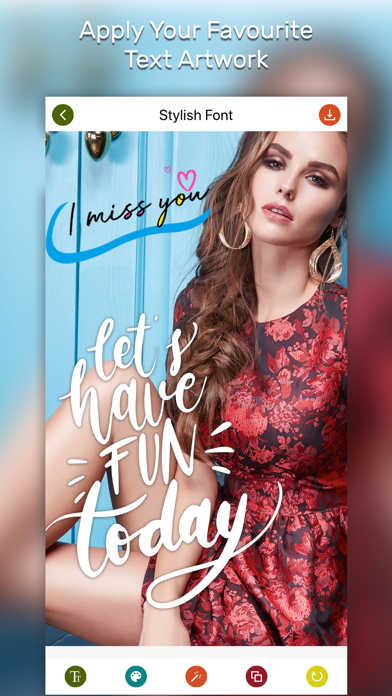
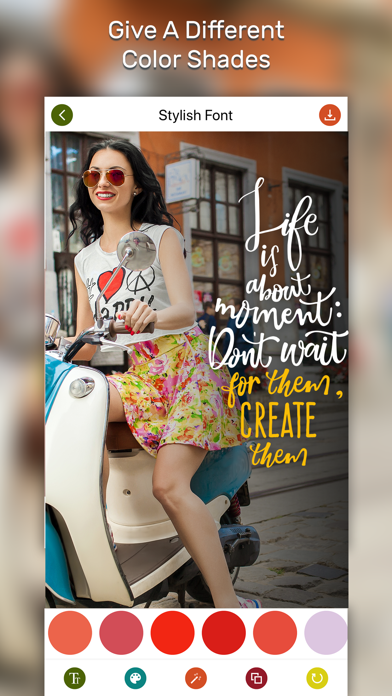
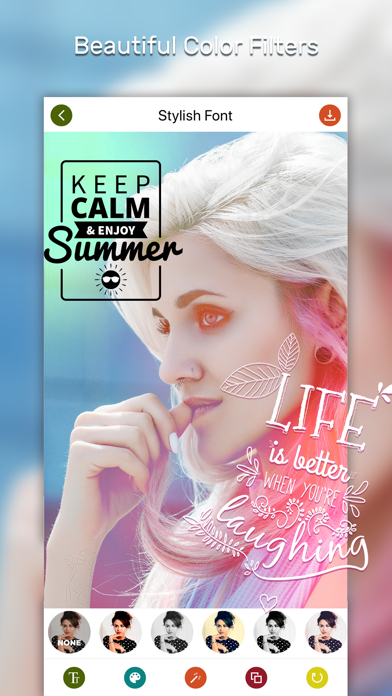
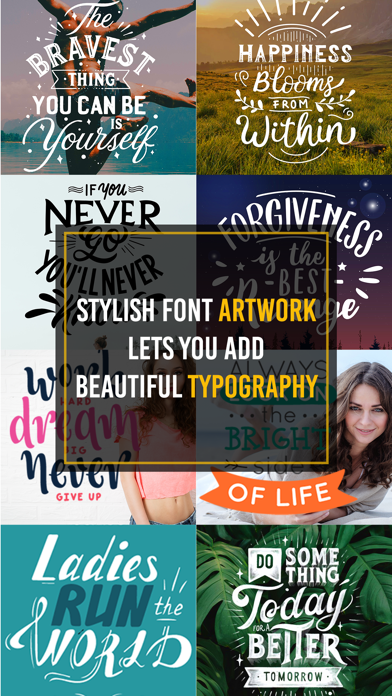
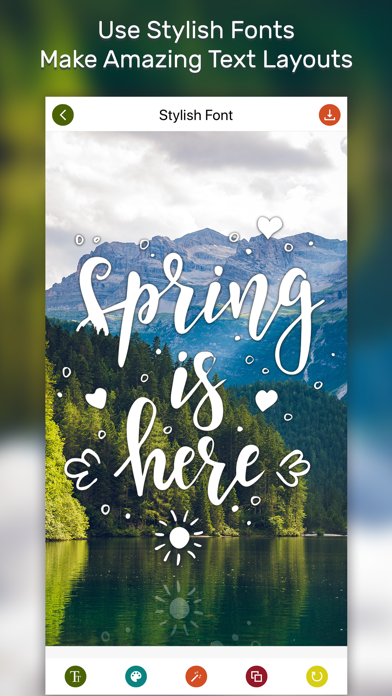
Make fantastic visuals by transforming your text into amazing typographic designs. Select a photo, edit text and get random typography on a single click. Features: FontStyle : 30+ randomly generating typographic text styles. Gradient : 20+ fantastic gradient colors Frames : Multiple frames to convert the text. Color : Cool colors for your text. Filters : Amazing filters Effects : Superb effects for photo. Easily save & share with your family and friends! SUBSCRIPTION: You can subscribe to premium features, choosing from the following plans: – 1 Month – 12 months – Lifetime (One Time Purchase) The subscription automatically renews unless auto-renewal is turned off at least 24 hours before the end of the current period. Payment will be charged to your iTunes account at confirmation
Screenshots
How to install Text on Photo.s FontTypography on iOS
- Download UnKeySign on your iPhone
- Import Text on Photo.s FontTypography IPA into UnKeySign
- Add your P12 certificate and provisioning profile
- Tap Sign — the app installs automatically