

SwiftScan Pro Document Scanner
About
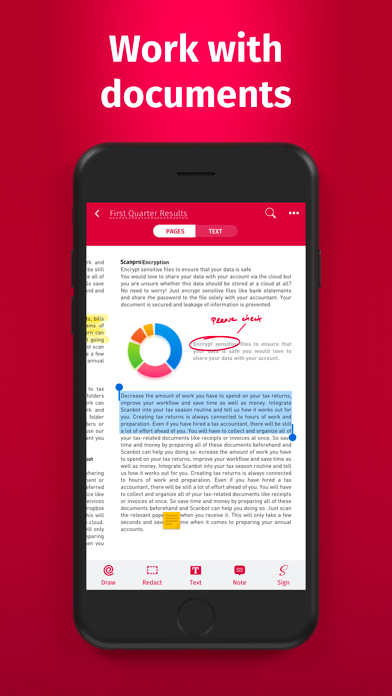
SwiftScan Pro unlocks full access to all the features limited in SwiftScan’s app. SwiftScan Pro is the best mobile scanner app for documents and QR codes. Create high-quality PDF or JPG scans with just one tap. Send files via email or as a fax. Upload them to iCloud Drive, Box, Dropbox, Evernote and other cloud services. SwiftScan Pro packs all the power of a desktop scanner into one tiny scanner app! FEATURE HIGHLIGHTS• iOS 14 widget: Shortcut widget provides instant access to scan, search, or view recent documents• Scan premium quality PDFs or JPGs with 200 dpi and higher• Fax: you can now send your documents as a fax right from SwiftScan Pro!• Cloud integration: iCloud Drive, Dropbox, Box, Evernote, WebDAV and other cloud services• Scan QR codes: URLs, Contacts, Phone Numbers, Locations
Screenshots




How to install SwiftScan Pro Document Scanner on iOS
- Download UnKeySign on your iPhone
- Import SwiftScan Pro Document Scanner IPA into UnKeySign
- Add your P12 certificate and provisioning profile
- Tap Sign — the app installs automatically