

Superimpose X
About
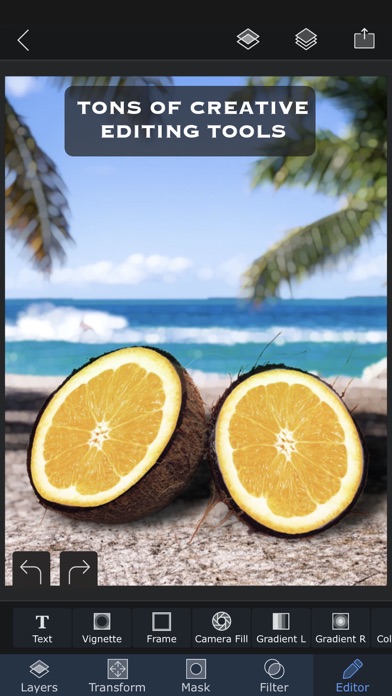
Turn your ideas into beautiful works of art using Superimpose X, the new version of the Superimpose app. If you can imagine it, Superimpose X will provide the tools to do it. Packed with wide range of editing capabilities from multiple layers, blending modes, masking, adjustment layers, brushes, smudge, warp, effects, clarity to casting shadows, Superimpose X is a modern tool for creating your photo contents.Whether you are a professional or an amateur, you will be amazed by the power Superimpose X gives to your fingertips. Composing images with multiple layers, double exposure, superimposing is easier than ever.All your projects are saved in beautifully designed session area. So, you do not have to lose your current project if you want to move to another one in the middle.And of course Su
Screenshots




How to install Superimpose X on iOS
- Download UnKeySign on your iPhone
- Import Superimpose X IPA into UnKeySign
- Add your P12 certificate and provisioning profile
- Tap Sign — the app installs automatically