

Stylish Text - Fonts Keyboard
About
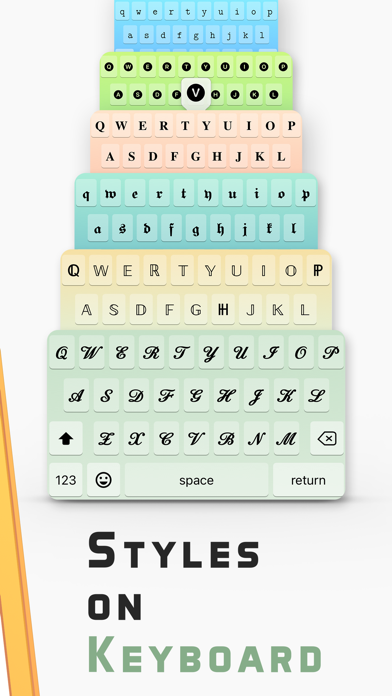
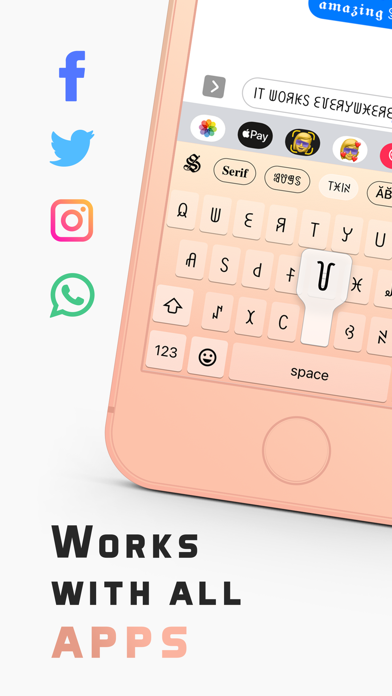
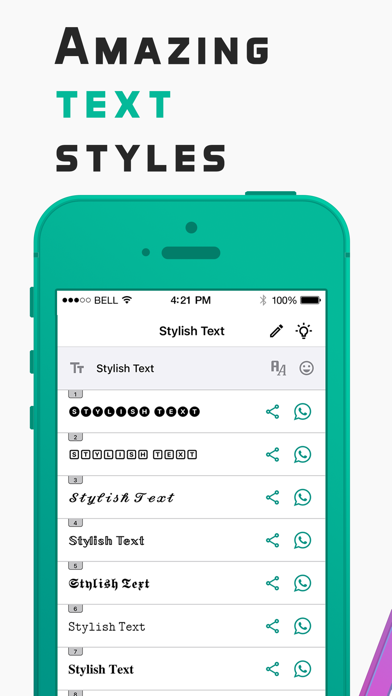
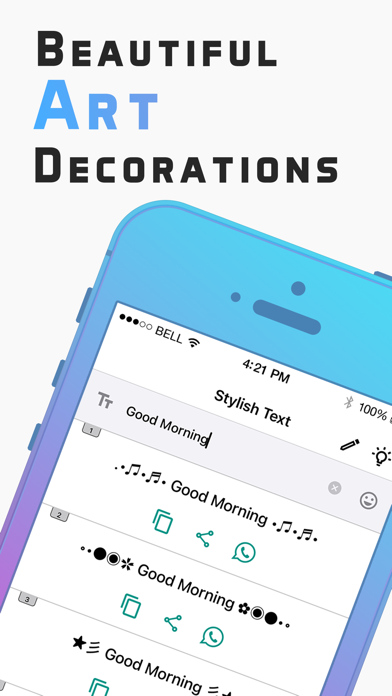
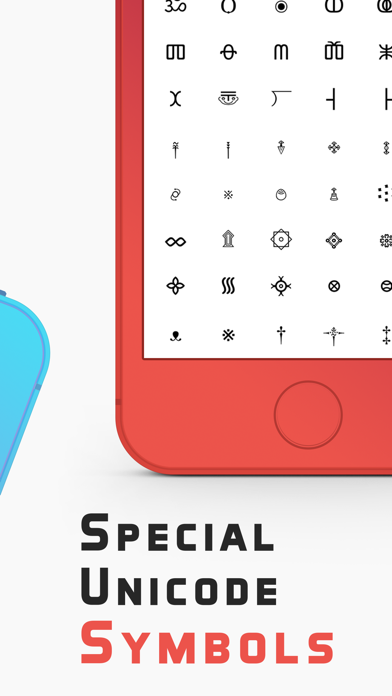
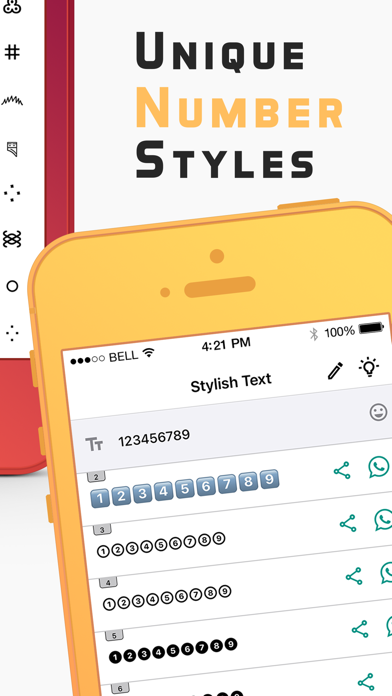
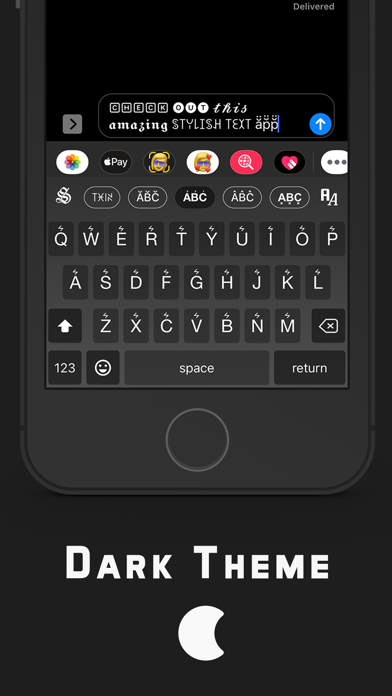
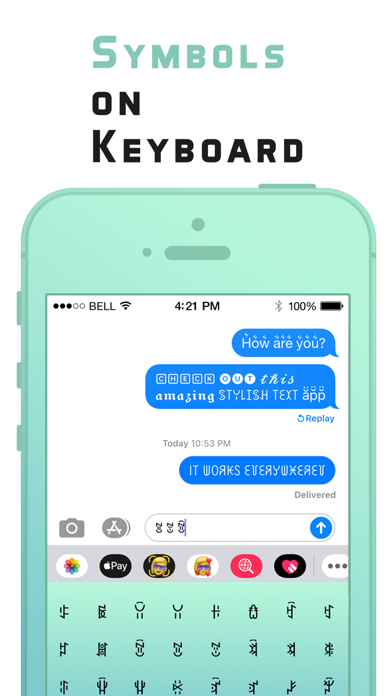
Write Stylish Text using the Fonts Keyboard and express yourself the way you want with amazing cool fonts, symbols, stickers, emoji & kaomoji. Let us open the Stylish Text keyboard on your iPhone or iPad and start writing beautiful bios for Instagram. Send a Tweet in Bold, Italic, or Cursive style to highlight the text on your timeline. Design and decorate greetings and surprise your friends on their special days. Chat with fancy fonts in WhatsApp groups and be a special one to get attention. Send some stylish messages on Snapchat. Send a surprising wish to your loved one on Messenger or create some unique names for popular games and stand out among other players. Let us see the list of some unique features of the Stylish Text app: Fonts Keyboard Switch to Stylish Text - Fonts Keybo
Screenshots
How to install Stylish Text - Fonts Keyboard on iOS
- Download UnKeySign on your iPhone
- Import Stylish Text - Fonts Keyboard IPA into UnKeySign
- Add your P12 certificate and provisioning profile
- Tap Sign — the app installs automatically