

Split View Multitasking Screen
About
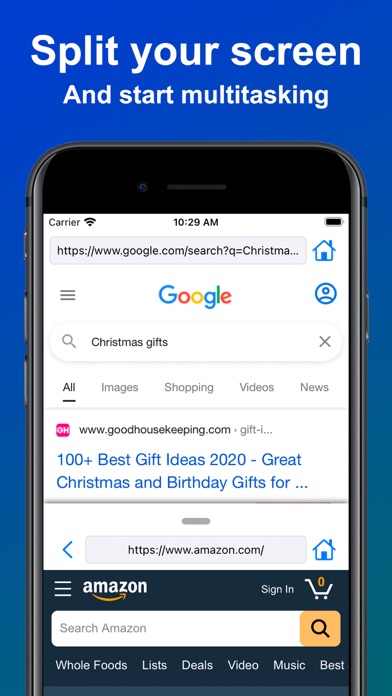
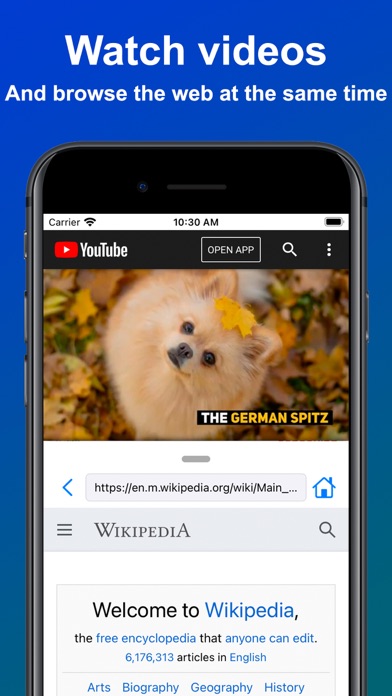
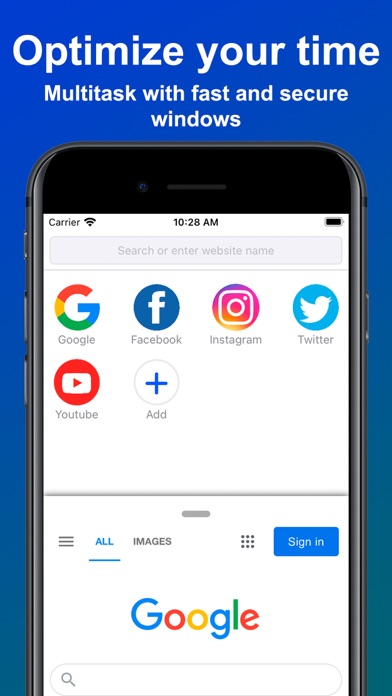
Have you ever wanted to watch videos or listen to music while doing something else? Split View unleashes multitasking capabilities to your iPhone and iPad with a powerful split screen and endless possibilities. - Multitask as you want Browse websites, check your emails, upload photos, post on your social networks, get in touch with friends, do your work, research, shop, do anything you want in parallel at the same time! - Optimize your time Multitasking allows you to be faster and more efficient doing your chores, for example you can edit a spreadsheet while reading an email or messaging someone! - Fast & secure Split View uses the most modern web frameworks to deliver a fast and secure experience for everyone! Split View is now available for all iOS devices! ------ Terms of Use: htt
Screenshots
How to install Split View Multitasking Screen on iOS
- Download UnKeySign on your iPhone
- Import Split View Multitasking Screen IPA into UnKeySign
- Add your P12 certificate and provisioning profile
- Tap Sign — the app installs automatically