

SpatialCamera
About
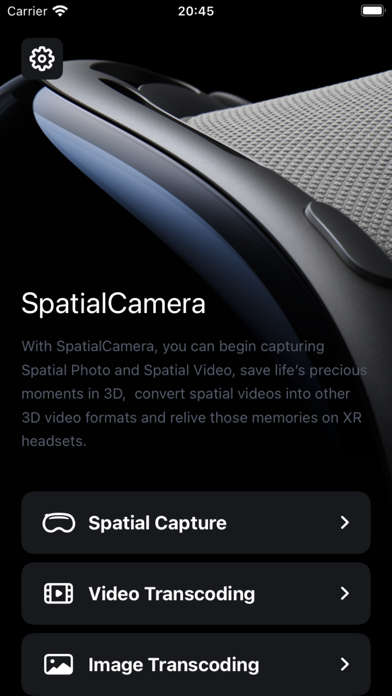
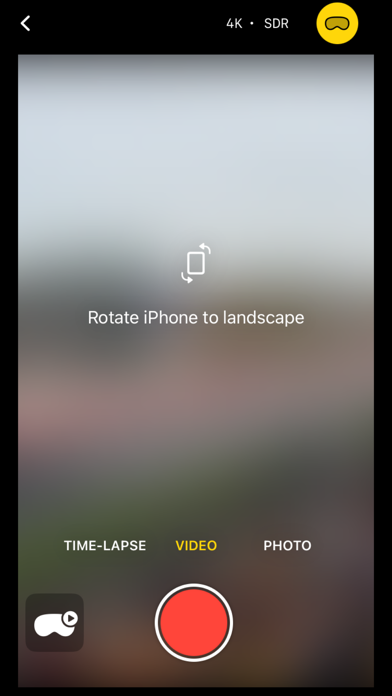
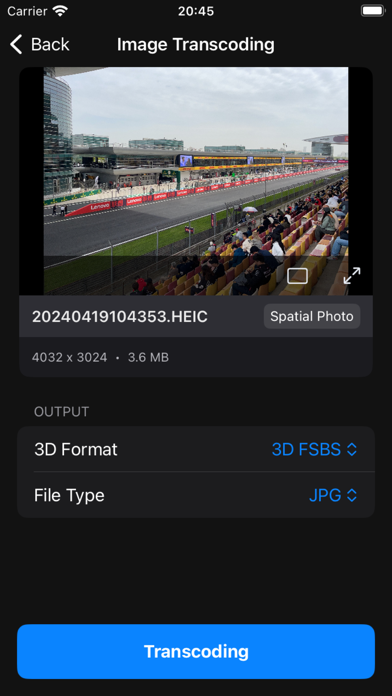
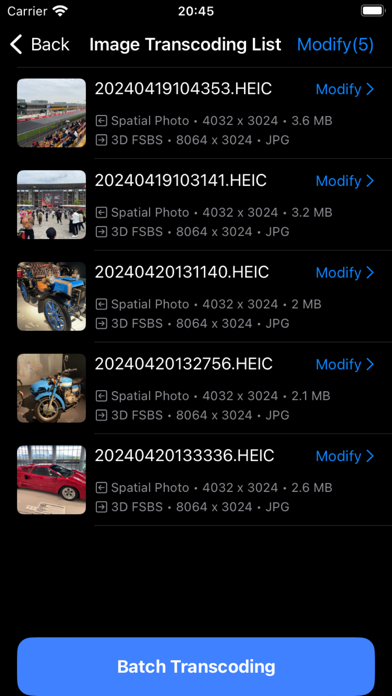
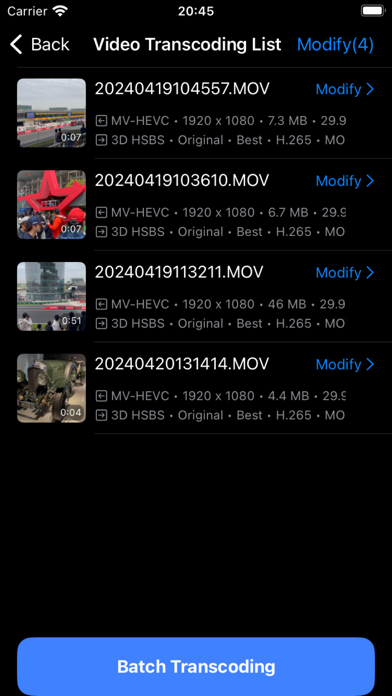
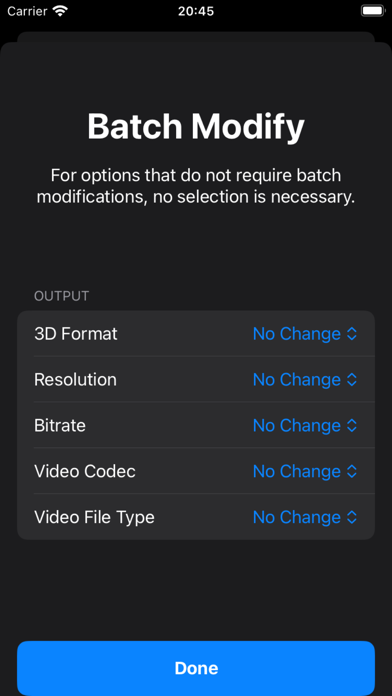
With SpatialCamera, you can begin capturing Spatial Photo and Spatial Video on iPhone as far back as the iPhone Xs*, save life’s precious moments in 3D, convert spatial video/photo into other 3D video/photo formats and relive those memories on XR headsets. **Spatial Capture** - Supports capturing spatial photos - Supports capturing spatial videos up to 4K and HDR format (on select devices) - Supports time-lapse mode - Supports launching Spatial Camera from the lock screen (iOS 18). - Supports camera control button (iPhone 16 series). **Image and Video Transcoding** - Supports conversion between traditional SBS, HOU formats and spatial photo/video formats - Supports batch transcoding - Supports 2D photo conversion to spatial photo (powered by on-device AI model) * Device
Screenshots
How to install SpatialCamera on iOS
- Download UnKeySign on your iPhone
- Import SpatialCamera IPA into UnKeySign
- Add your P12 certificate and provisioning profile
- Tap Sign — the app installs automatically