
SocialFocus: Hide Distractions
About
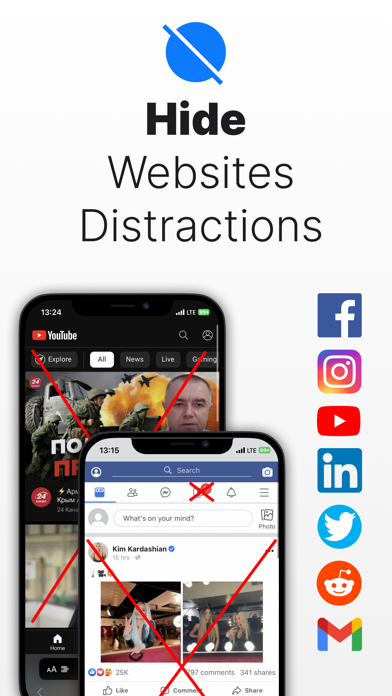
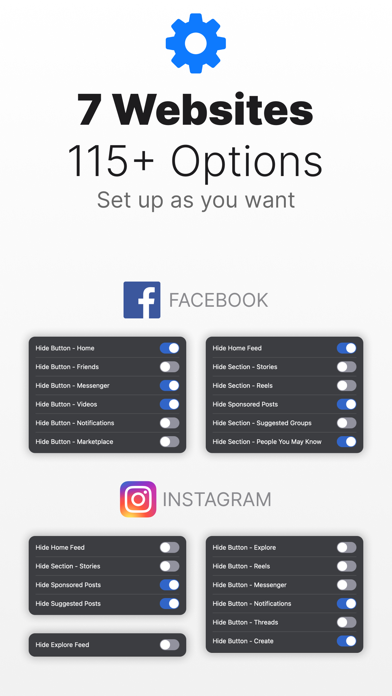
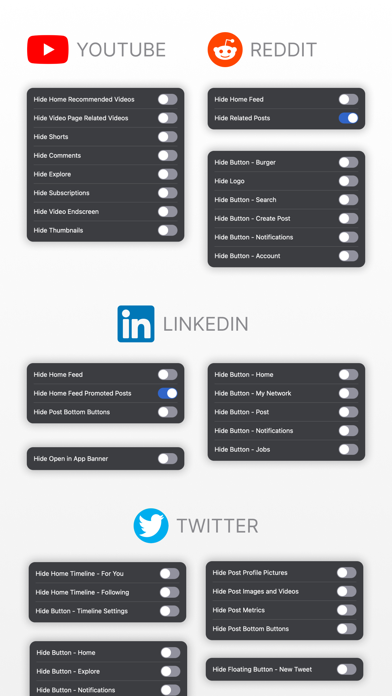
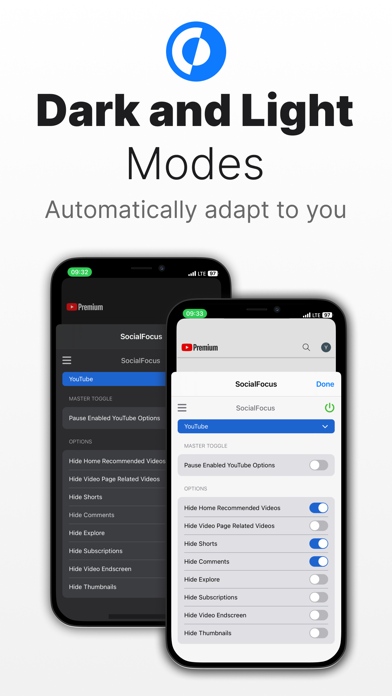
Hide distractions on websites such as YouTube, Facebook, Twitter, Instagram, Reddit, LinkedIn, Gmail and take back control of your attention! While we acknowledge the distracting and engrossing nature of these sites, completely blocking them is not always feasible due to the valuable content they offer. This Safari extension allows you to selectively hide attention-grabbing components on each site. For instance, on YouTube, you have the option to conceal recommended videos, shorts, comments, and more. Similarly, on Facebook and Instagram, you can hide the feed, reels, stories, and other elements. The same goes for each supported site. Furthermore, SocialFocus offers an array of supplementary features, including Startup Settings, Import / Export and more. Users who want to support the d
Screenshots
How to install SocialFocus: Hide Distractions on iOS
- Download UnKeySign on your iPhone
- Import SocialFocus: Hide Distractions IPA into UnKeySign
- Add your P12 certificate and provisioning profile
- Tap Sign — the app installs automatically