

Smart Browser: Healthy Vision
About
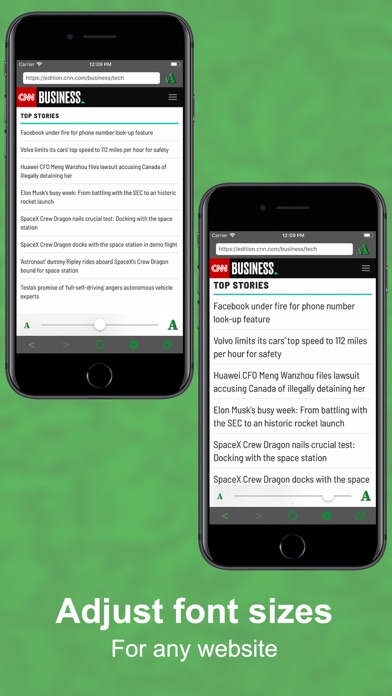
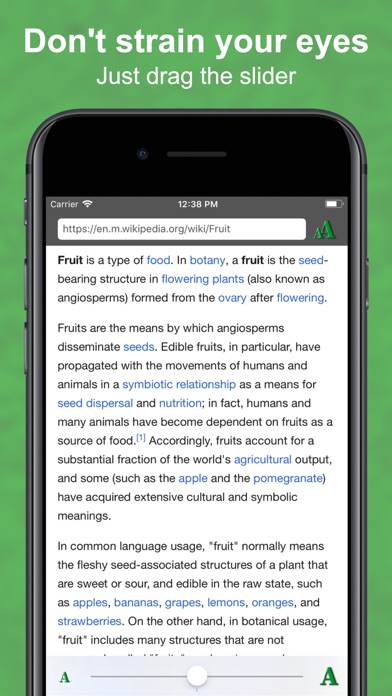
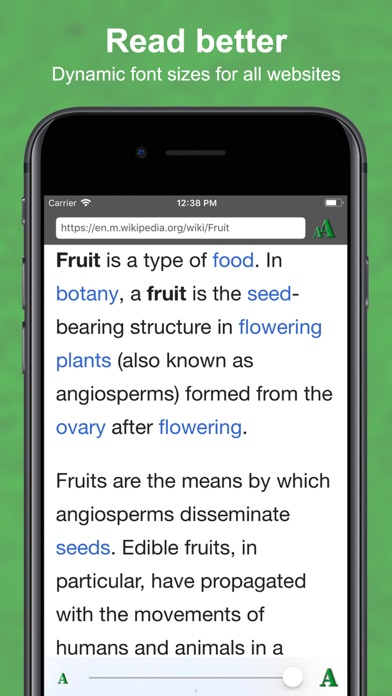
Leave your days of eye strain behind as Smart Browser makes Internet navigation on mobile devices a much more pleasuring activity! Make websites more readable: Smart Browser allows you to customize website text sizes by simply dragging a slider at the bottom of the screen. The results are amazing, you can read text on your mobile device without straining your eyes or holding your device close to your face. It's convenient and healthier to your eyes! Face Recognition: Smart Browser takes one step further into the future and brings you amazing face tracking technology to automatically adapt font sizes according to the distance between your face and the device. Now you don't need to hold your device on an uncomfortable position, near or far text will remain visible and easy to read! Priv
Screenshots
How to install Smart Browser: Healthy Vision on iOS
- Download UnKeySign on your iPhone
- Import Smart Browser: Healthy Vision IPA into UnKeySign
- Add your P12 certificate and provisioning profile
- Tap Sign — the app installs automatically