

Sketch Club
About
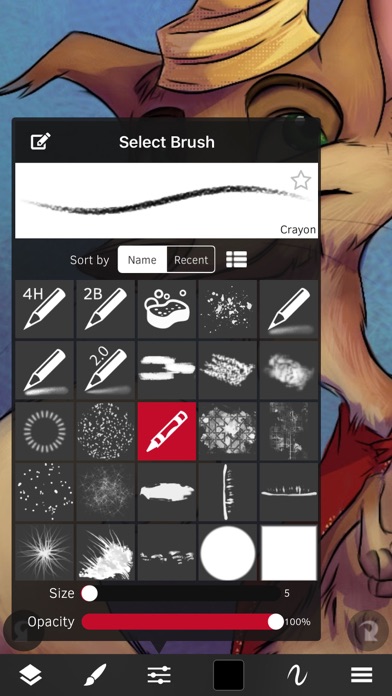
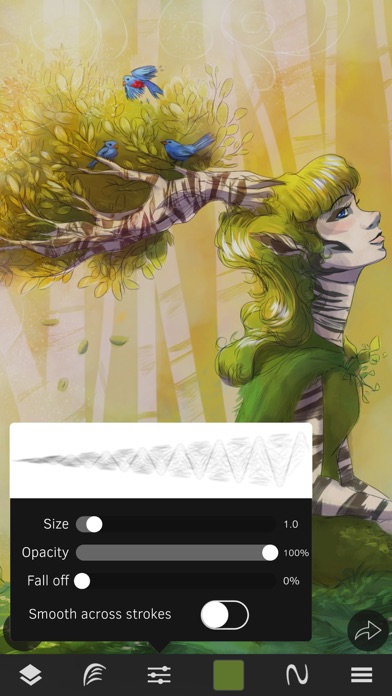
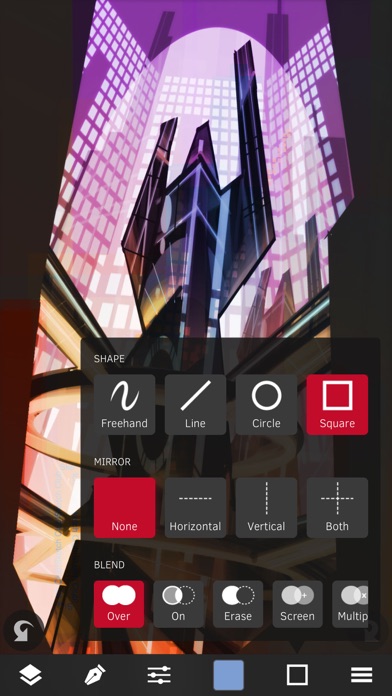
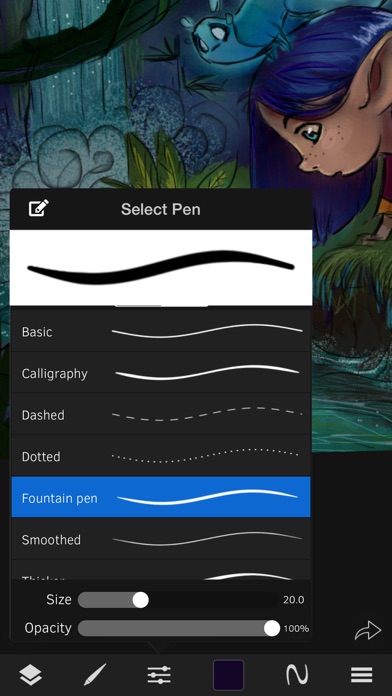
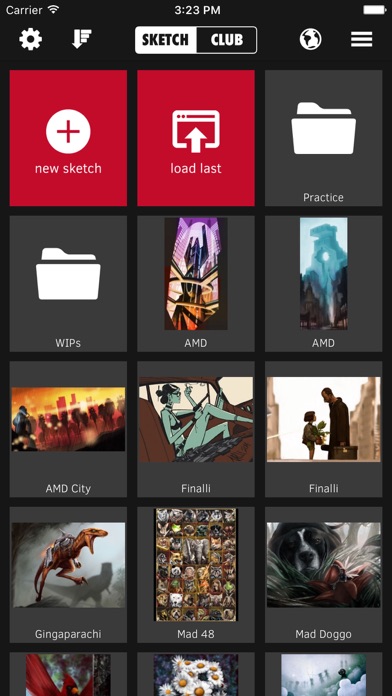
SketchClub not only gives you fantastic tools to sketch, draw, doodle, paint, and edit photos but also helps motivate you to keep creating! Check out the community where there’s a new drawing challenge every day, along with regular competitions and even co-ops where you can pick up where another artist left off. Don’t sketch alone, join us today!CORE FEATURES• Brush, Blur, Eraser, Fill, Pen, Pixels, Procedural, Select, Smudge, Text, and Vector tools• Hundreds of Layers with configurable blending, naming, and color tagging• Create your own comics and manga with the Pen and Text tools• Layer filters for color adjust, blurs, edges, noise, vignette and more• Layer transform with skew, shear, perspective, and tiling• Super fast brush and compositing engine• Up to 16K canvas size with pre
Screenshots
How to install Sketch Club on iOS
- Download UnKeySign on your iPhone
- Import Sketch Club IPA into UnKeySign
- Add your P12 certificate and provisioning profile
- Tap Sign — the app installs automatically