

Shot On Watermark for Photos
About
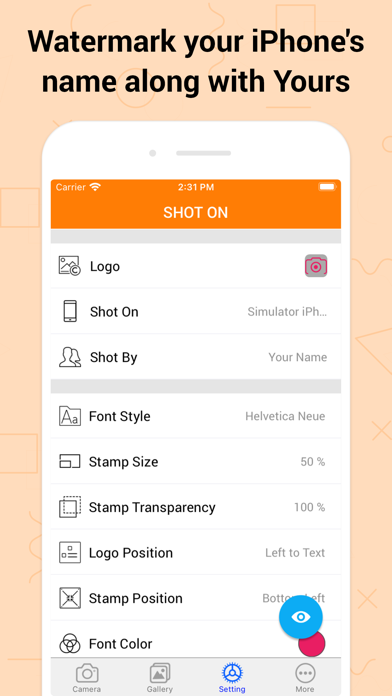
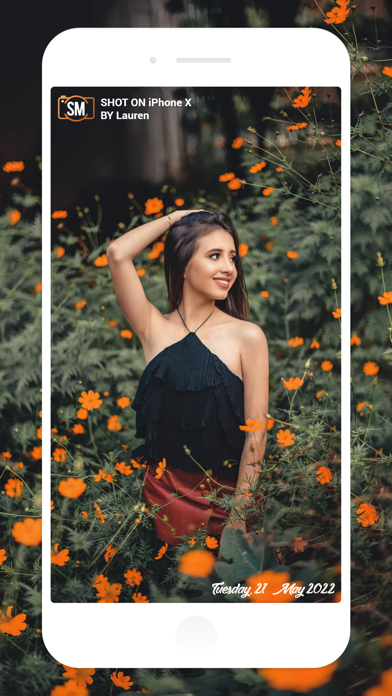
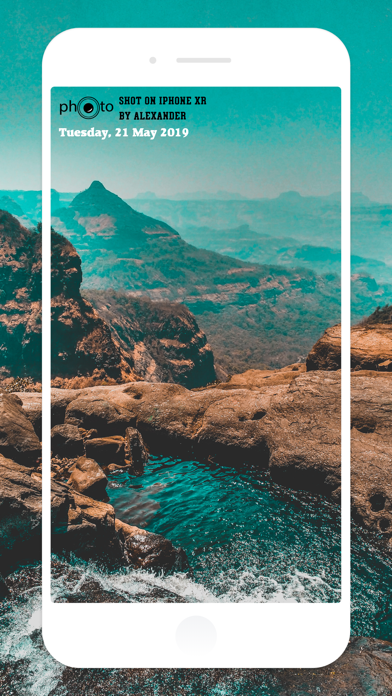
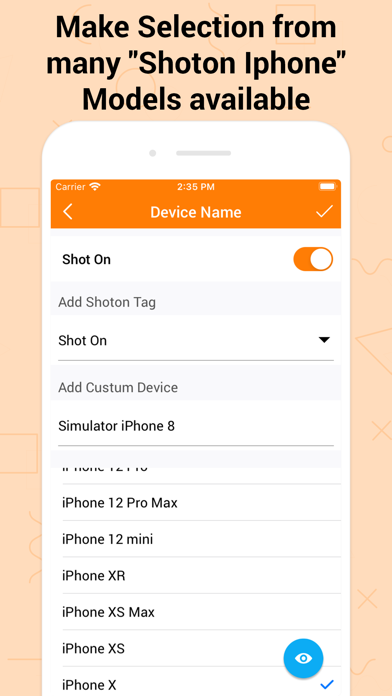
Shot On Watermark for Photos App quickly watermark your photos with a trinity of “Shot On” labels in variation of “ShotOn for iPhone or Shot On for iPad Name”, “Shot By (Signature Text),'' as well as “ShotOn Watermark Brand Logo” A complete catalog of Shot on for Apple iPhone & ShotOn for iPad Model Names, which makes your work go in a flow. One-time setup to furnish your Shot on for iPhone pre-captured photos stunningly. - Simply Swipe the Toggle on, • Choose Model Name• Add Shot by Signature Text • Pick up Shot On for iPhone Watermark Logo & here you go! You can even edit and custom these Shot On Watermark Stamps as you wish to! - What makes 'Shot On Watermark Stamper' different? • Only App with 3 -in-1 ShotOn for iPhone Tags in Single Download • Quick and Simple User-Interface • P
Screenshots






How to install Shot On Watermark for Photos on iOS
- Download UnKeySign on your iPhone
- Import Shot On Watermark for Photos IPA into UnKeySign
- Add your P12 certificate and provisioning profile
- Tap Sign — the app installs automatically