
ShadowBlock
UnKeyApp
· v1.0.7
· 3.0 MB
com.liguangming.Shadowblock
About
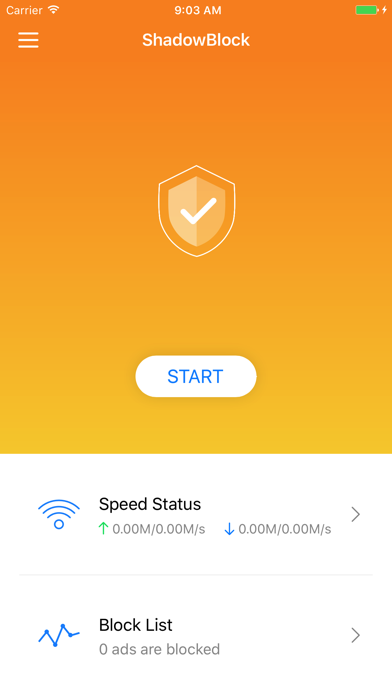
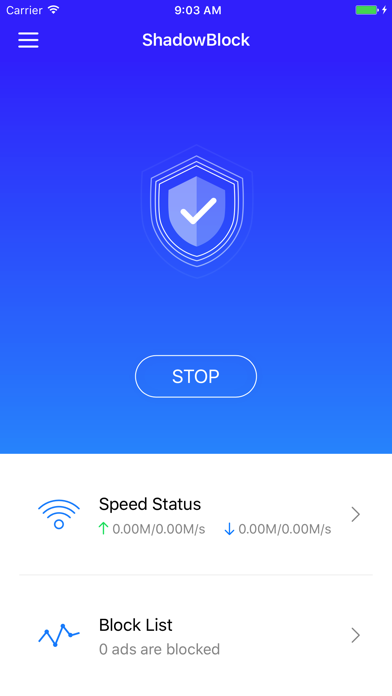
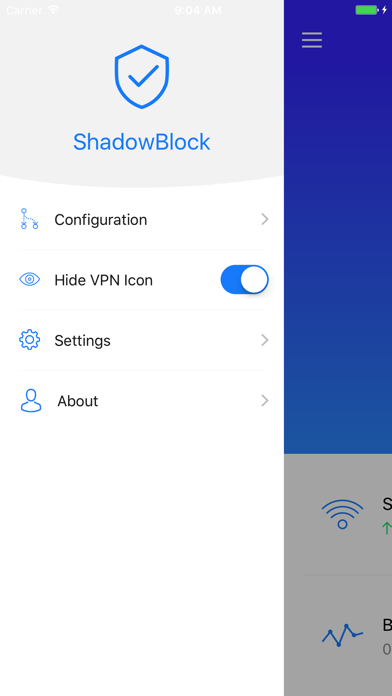
Rule based content block utility for iPhone/iPad. - Capture all HTTP/HTTPS/TCP traffic from any applications on your device. - Record and display HTTP, HTTPS, DNS request from your iOS devices. - Configure rules using domain match, domain suffix, domain keyword, CIDR IP range, and/or GeoIP lookup. - Measure traffic usage and network speed on WiFi, cellular, direct and proxy connections. - Import rule files from URL or iCloud Drive. - Block ads by domain, user agent rules. - Local DNS Mapping. - Work on cellular network. - Decrypt HTTPS traffic. - Perform URL rewrite. - Fully IPv6 supports.
Screenshots
How to install ShadowBlock on iOS
- Download UnKeySign on your iPhone
- Import ShadowBlock IPA into UnKeySign
- Add your P12 certificate and provisioning profile
- Tap Sign — the app installs automatically
Source: UnKeyApp · Last updated: 7/20/2026