
Screen Mirroring: TV Remote
UnKeyApp
· v1.4.1
· 22.7 MB
com.pocketapps.screencast
About
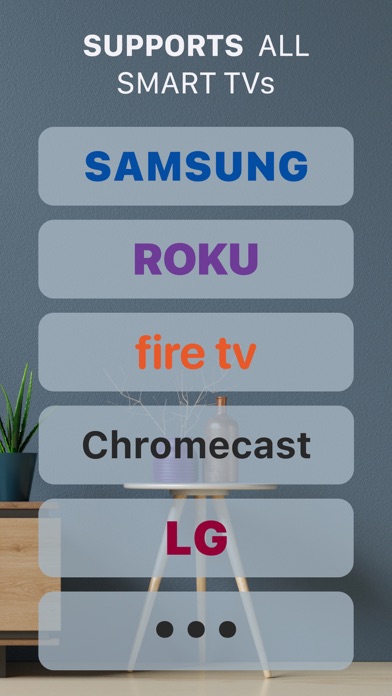
The app allows you to control your Smart TV from your iPhone, mirror the screen of your iPhone on TVs, laptops and any other devices in high quality. You will be able to send videos, photos, etc to your big TV screen. App supports most Smart TVs, DLNA Receivers and wireless adapters. It's designed to help you make presentation, watch your movies or play games on your TV. Features: - Supports most Smart TVs - High Quality - Low latency - Easy to use - Cast YouTube videos - Cast Media from your Photo Library Privacy Policy: https://pocketninja.dev/pp/ Terms Of Use: https://pocketninja.dev/tos
Screenshots



How to install Screen Mirroring: TV Remote on iOS
- Download UnKeySign on your iPhone
- Import Screen Mirroring: TV Remote IPA into UnKeySign
- Add your P12 certificate and provisioning profile
- Tap Sign — the app installs automatically
Source: UnKeyApp · Last updated: 7/20/2026