

Screen Mirroring MirrorMeister
About
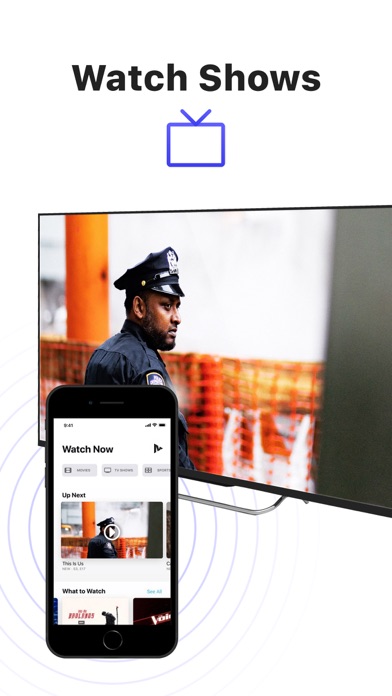
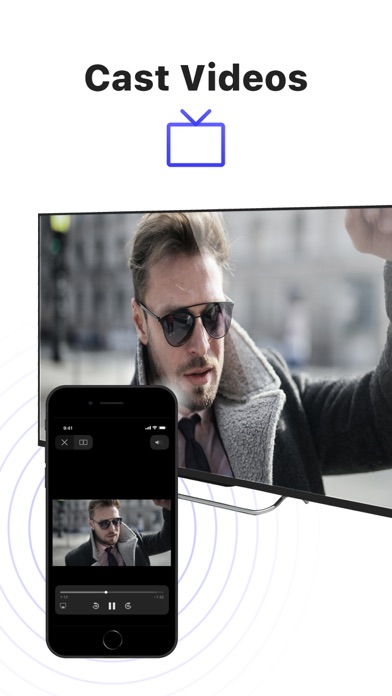
There's no need to use tiny screens, annoying HDMI cables or expensive hardware. Prevent eyestrain, save money and get rid of those unsightly & unsafe cables. Discover MirrorMeister today!Easily connect your TV to your iOS devices with MirrorMeister's revolutionary app. Totally wireless of course! Enjoy movies, sport, photos, news and all apps on the big screen and make your life more comfortable.MirrorMeister is a screen mirroring app that allows you to play the media that’s playing on your phone/ tablet to your smart tv.- Mirror your phone/ tablet to your smart TV.- No ugly, clumsy & unsafe cables!- One app for popular TV brands (Samsung, Sony, LG, Panasonic, Hisense, etc.)- Watch movies.- Stream sports.- Binge-watch series.- Watch breaking news.- Show photos to loved-ones and impress fr
Screenshots





How to install Screen Mirroring MirrorMeister on iOS
- Download UnKeySign on your iPhone
- Import Screen Mirroring MirrorMeister IPA into UnKeySign
- Add your P12 certificate and provisioning profile
- Tap Sign — the app installs automatically