

SceneShot
About
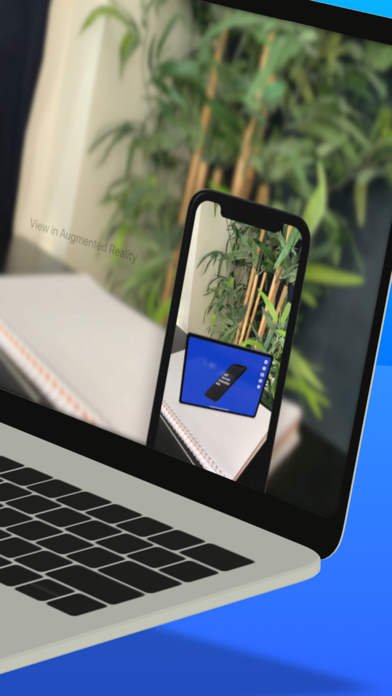
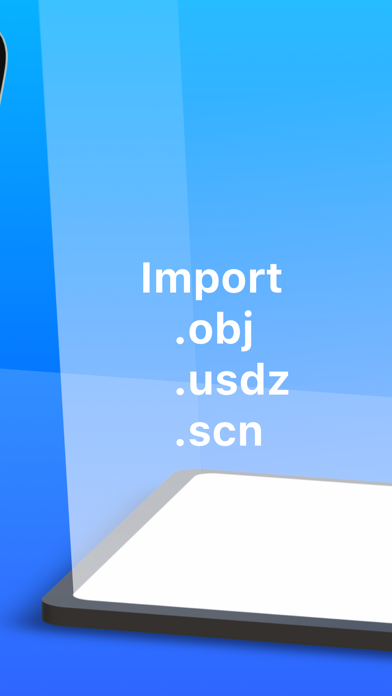
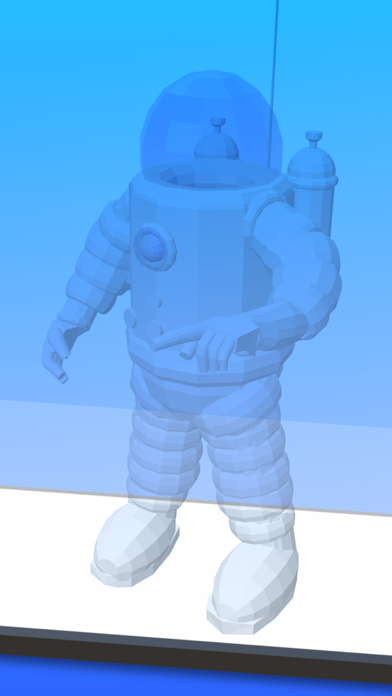
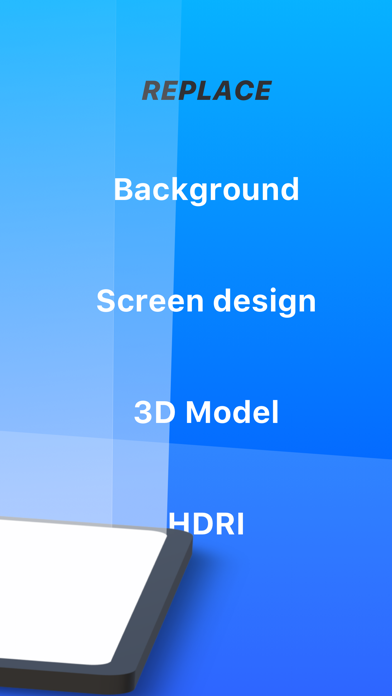
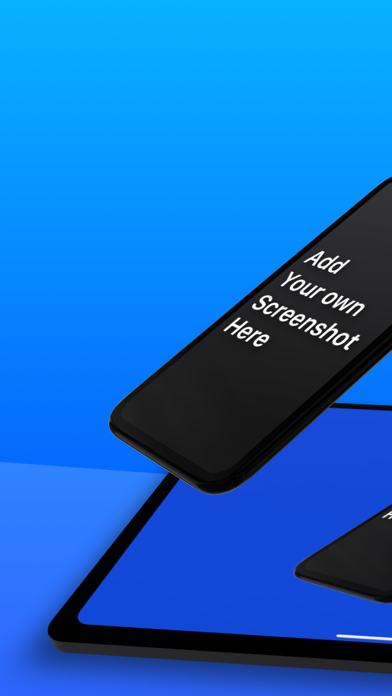
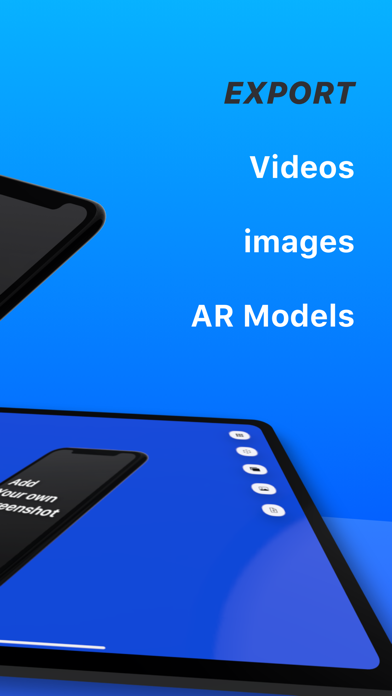
Create stunning screenshots and animated videos for your app with SceneShot! • Choose a support : phone, tablet, laptop, screenshot...• Drag the device to any angle • Import your screenshots• Change the background to a color, an image or a video• Create 3D animations• Export images (including transparent background pngs)• Export animated videos• Add overlays to the 3D device• Add Filters like blur or Bloom• Export and share as 3D file AR object (.usdz)• Import your own 3D files (.usdz, .obj, .scn)• Look at your designs in Augmented Reality• Capture the screen as a background and add more devices.Quick and easy gestures - Drag with one finger to rotate the device- Drag with 2 fingers to move the device- Drag with 3 fingers up and down to move the device's distance to the camera- pinch to ch
Screenshots
How to install SceneShot on iOS
- Download UnKeySign on your iPhone
- Import SceneShot IPA into UnKeySign
- Add your P12 certificate and provisioning profile
- Tap Sign — the app installs automatically