
SatFinder
About
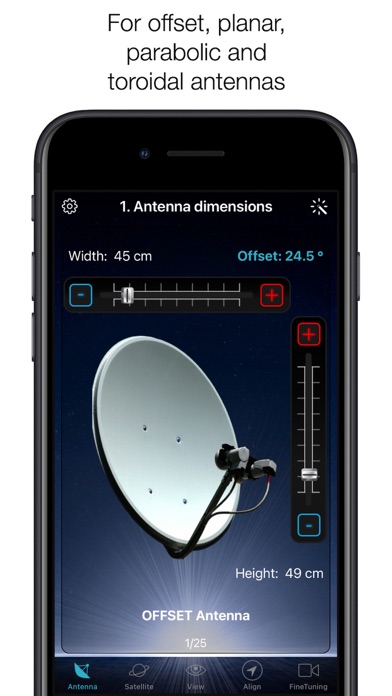
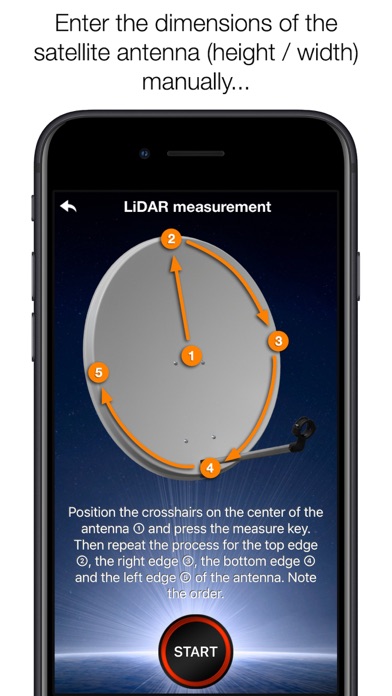
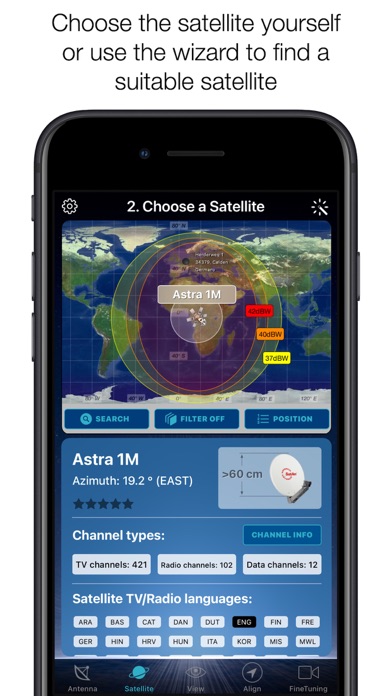
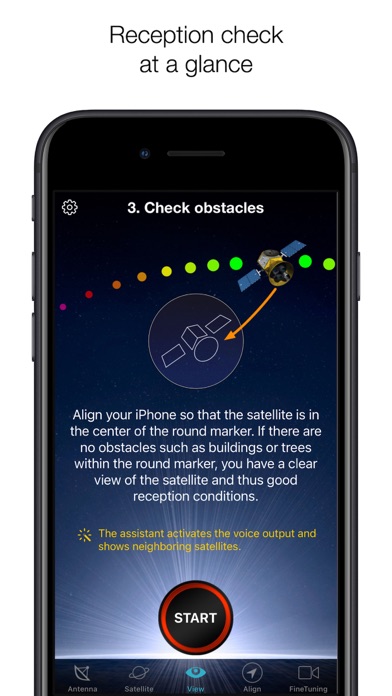
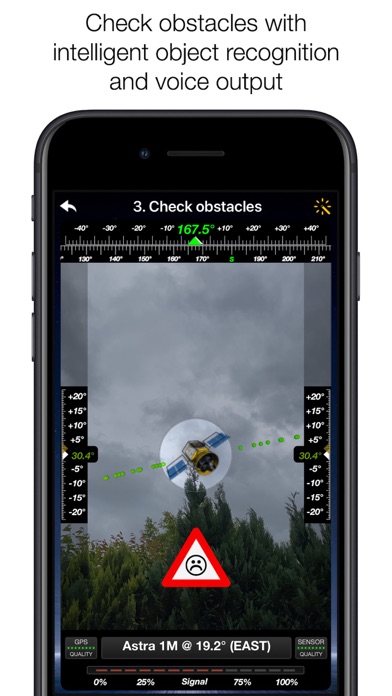
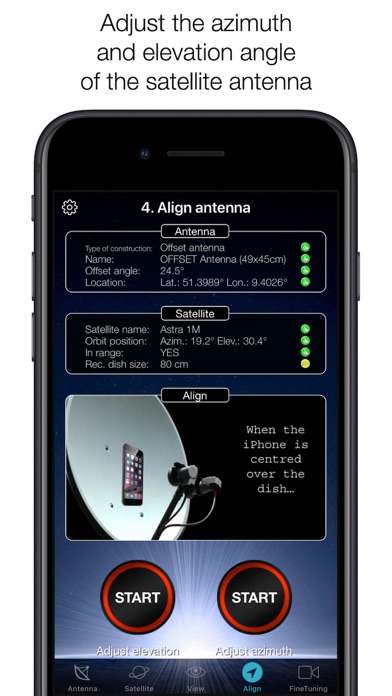
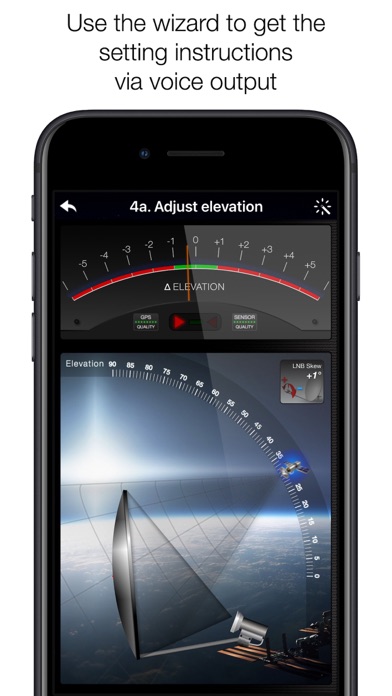
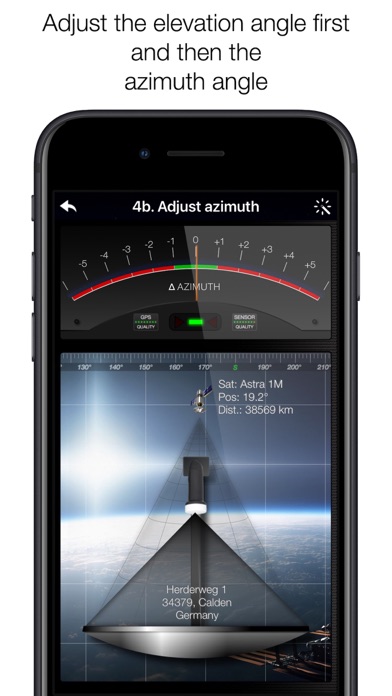
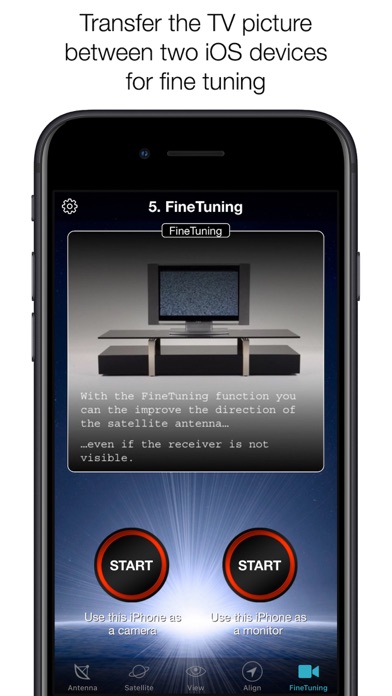
With SatFinder you can adjust your satellite antenna in a few seconds and with 4 simple steps:STEP 1 - CHOOSE YOUR ANTENNAChoose one of the four different antenna designs: - Offset antennas (the most common, is slightly oval, the LNB is not in the center). - Special design (e.g. Oblong shaped Offset antenna, Multifeed antenna) - Parabolic antenna (LNB is located in the center of the reflector, usually larger than 100cm) - Flat or planar antenna (small, camping antennas)If you have an offset antenna, enter the height and width of the antenna. If your antenna has a special shape, enter the offset angle and the size of the satellite antenna. You can find the offset angle in the manual of your satellite antenna. For parabolic antennas it is sufficient to enter the antenna diameter. With a f
Screenshots
How to install SatFinder on iOS
- Download UnKeySign on your iPhone
- Import SatFinder IPA into UnKeySign
- Add your P12 certificate and provisioning profile
- Tap Sign — the app installs automatically