

Reverse Image Search App
About
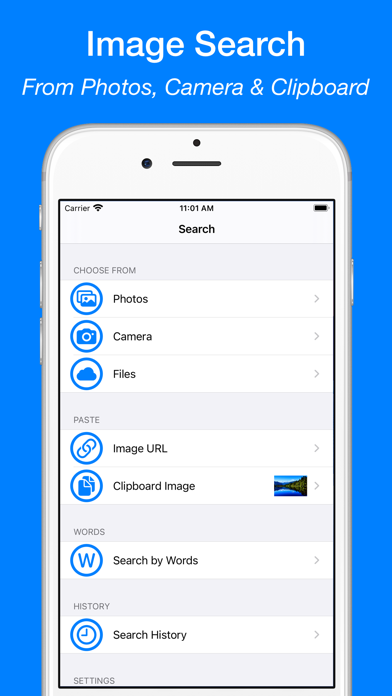
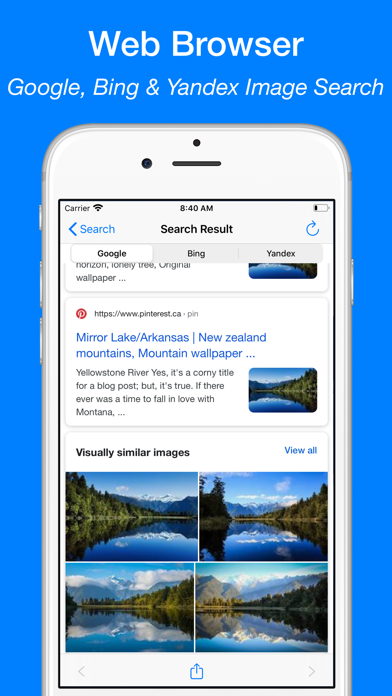
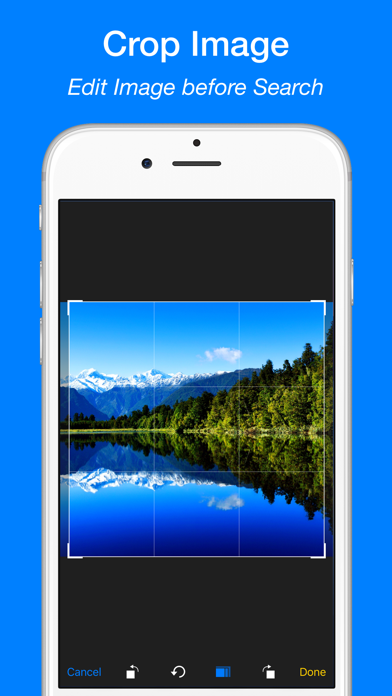
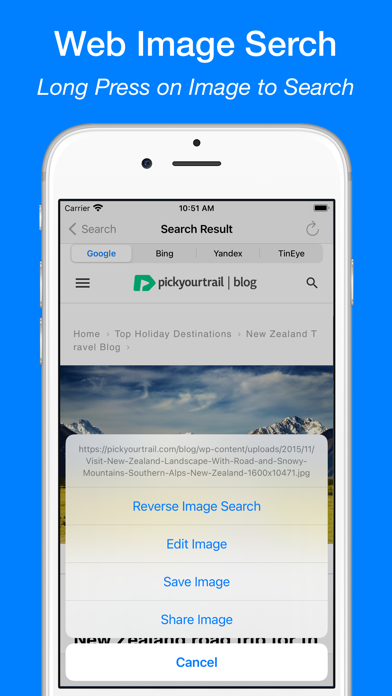
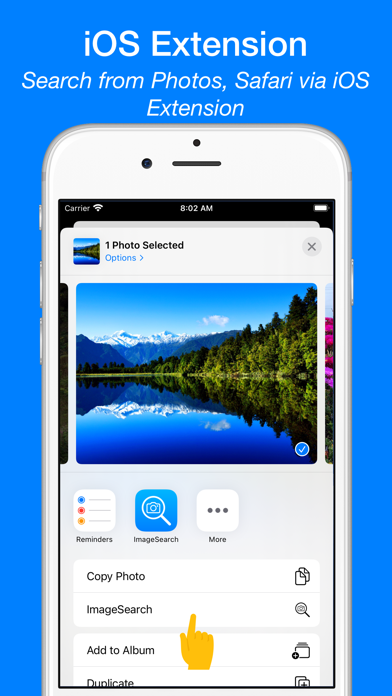
Reverse Image Search let you search images via Google Image Search (Google Lens), Bing Image Search, Yandex Image Search and TinEye Image Search.FEATURES:- Directly search images from your Photo Library, Camera, Clipboard and Files on your devices.- Search images via image URL.- Search from apps like Photos, Safari via iOS extension.- Long press on image to search in Web Browser.- Search images by words.- Crop and rotate images.- Image search history. - Save images to your devices in Web Browser.SUBSCRIPTION:Payment will be charged to iTunes Account at confirmation of purchase. Subscription automatically renews unless auto-renew is turned off at least 24 hours before the end of the current period. Account will be charged for renewal within 24 hours prior to the end of the current period at
Screenshots
How to install Reverse Image Search App on iOS
- Download UnKeySign on your iPhone
- Import Reverse Image Search App IPA into UnKeySign
- Add your P12 certificate and provisioning profile
- Tap Sign — the app installs automatically