

RetroCam: camera photo filters
About
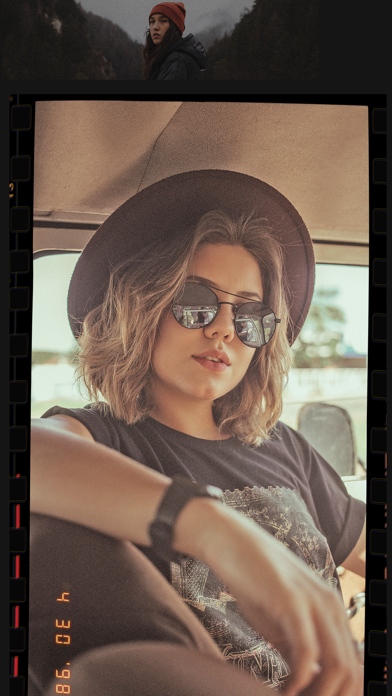
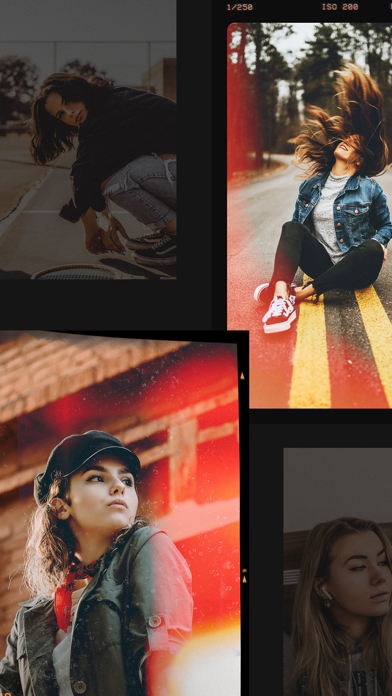
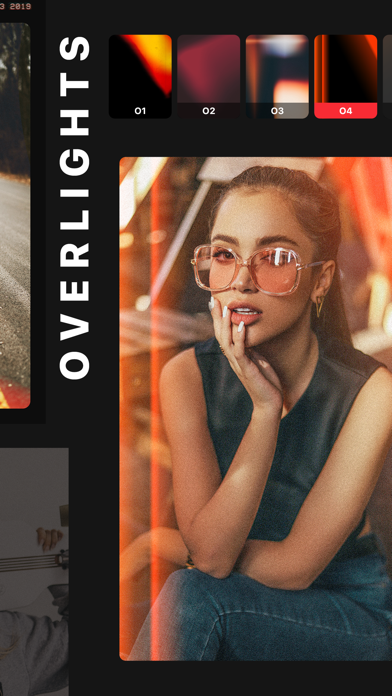
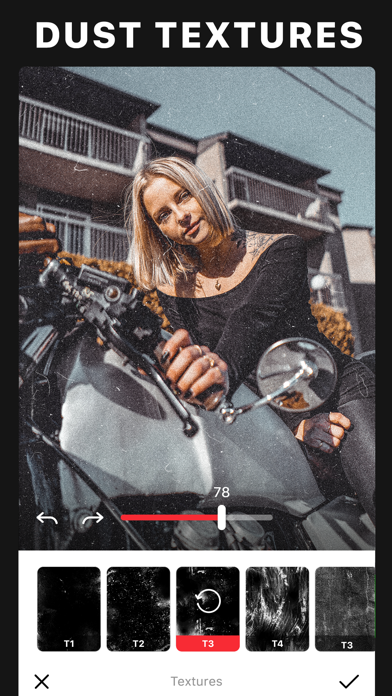
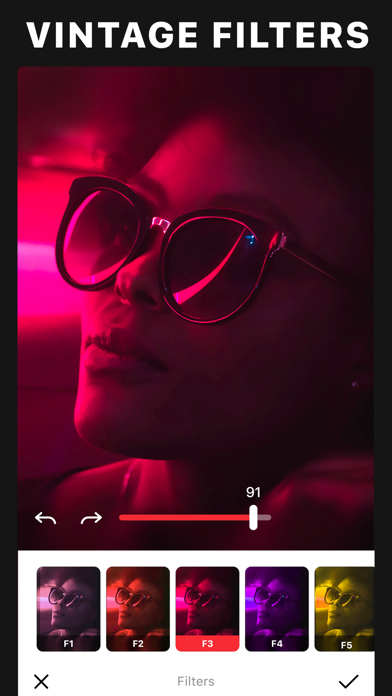
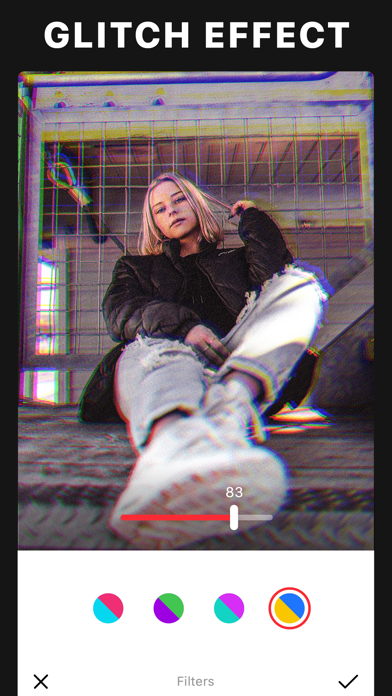
You’ve seen them all over social media - faux film photos with random light leaks, and a grainy vintage look. If you want give your photos that authentic retro effect, all you have to do is download Retrocam. With Retrocam, you can imitate analog photography of the 80’s effortlessly. Load your photo into the app, choose a filter, apply light leaks, scratches or dust textures and you’re done! With Retrocam’s vintage filters are carefully crafted to recreate the retro feel in the most realistic manner and will make even the most mundane photo will look artistic and well-composed. Reproduce the style of classic cameras and vintage film by tinkering with highlights, shadows, tints, fade, saturation, and vignette, coupled with light leaks for a retro feel. Retrocam is designed to do what onl
Screenshots
How to install RetroCam: camera photo filters on iOS
- Download UnKeySign on your iPhone
- Import RetroCam: camera photo filters IPA into UnKeySign
- Add your P12 certificate and provisioning profile
- Tap Sign — the app installs automatically