
Remote Mouse Pro
About
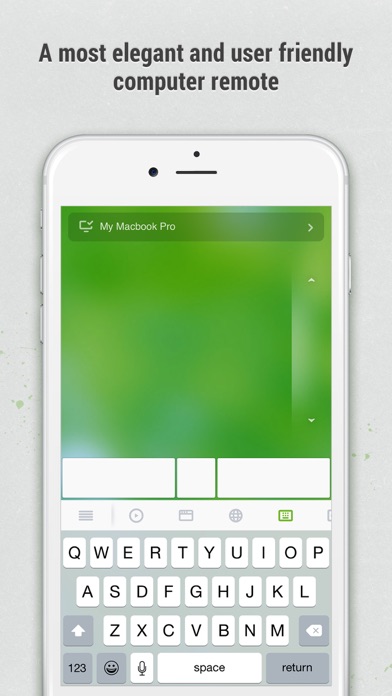
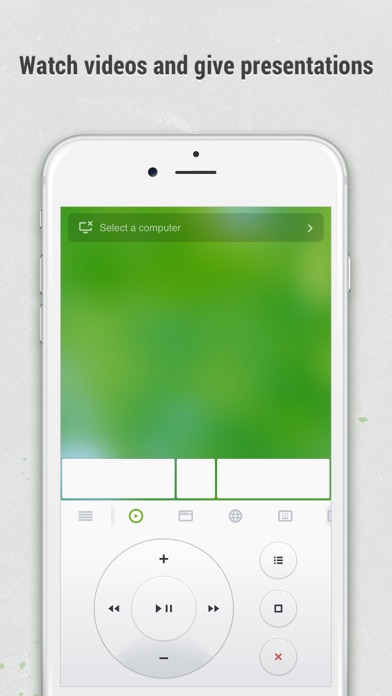
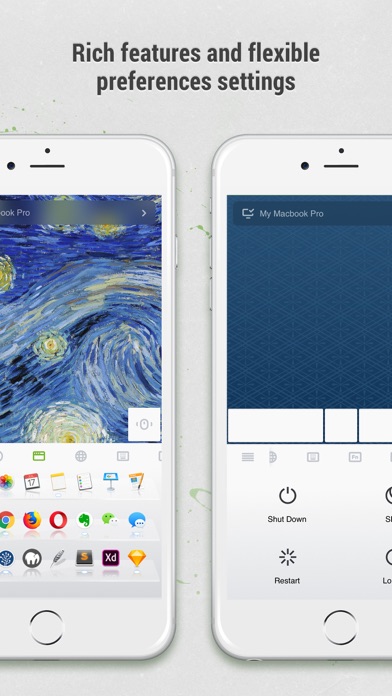
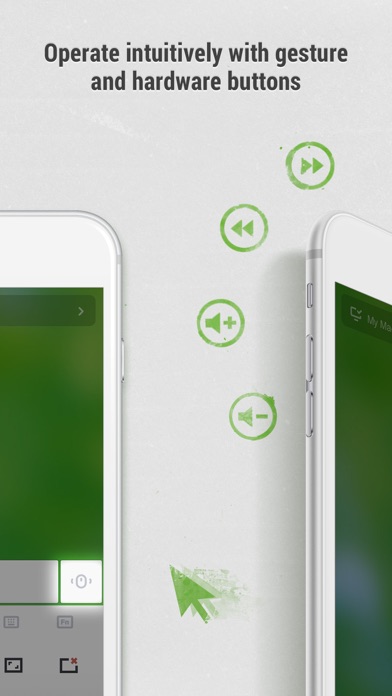
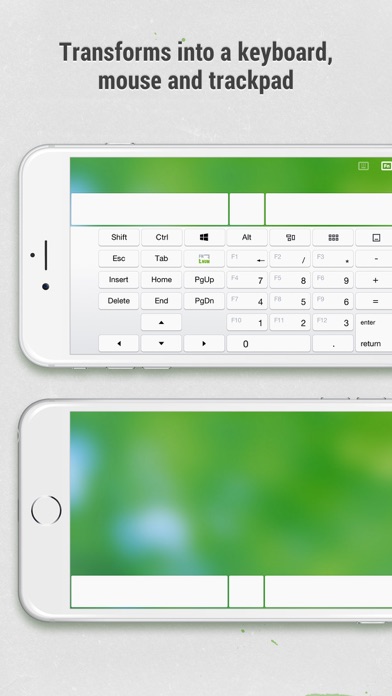
Remote Mouse™ transforms your mobile phone or tablet into an easy-to-use remote control for your computer. It mimics the functions of a wireless mouse, keyboard, and touchpad, and also offers various specialized control panels such as Media Remote, Application Switcher, Cross-device clipboard, and Web Browsing Remote, which enable you to perform specific operations more efficiently. The small features, designed for one-handed use or intuitive operations, will delight you.As it was featured on CNET, Mashable, and Product Hunt, Remote Mouse is considered one of the most sophisticated and user-friendly computer remote apps. It has been used by over 20 million users worldwide.Whether you're watching a movie online, giving a presentation, or shutting down your computer with one click, nothing c
Screenshots
How to install Remote Mouse Pro on iOS
- Download UnKeySign on your iPhone
- Import Remote Mouse Pro IPA into UnKeySign
- Add your P12 certificate and provisioning profile
- Tap Sign — the app installs automatically