
Remote KeyPad and NumPad Pro
About
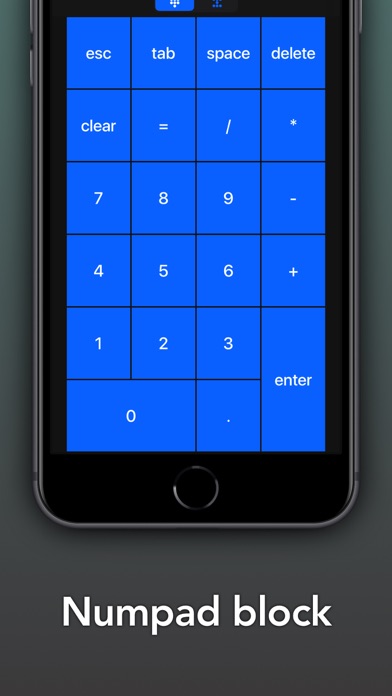
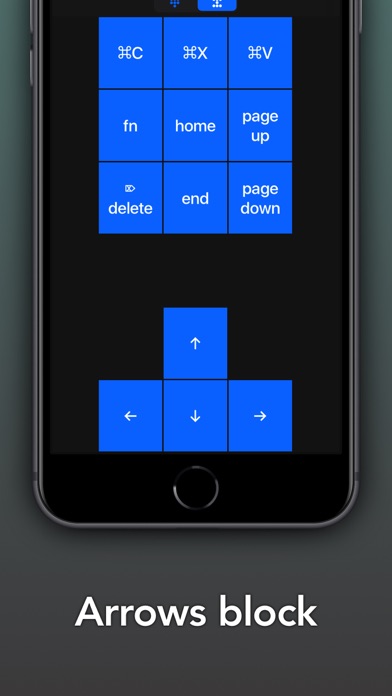
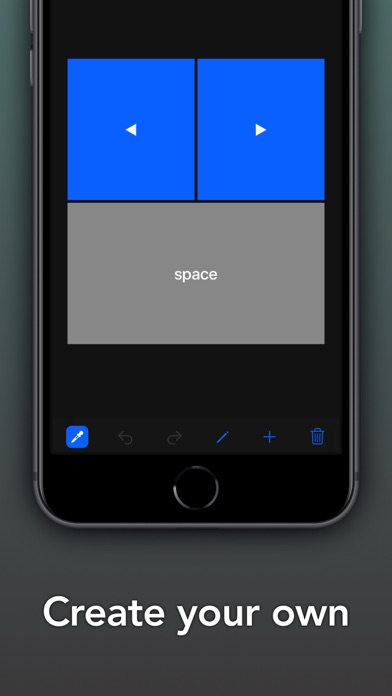
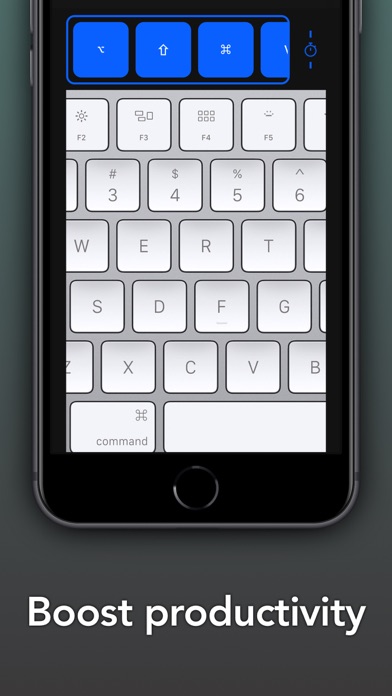
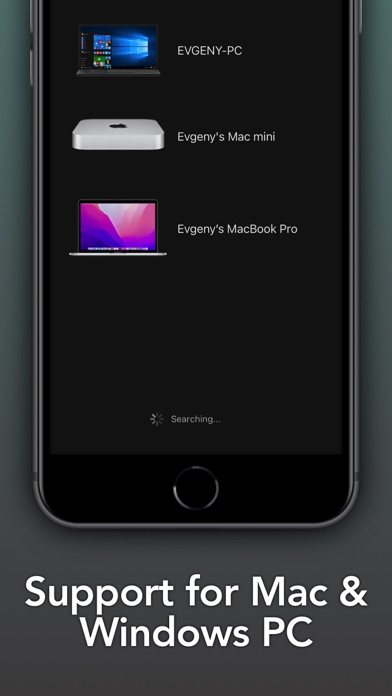
Turn your iPhone or iPad into a powerful and elegant keyboard extension with numbers and navigation pads.Create custom keypads for your professional tools to boost productivity.Move freely and control your computer from across the room. No line of sight is required - the app uses WiFi to connect to your computer.Setup is both quick and easy, just download the helper app from my website and install it on your computer and that's it.The app exists since 2016 and has been downloaded more than 300,000 times and received very positive reviews both from users and from the press. It's actively maintained and receives frequent updates with new and exciting features.MAIN FEATURES- Numbers block- Navigation blockADVANCED FEATURES- Create custom keypads to control apps and websites- High customizatio
Screenshots
How to install Remote KeyPad and NumPad Pro on iOS
- Download UnKeySign on your iPhone
- Import Remote KeyPad and NumPad Pro IPA into UnKeySign
- Add your P12 certificate and provisioning profile
- Tap Sign — the app installs automatically