
Remote Desktop - RDP
About
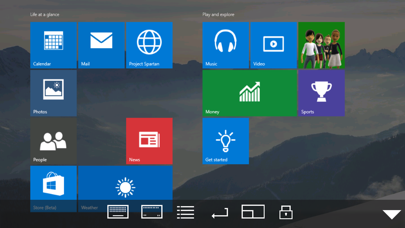
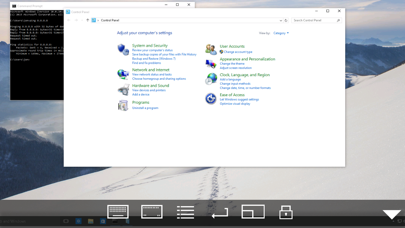
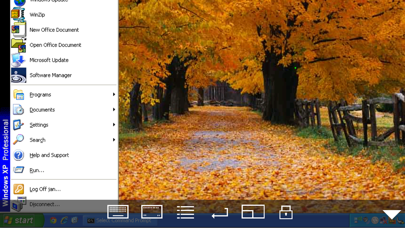
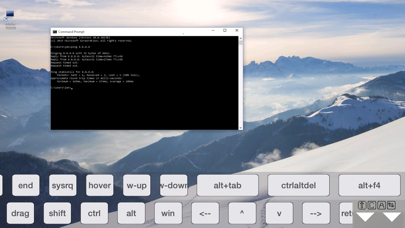
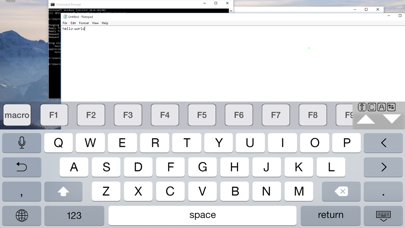
Using your iPhone or iPad, you can connect to your Windows Workstation Computer and see the files, programs, and resources exactly as you would if you were sitting at your desk, just on a smaller screen. Mocha Remote Desktop (RDP) provides access to a PC running Windows XP Professional or Windows 7/8/10. HOME edition or Windows 200x Servers cannot be supported. Before buying, please try our free Lite version. FEATURES - Standard RDP protocol. - 8/16 bit color mode for faster screen updates. - Zoom and scroll as the Safari Browser. - Landscape mode. - View only mode. - Mouse left/right click, drag , hover and wheel. - Support for Swiftpoint GT hardware mouse. - Support for a Bluetooth mouse, when using an iPad. - Support for Mouse Easy. Use an iPhone as a bluetooth trackpad. - WOL
Screenshots
How to install Remote Desktop - RDP on iOS
- Download UnKeySign on your iPhone
- Import Remote Desktop - RDP IPA into UnKeySign
- Add your P12 certificate and provisioning profile
- Tap Sign — the app installs automatically