
Remember: Stickies Widget
About
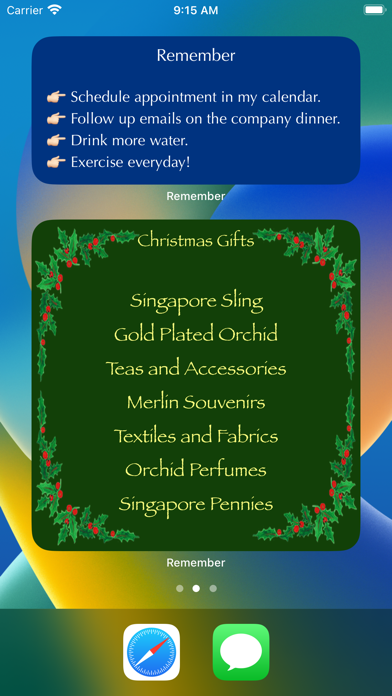
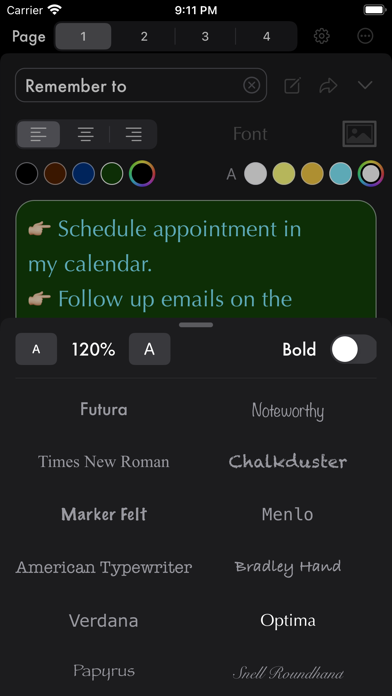
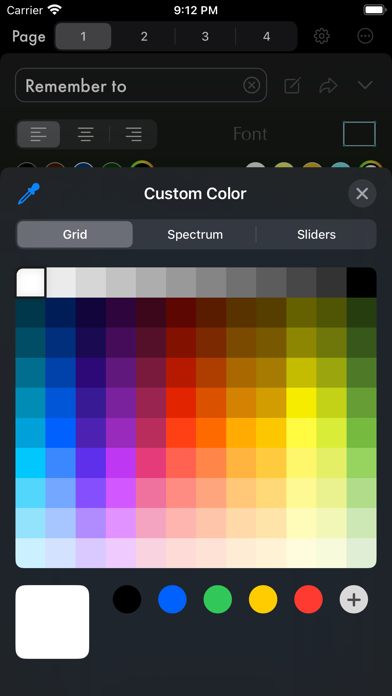
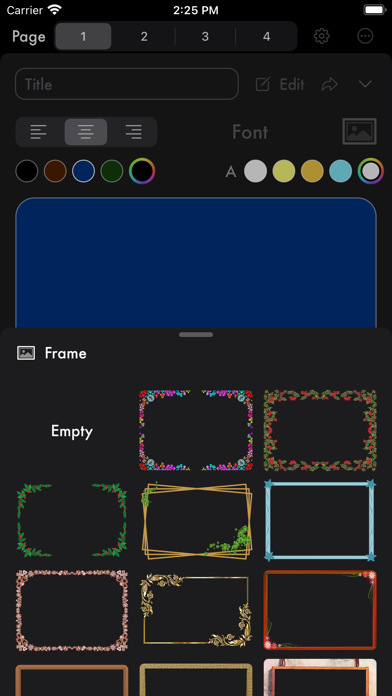
Show stickies on iPhone/iPad home screen, Mac notification center and Apple Watch faces. Customise stickies with colors, fonts and beautiful frames! Sync devices with iCloud! 【 iPhone / iPad / Mac 】 • select a page to write and design. • select text and page color. • change font and text alignment. • select a beautiful frame! • add widgets to home screen or lock screen! • add widgets to notification center on Mac ! • send to Apple Watch and show as complications! 【 Apple Watch 】 • enter text directly or transfer from iPhone app. • setup as complications on watch faces. • select text/page color (used in color watch faces*). • dictate on watch and sent the text back to iPhone! • use emojis to design your own watch faces (used in color watch faces*). * color watch faces: Infograph Modular
Screenshots

How to install Remember: Stickies Widget on iOS
- Download UnKeySign on your iPhone
- Import Remember: Stickies Widget IPA into UnKeySign
- Add your P12 certificate and provisioning profile
- Tap Sign — the app installs automatically