

Reeder Classic
About
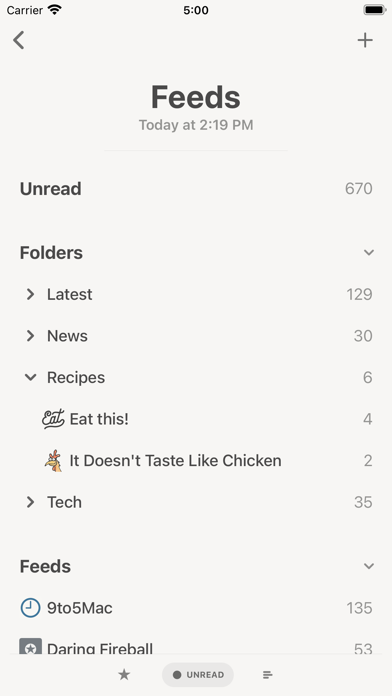
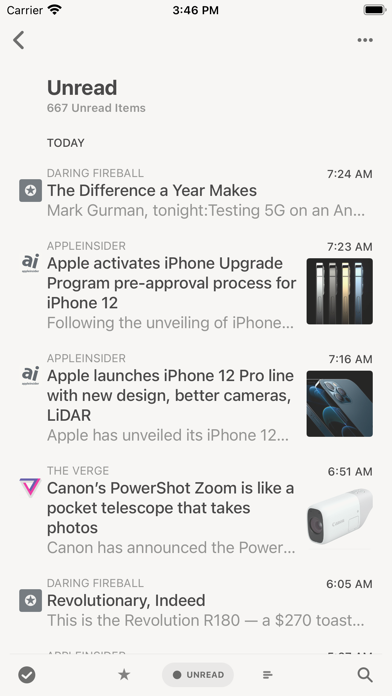
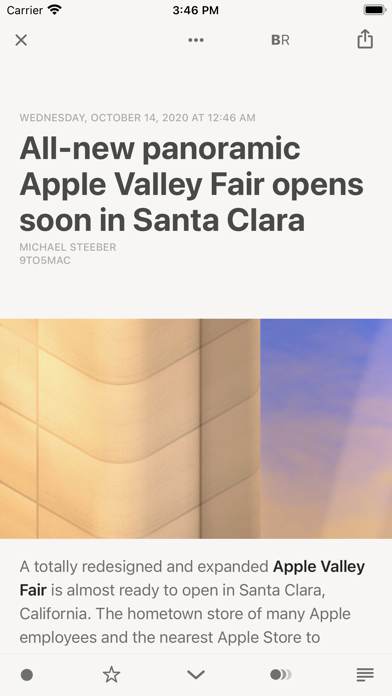
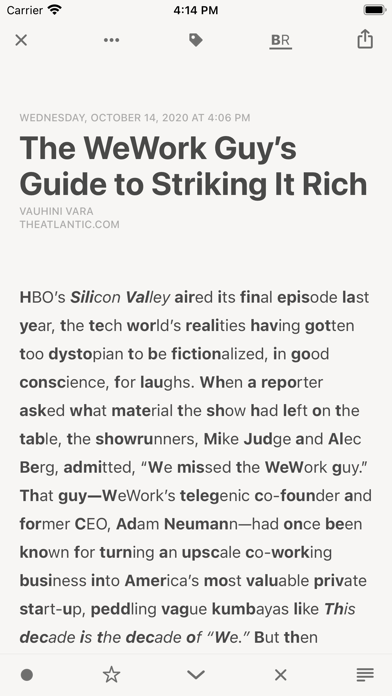
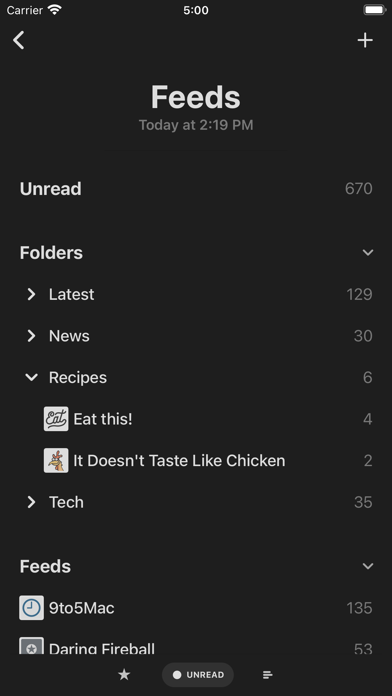
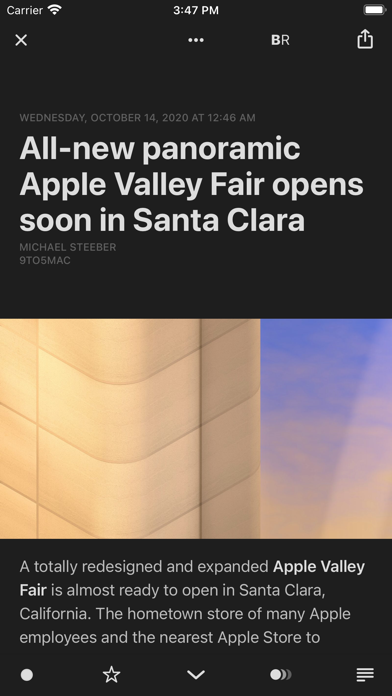
Keep control of your news reading with Reeder Classic, RSS reader and read later client in one app, now with support for iCloud syncing. FEEDS Sync all your feeds and articles with iCloud. Reeder Classic comes with a built-in RSS/Feeds service which will keep everything in sync on all your devices. Of course, this is optional. You can still just use one of the many third-party services supported by Reeder or just RSS (without sync). READ LATER This is Reeder's built-in read later service which stores all your data securely in iCloud. A sharing extension allows you to add links from outside of Reeder. BIONIC READING A higher dimension of reading. With Bionic Reading you read texts with more focus, awareness, and sustainability. Read more about Bionic Reading at bionic-reading.com. W
Screenshots


How to install Reeder Classic on iOS
- Download UnKeySign on your iPhone
- Import Reeder Classic IPA into UnKeySign
- Add your P12 certificate and provisioning profile
- Tap Sign — the app installs automatically