

Quantumult X
About
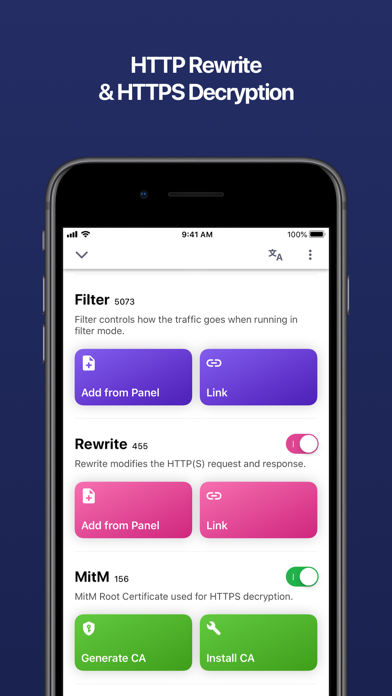
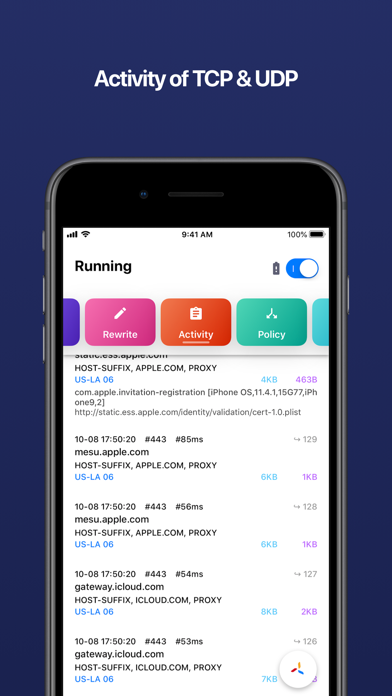
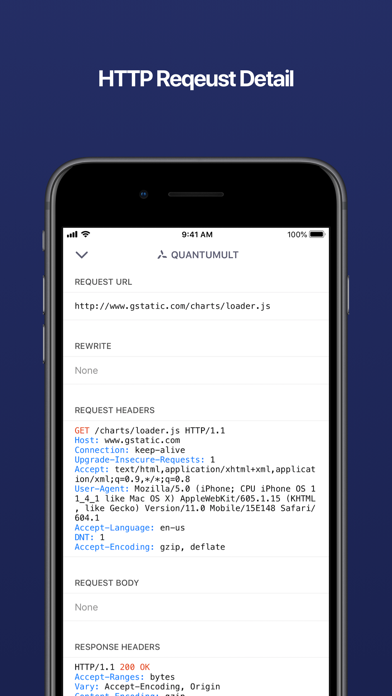
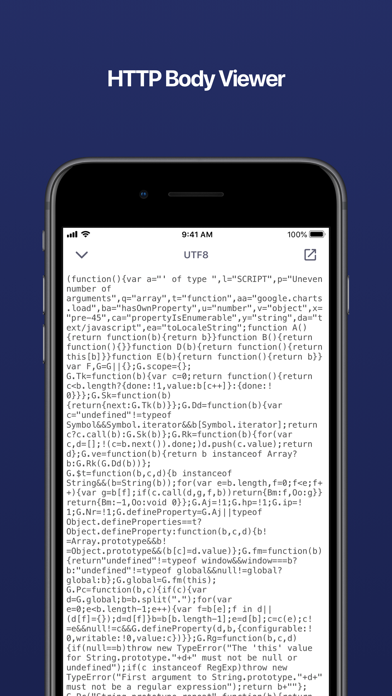
Quantumult completely rebuilt from scratch, and includes a lots of awesome new features! Quantumult X is a powerful network tool for web developers and users who need to customize their proxies. For web develpers: - HTTP activity can record the whole HTTP request and response including body(HTTP debug should be enabled). - The MitM HTTP decryption can work for the traffics from TUN interface(MitM should be enabled). - HTTP rewrite with URL 302/307 redirect or request header/body modification or response header/body modification(Rewrite should be enabled). - Customized DNS settings for specific domains(IPv4 or IPv6), only can be edited in configuration profile. For users who need to customize their proxies: - Supports shadowsocks proxy protocol. - Supports shadowsocks with obfs-tls or o
Screenshots

How to install Quantumult X on iOS
- Download UnKeySign on your iPhone
- Import Quantumult X IPA into UnKeySign
- Add your P12 certificate and provisioning profile
- Tap Sign — the app installs automatically