

QRCodeScanner - Scan Any QR
About
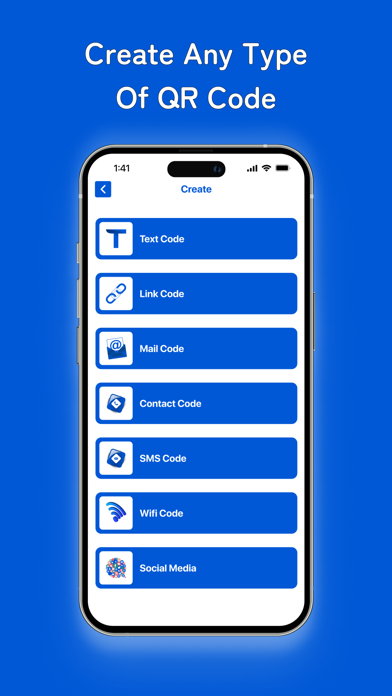
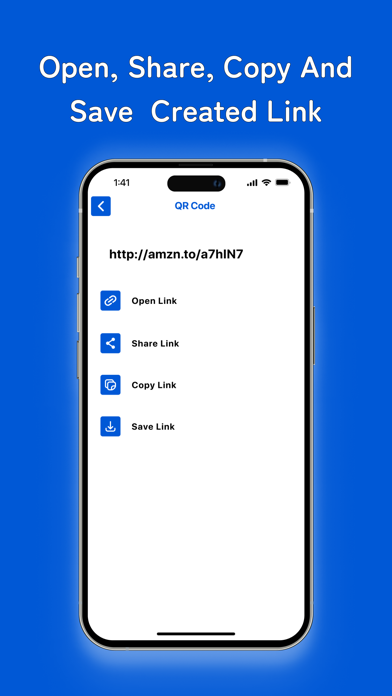
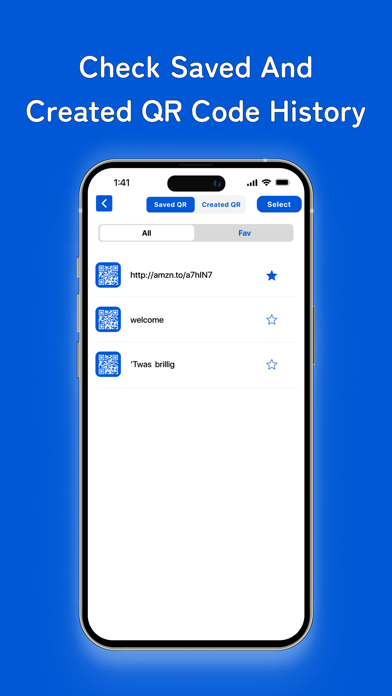
QR Code Scanner: Your All-in-One QR Code Solution Welcome to QR Code Scanner, your all-in-one QR code solution! Whether you need to scan QR codes or generate new ones, this app has you covered. With a sleek and intuitive interface, it's easy to use for both beginners and QR code enthusiasts. Transform your smartphone into a powerful QR code tool, ready to handle all your scanning and generating needs. Key Features: Scan QR Codes: Effortlessly scan QR codes using your device's camera. Simply point, scan, and instantly access the information encoded within the code. Whether it’s a URL, contact info, text message, or more, QR Code Scanner reads it all with lightning speed and accuracy. Create QR Codes: Generate custom QR codes for websites, contacts, text messages, Wi-Fi networks, and more
Screenshots


How to install QRCodeScanner - Scan Any QR on iOS
- Download UnKeySign on your iPhone
- Import QRCodeScanner - Scan Any QR IPA into UnKeySign
- Add your P12 certificate and provisioning profile
- Tap Sign — the app installs automatically