
QR Reader for iPhone
About
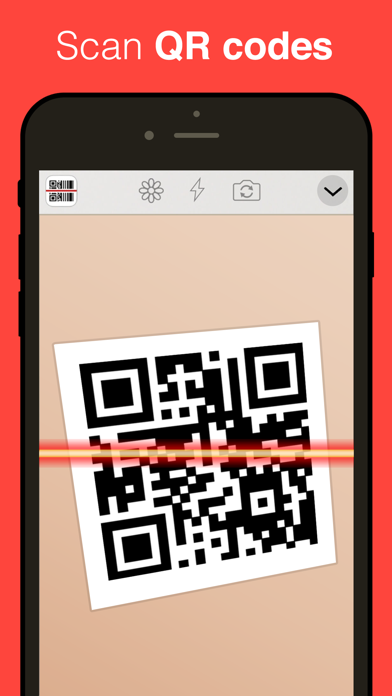
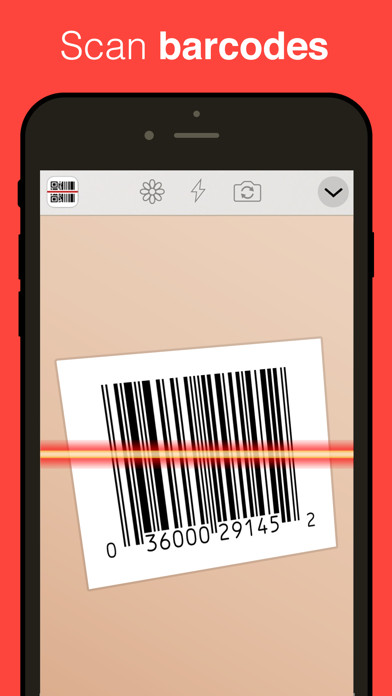
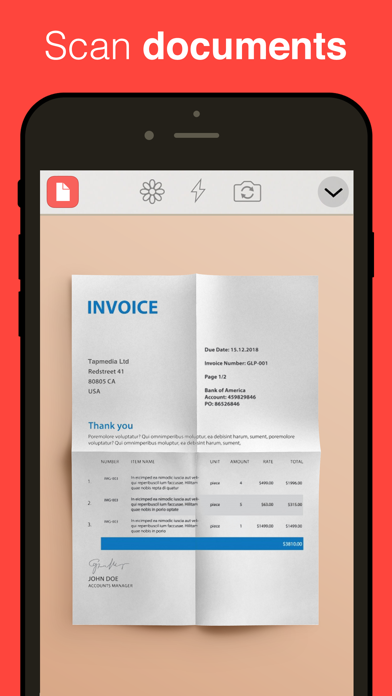
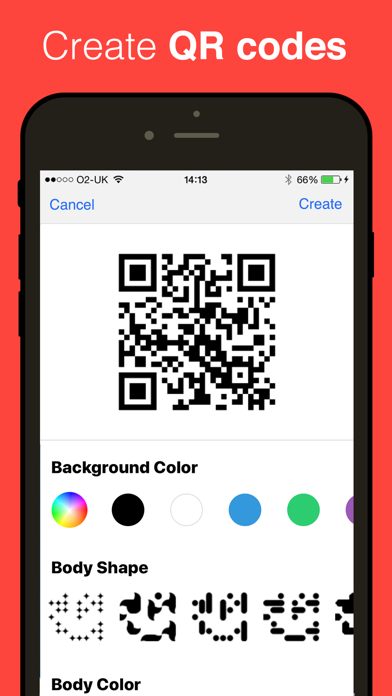
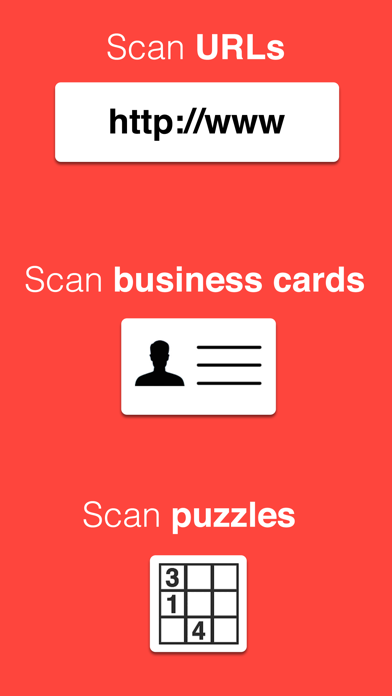
The most simple & easy QR Reader - download now for FREE! Now scans QR codes, barcodes, puzzles, business cards and documents. FEATURES - Code Scanner - scans QR codes & barcodes - PDF Scanner - turns your iPhone into a digital scanner - Business Card Scanner - scans business contacts - Puzzle Scanner - scan and play puzzles - Database Scanner - send barcodes to a server/API - NFC Scanner (Only available NFC compatible devices) - Browse products, deals & coupons - Auto-detect scanning. Simply point & hold! - Share using email, messenger, Facebook or Twitter. - Create your own QR codes (Export as PNG or SVG) - Approve websites before visiting them. - Export your scans by CSV ------------------------------------ TAPMEDIA PRO SUBSCRIPTION - You will receive access to the apps in the Ta
Screenshots
How to install QR Reader for iPhone on iOS
- Download UnKeySign on your iPhone
- Import QR Reader for iPhone IPA into UnKeySign
- Add your P12 certificate and provisioning profile
- Tap Sign — the app installs automatically