
QR Code Reader & QR Scanner ·
About
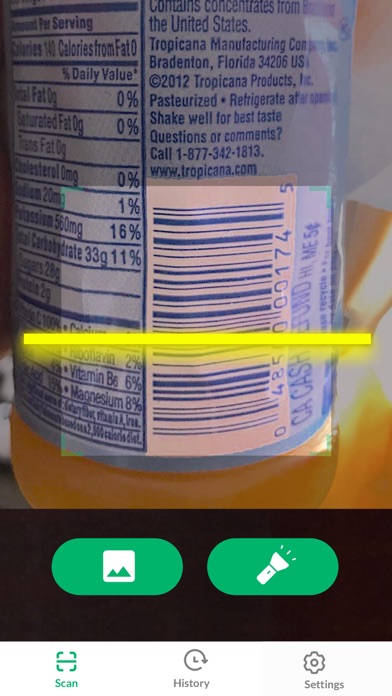
The lightning QR code scanner app for Apple devices to scan QR code. It supports all QR/barcode formats! QR Code Reader & QR Scanner can read and decode all kinds of QR code and barcode, including contacts, products, URL, Wi-Fi, text, books, E-mail, location, calendar, etc. You can also use it to scan promotion and coupon codes in shops to get discounts.※ QR code reader and scanner※ Barcode scanner※ Extreme QR scanner app※ Barcode reader and scannerWhy choose QR Scanner?√ Support all QR & barcode formats√ Auto zoom√ All scan history will be saved√ Scan QR / barcodes from gallery√ Use flashlight to scan in dark environment√ No internet connection required√ Scan promotion and coupon codes√ Privacy safe. Only camera permission requiredHow to use1. Point camera to the QR code/barcode2. Au
Screenshots



How to install QR Code Reader & QR Scanner · on iOS
- Download UnKeySign on your iPhone
- Import QR Code Reader & QR Scanner · IPA into UnKeySign
- Add your P12 certificate and provisioning profile
- Tap Sign — the app installs automatically