
QR Code & Barcode Scanner ・
About
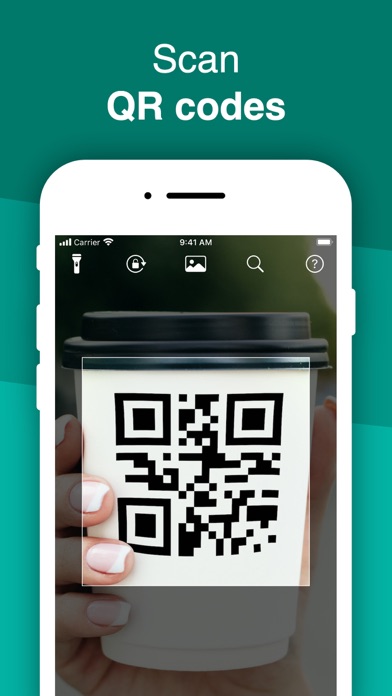
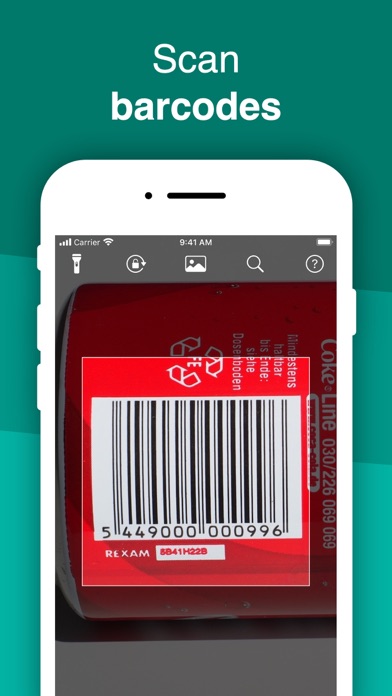
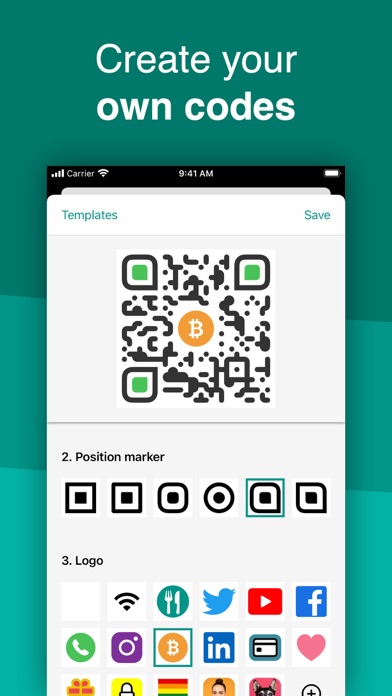
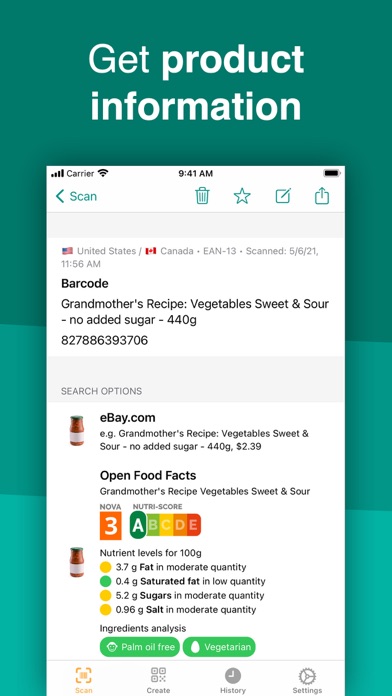
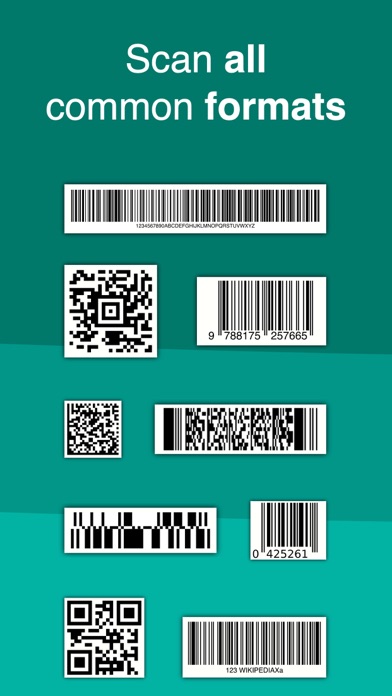
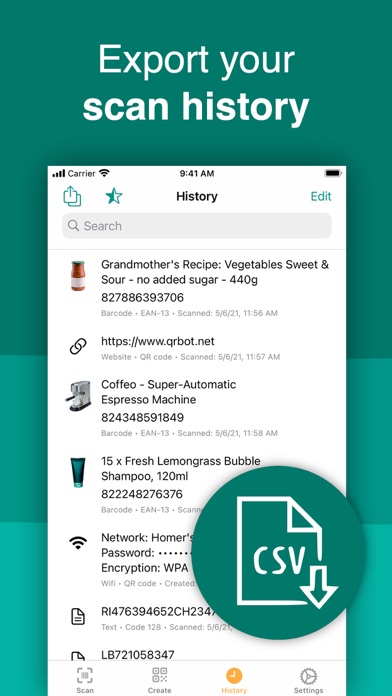
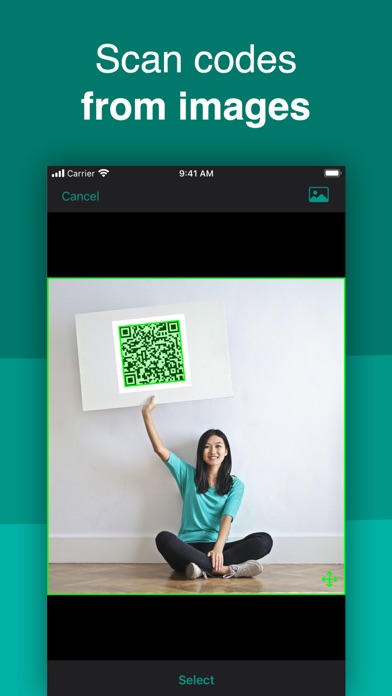
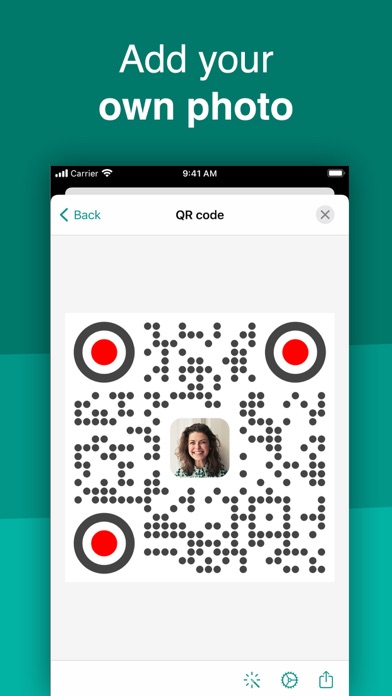
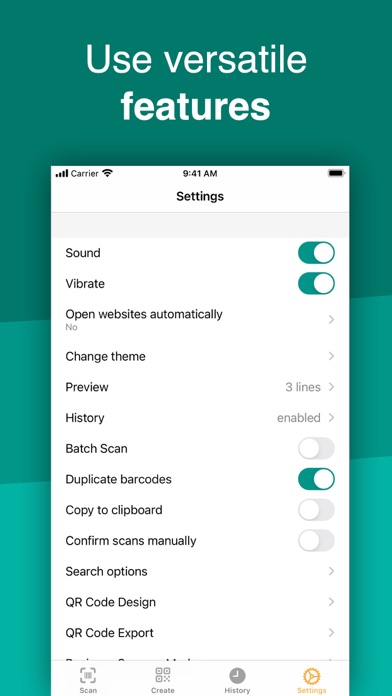
Discover your world by scanning any QR code or barcode to get additional information including results from popular online services; Amazon, eBay and Google - 100% FREE! Create and share QR codes to open URLs, connect to WiFi hotspots, add events, read VCards, etc. You can even manage complex inventory with the business scanner mode and more. With QRbot, you can; • Scan, create, share and manage your own QR codes. QRbot uses Apple's built-in native scanning technology delivering quick results. Code formats supported include; QR code, EAN 13, EAN 8, UPC-A, UPC-E, Code 128, Data Matrix, PDF417, Aztec, Interleaved 2 of 5, Code 39, Code 93, Codabar, DataBar, etc. • Get specific information by adding custom websites into the barcode search (i.e. your favorite shopping website). • Manage unlimi
Screenshots
How to install QR Code & Barcode Scanner ・ on iOS
- Download UnKeySign on your iPhone
- Import QR Code & Barcode Scanner ・ IPA into UnKeySign
- Add your P12 certificate and provisioning profile
- Tap Sign — the app installs automatically