

Print to Size
About
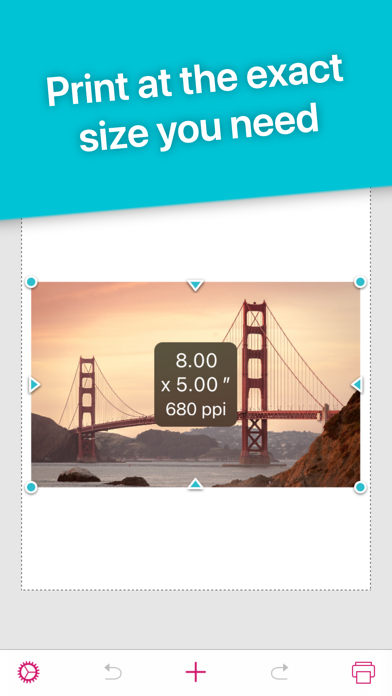
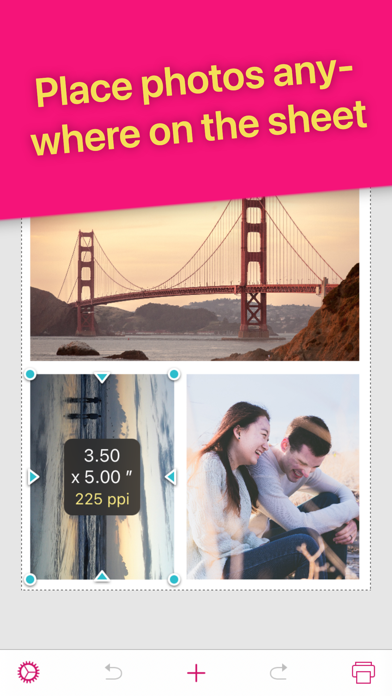
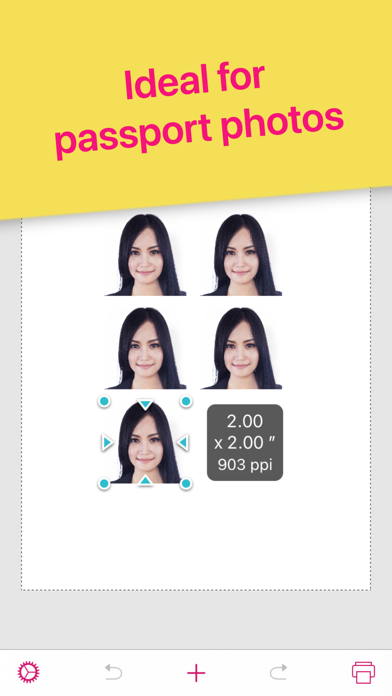
Print images exactly how you want them on the page. Resize and crop in inches or centimeters. Print multiple photos on one sheet. No more surprises or waste.REAL SIZESSize and crop your images in inches or centimeters. Each printed image will match exactly the size displayed on screen.HIGH QUALITYWill it look pixelated? The PPI (DPI) display tells you. For best results avoid stretching photos below 200-300 PPI.Each image is sent to the printer at full resolution to guarantee optimal quality.SAVE PAPERPlace multiple images anywhere on the page. Fill the empty spaces on your sheet and use less paper.SAVE INKChoose the most economical print mode (photo or general quality, color or grayscale).Crop to print only what you need and waste no ink.Intuitive and quick to use with familiar touch gestu
Screenshots
How to install Print to Size on iOS
- Download UnKeySign on your iPhone
- Import Print to Size IPA into UnKeySign
- Add your P12 certificate and provisioning profile
- Tap Sign — the app installs automatically