

Presets & Filters - Koloro
About
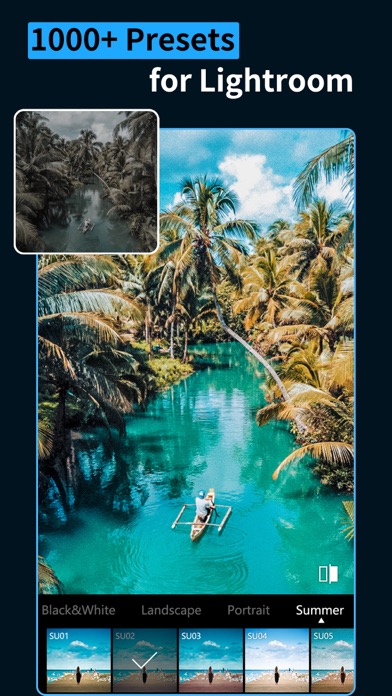
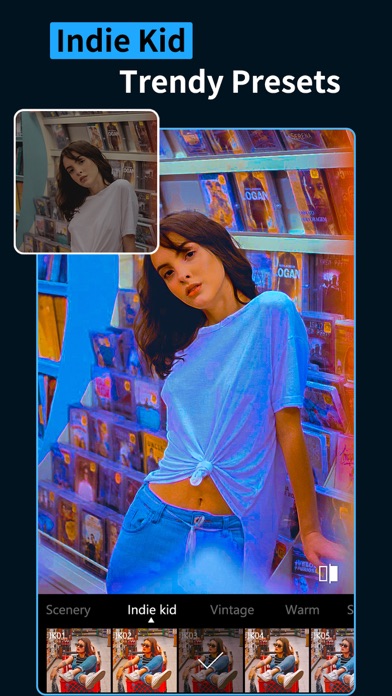
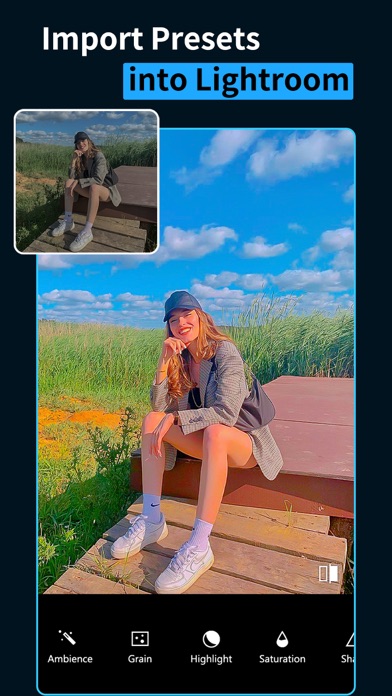
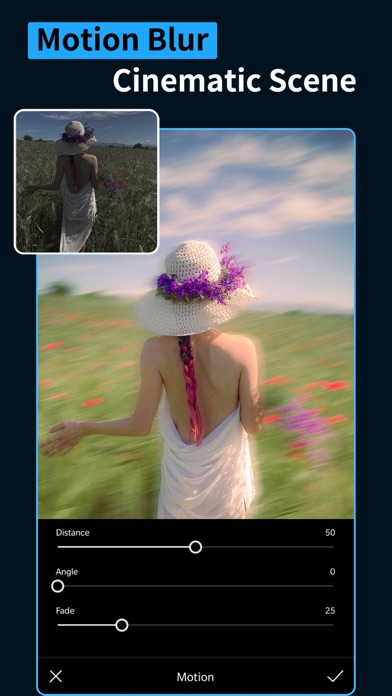
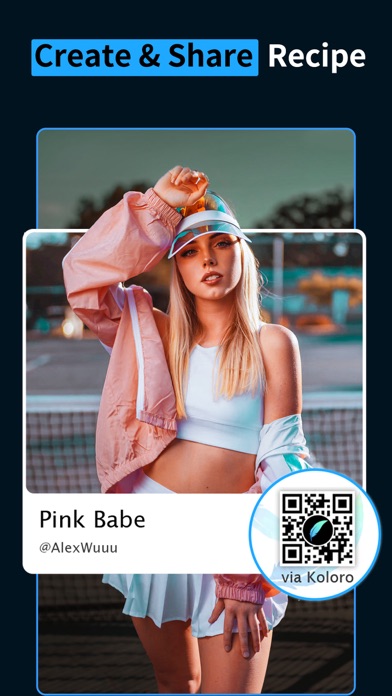
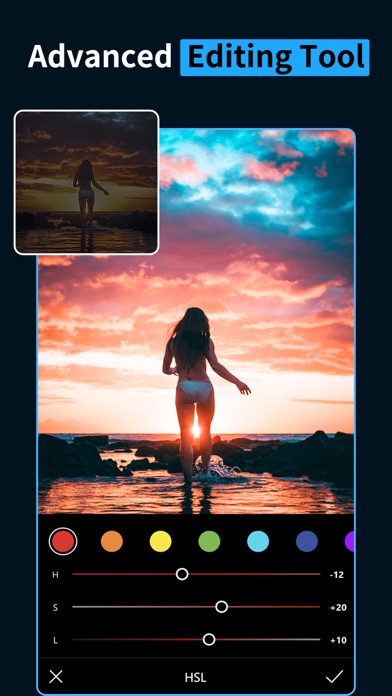
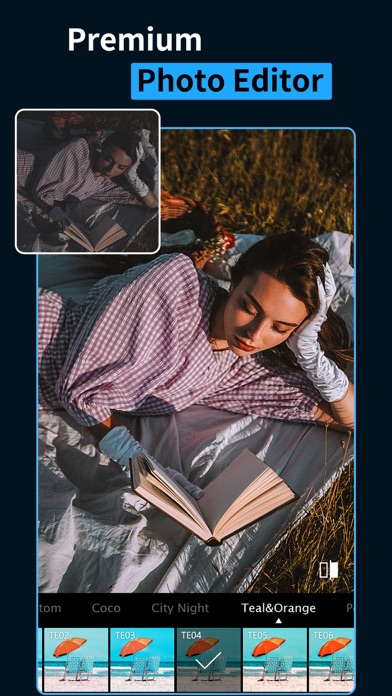
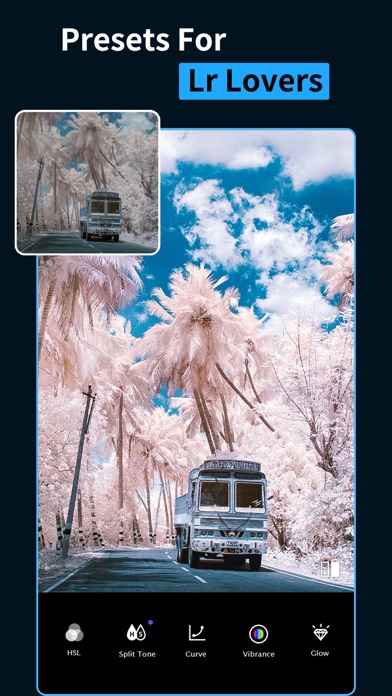
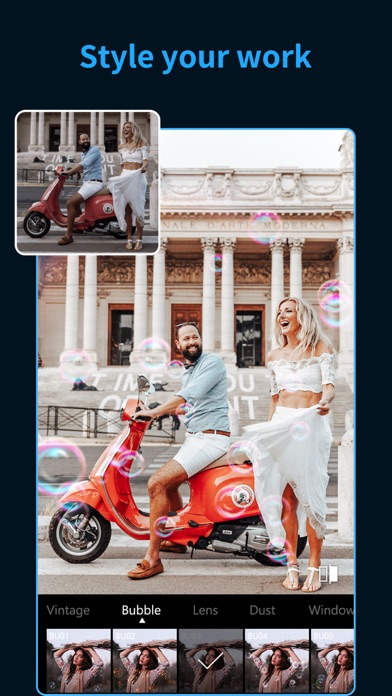
800+ Pro filters800+ filters designed and selected by professional designers and photographers, we provide preset packages with rich themes, such as retro, movie, vintage, ins style, old school camera, Japanese, fresh, foodie, holiday, light leak, blur, black and white, gourmet, Movie, Autumn, Wedding, Portrait, Cyberpunk, etc. Wonderful preset styles for Instagram! Advanced DNG featureCustom your presets and make your pics outstanding.Blockbusting overlay effectsStunning overlays can create a unique atmosphere for your photos and video. We offer a variety of overlays for you, such as smoke, dust effect, kirakira, grain, rainbow, plastic, light leak, film, sun blinds, candy, bubble, vintage camera, glitter, shadow, snowflake etc.20+ Adjust tools to enhance your photo and videoYou can also
Screenshots
How to install Presets & Filters - Koloro on iOS
- Download UnKeySign on your iPhone
- Import Presets & Filters - Koloro IPA into UnKeySign
- Add your P12 certificate and provisioning profile
- Tap Sign — the app installs automatically