
PowerHouz
About
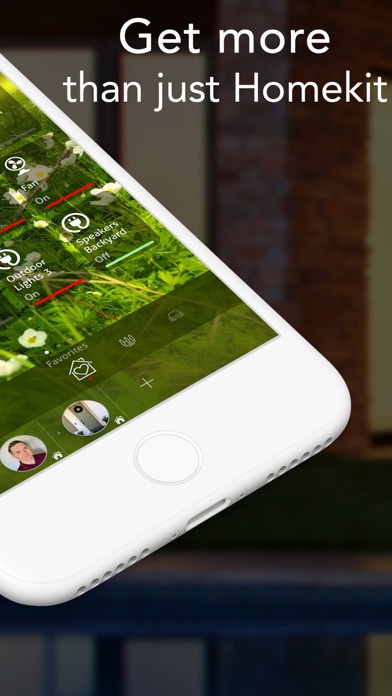
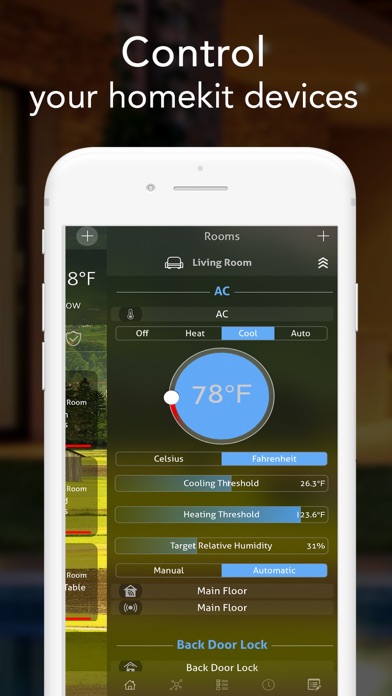
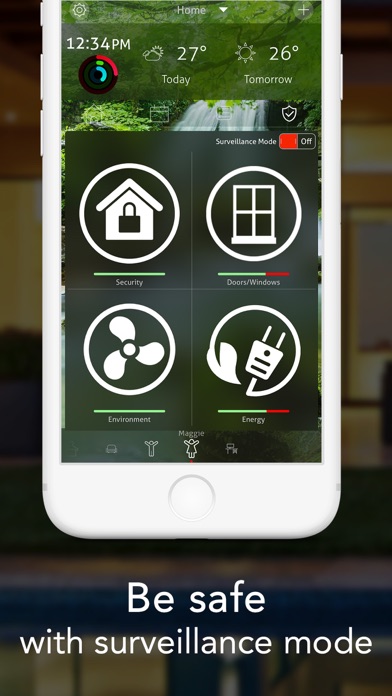
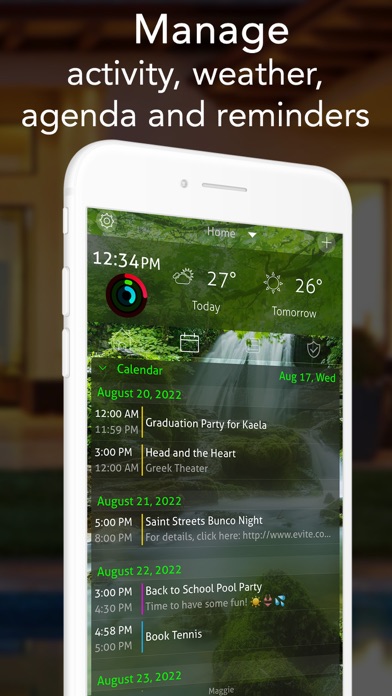
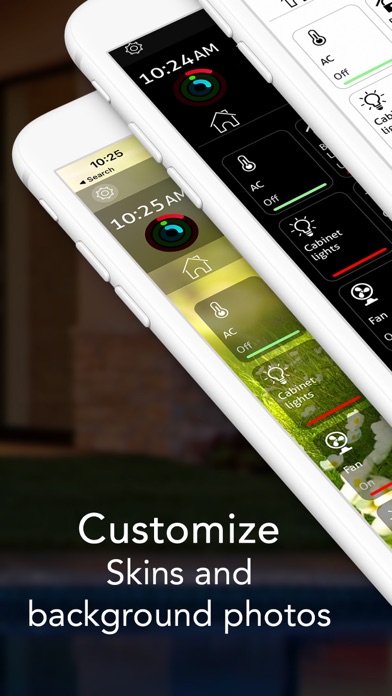
PowerHouz is your Home Portal combining everything you need to manage your life at home including Home Automation, Communication, Organization, Security and Energy management in one slick design. It combines 26 key functions to put you in control of your life at Home.- HomeKit Home Automation- Camera and Security Monitoring- iOs Calendars and Reminders- Weather Forecast- Night Stand Mode- Activity Rings and Sleep Tracking integrated with Apple Health app- Communication with residents, neighbors, emergency and home servicesPowerHouz will simultaneously work on all your iOS Devices including iPhone, iPod, iPad, Apple Watch and Apple TV..The Home Automation module includes all the functionalities available from the Apple HomeKit Standard and allows to manage all HomeKit Accessories, Monitor C
Screenshots





How to install PowerHouz on iOS
- Download UnKeySign on your iPhone
- Import PowerHouz IPA into UnKeySign
- Add your P12 certificate and provisioning profile
- Tap Sign — the app installs automatically