

Pommie - Pomodoro Timer
About
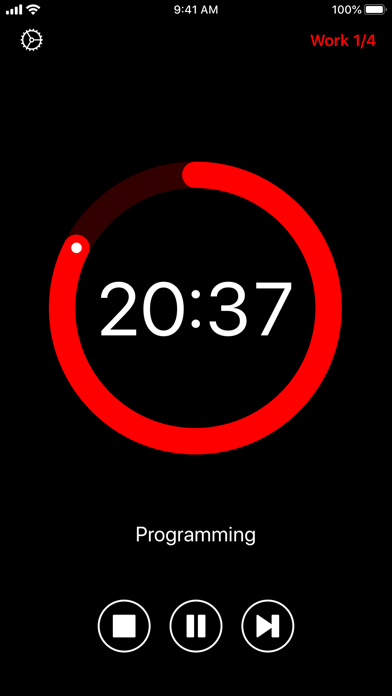
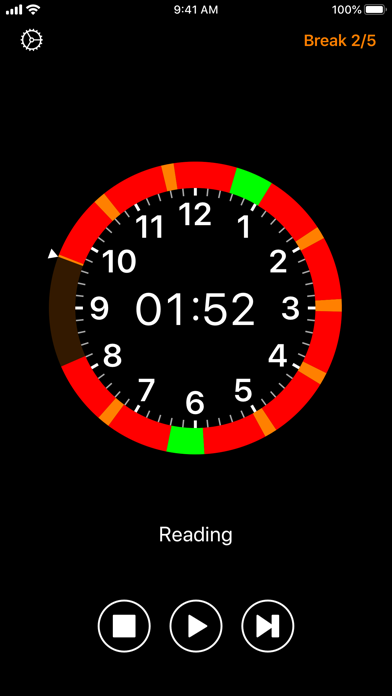
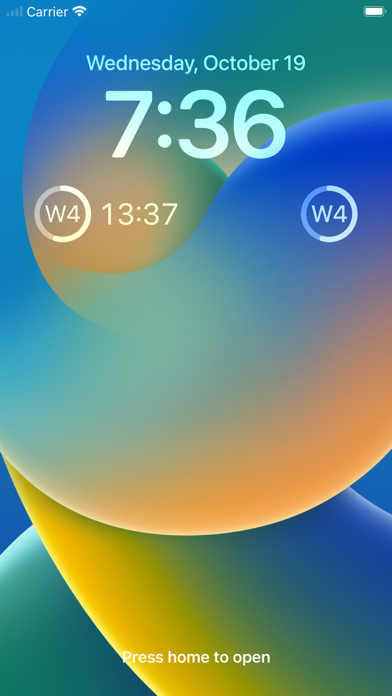
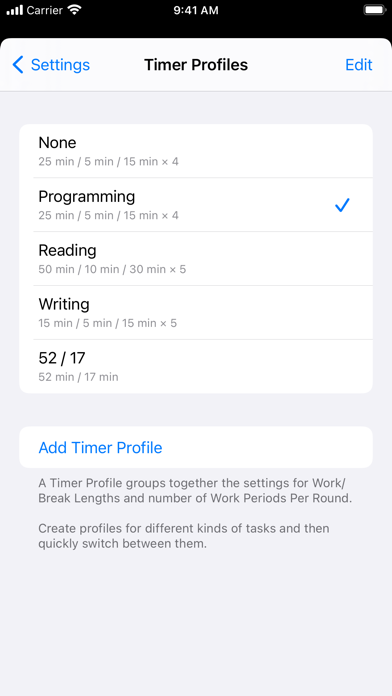
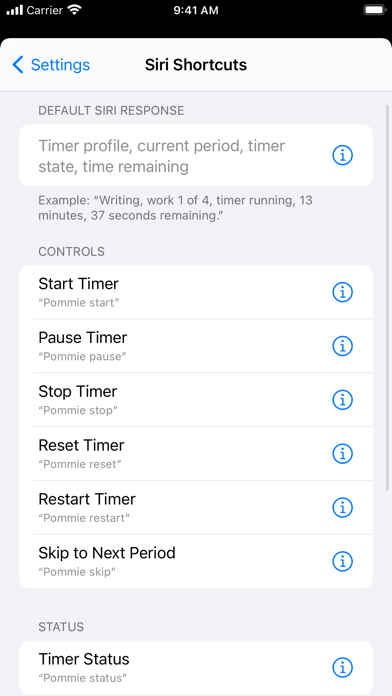
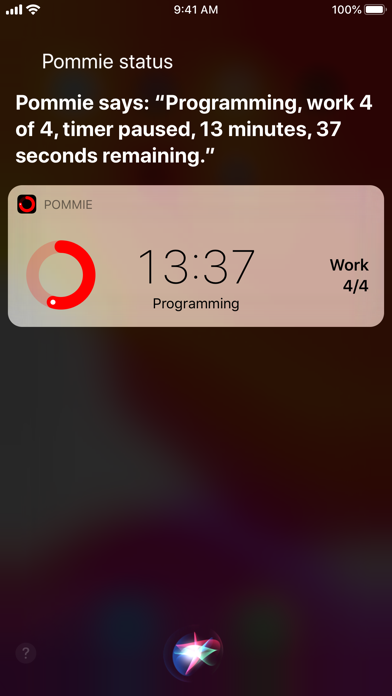
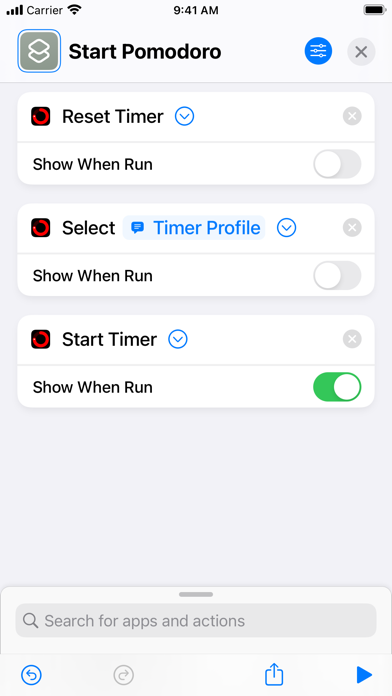
Increase your focus and boost your productivity by managing your time into strict work and break periods. Focus on a task for 25 minutes then take a 5 minute break. Repeat this three more times, taking a longer 15 minute break before starting the cycle again.Features:• Simple, distraction-free and intuitive interface.• Audio and visual alerts when the next period starts. Over 35 sounds available.• Configurable work and break durations.• Open, pause or stop the timer directly from notifications.• Interactive iOS notifications to view and control the timer.• Planner View shows when Work and Break periods will occur for the next 10 hours.• Use Timer Profiles to configure timer settings for different kinds of task.• Timer Profiles appear in iOS search results. Tap a result to automatically lau
Screenshots


How to install Pommie - Pomodoro Timer on iOS
- Download UnKeySign on your iPhone
- Import Pommie - Pomodoro Timer IPA into UnKeySign
- Add your P12 certificate and provisioning profile
- Tap Sign — the app installs automatically