

Polarr: Photo Filters & Editor
About
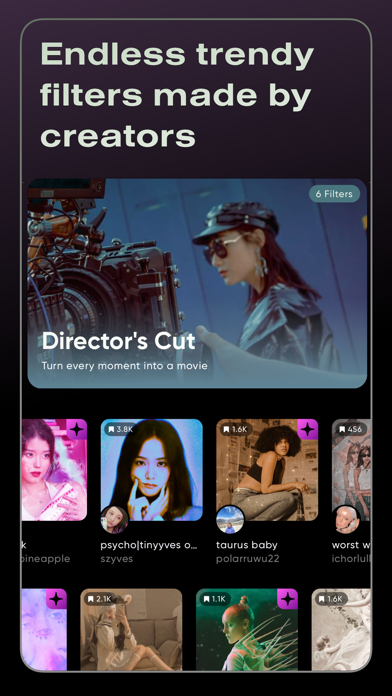
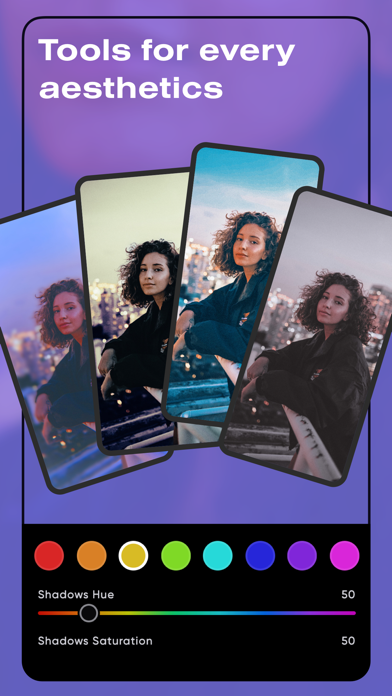
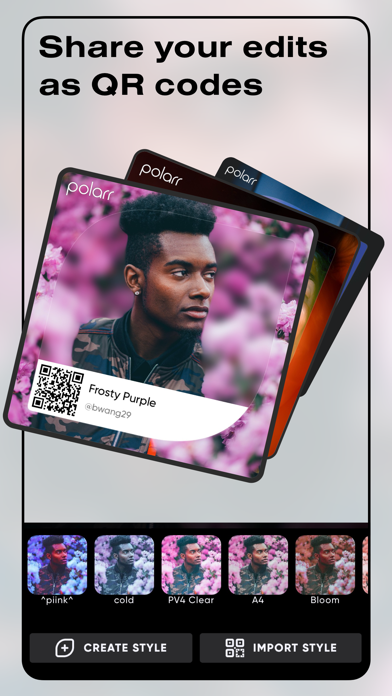
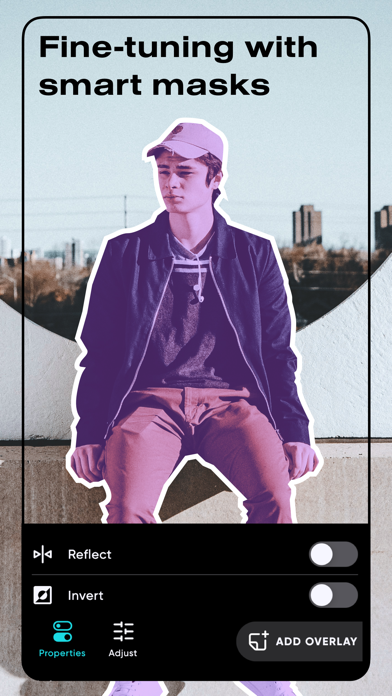
Elevate your aesthetics with Polarr, with dozens of advanced AI enabled tools, and millions of Polarr filters made by Polarr Creators around the world. Tools: • Retouch AI: Face HD, Skin, Liquify, Facial Features Editing • Selective AI objects: Sky, Person, Background, etc • Selective masks: Brush, Radial, Gradient, Color, Luminance • Overlays: Gradient, Duotone, Weather, Backdrop, etc • Global adjustments: Light, Color, HSL, Toning, Effects, Fringing, Details, Curves, Vignette, Grain, LUT Filters: • Search and discover trendy, new Polarr filters • Create and share your own Polarr filters • Scan or produce Polarr filters as QR codes • Synchronize all your Polarr filters with a Polarr account =============================== Polarr Subscription Options: =============================== P
Screenshots

How to install Polarr: Photo Filters & Editor on iOS
- Download UnKeySign on your iPhone
- Import Polarr: Photo Filters & Editor IPA into UnKeySign
- Add your P12 certificate and provisioning profile
- Tap Sign — the app installs automatically