
PlayNav - Video Player
About
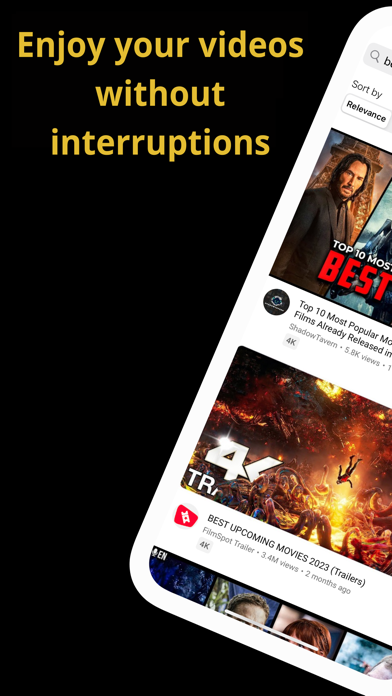
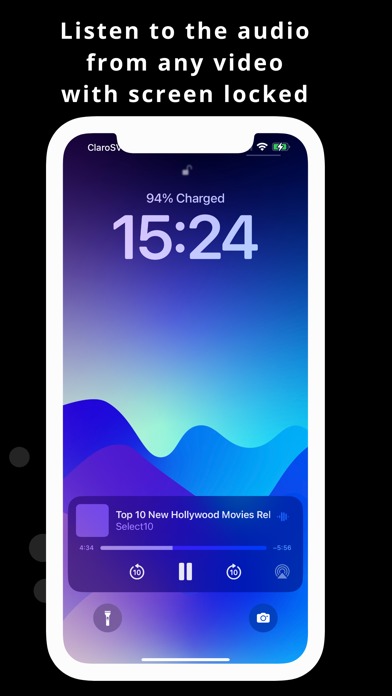
Are you weary of the interruptions caused by ads in your YouTube videos?The new YouTube Playnav video browser will block all the intrusive ads that appear when playing your videos, so you can watch your favorite videos without any interruption! In addition, our application has functionalities that you will love: On- Screen Playback: Look at your YouTube videos while using other applications, Only audio track: Listen to the audio of any YouTube video with your blocked screen, Automatic shutdown: configure the sleeping time, loop mode : Repeat your favorite videos automatically. It also includes basic characteristics such as: Playlists, Speed Change (improved), Activation of Subtitles, Related Videos, Air Play and more incredible features that will help your experience to watch videos is the
Screenshots



How to install PlayNav - Video Player on iOS
- Download UnKeySign on your iPhone
- Import PlayNav - Video Player IPA into UnKeySign
- Add your P12 certificate and provisioning profile
- Tap Sign — the app installs automatically