

Planner 5D: AI Home Design
About
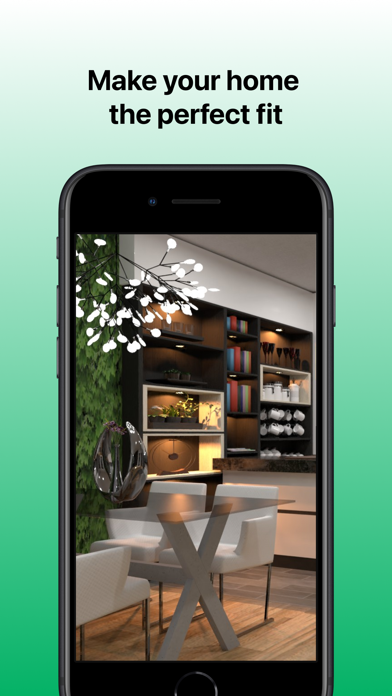
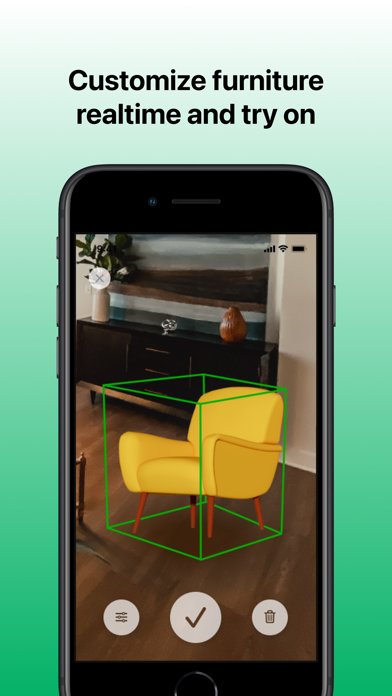
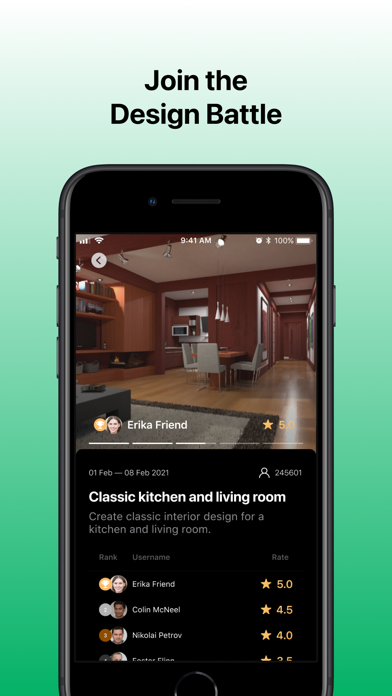
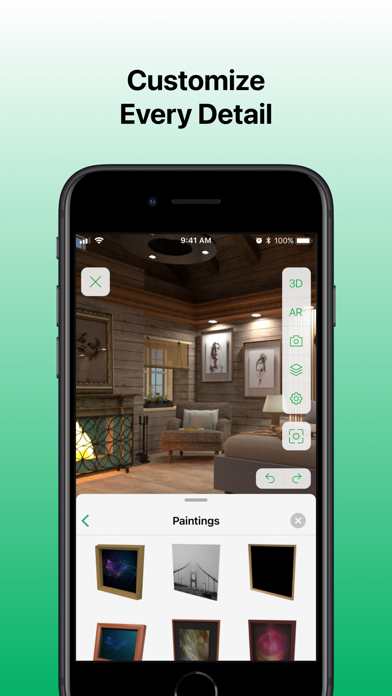
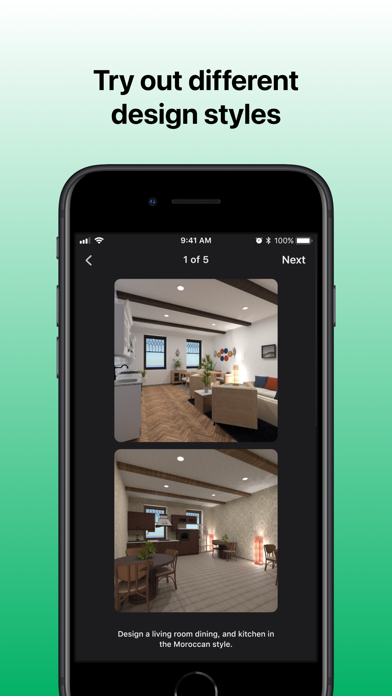
Planner 5D makes interior designing easy - create detailed 2D & 3D floor plans, choose furniture from a 8400+ item catalog, and save realistic images of your future home... Works well for landscape projects! Powered by Generative AI and ML algorithms to enhance the quality of your projects! Join a community of 104 106 983 amateur designers... Most popular features: • GENERATE beautiful interior designs in seconds with AI • CREATE a digital copy of your home with a camera (yes!). Open Planner 5D, go to camera mode, snap some photos, and voila - your space is now in 3D • Then, EDIT it using drag and drop tools, and see if you actually like your idea of pink(?) walls or moving that couch away (2D and 3D modes available) • Continue by using a huge CATALOGUE of interior design elements - more
Screenshots




How to install Planner 5D: AI Home Design on iOS
- Download UnKeySign on your iPhone
- Import Planner 5D: AI Home Design IPA into UnKeySign
- Add your P12 certificate and provisioning profile
- Tap Sign — the app installs automatically